Cant rearrange the order is tracks in any of my playlists

Plan
Free
Country
U.S.A
Device
IPad
Operating System
iOS 12.3.1
My Question or Issue
NONE of my playlists will allow me to rearrange the order of the tracks in them. I tried changing the filters, I tried logging out and in, I tried deleting the app and reinstalling it. Nothing has worked. I really just want to be able to change my wedding playlist around instead of it being stuck in oldest to newest song added.
and when I deleted and reinstalled the app and checked the playlist two of the songs suddenly had an “X” instead of “...” by them and I can’t figure out why
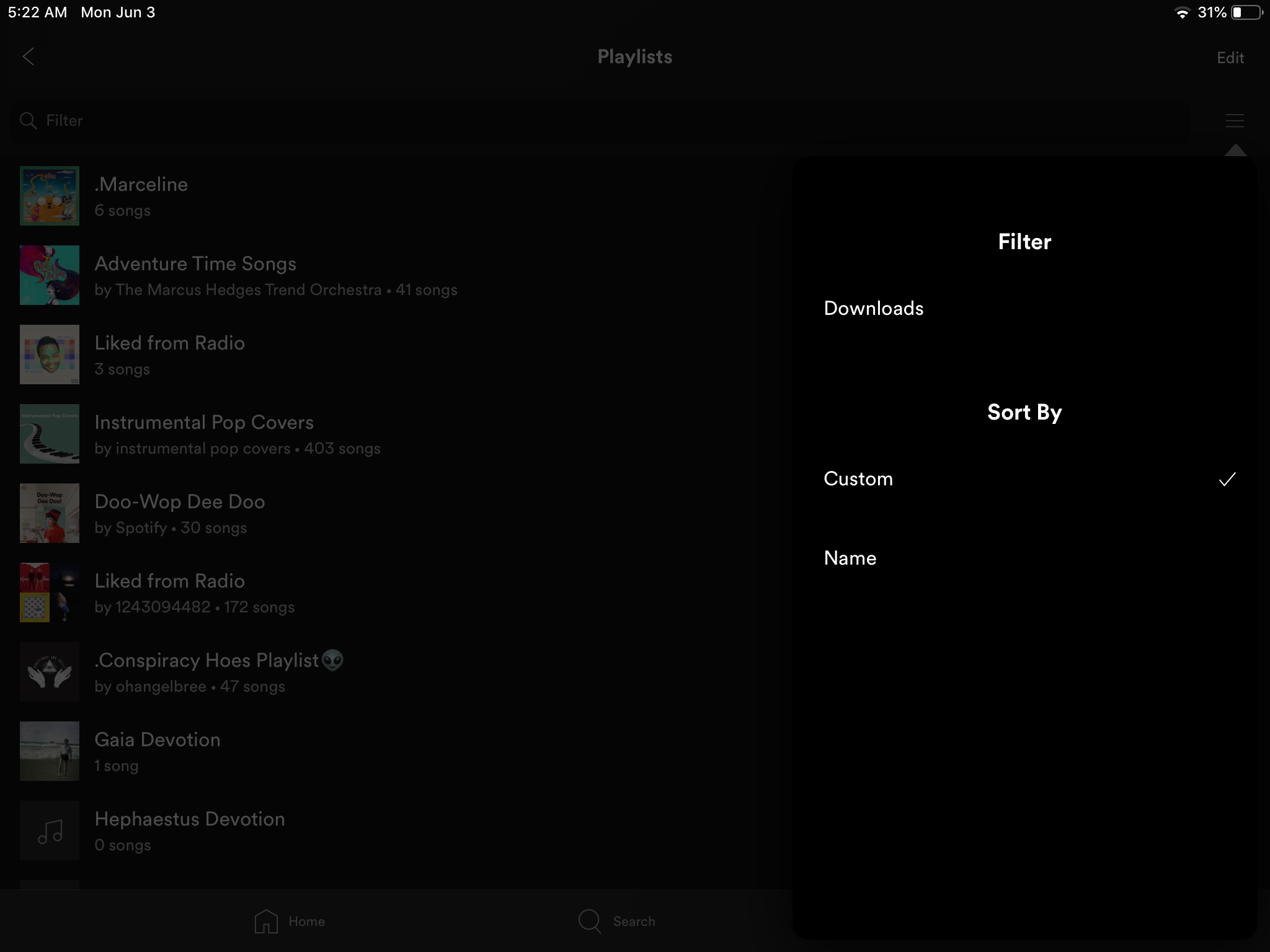 Playlists are not in a specific order
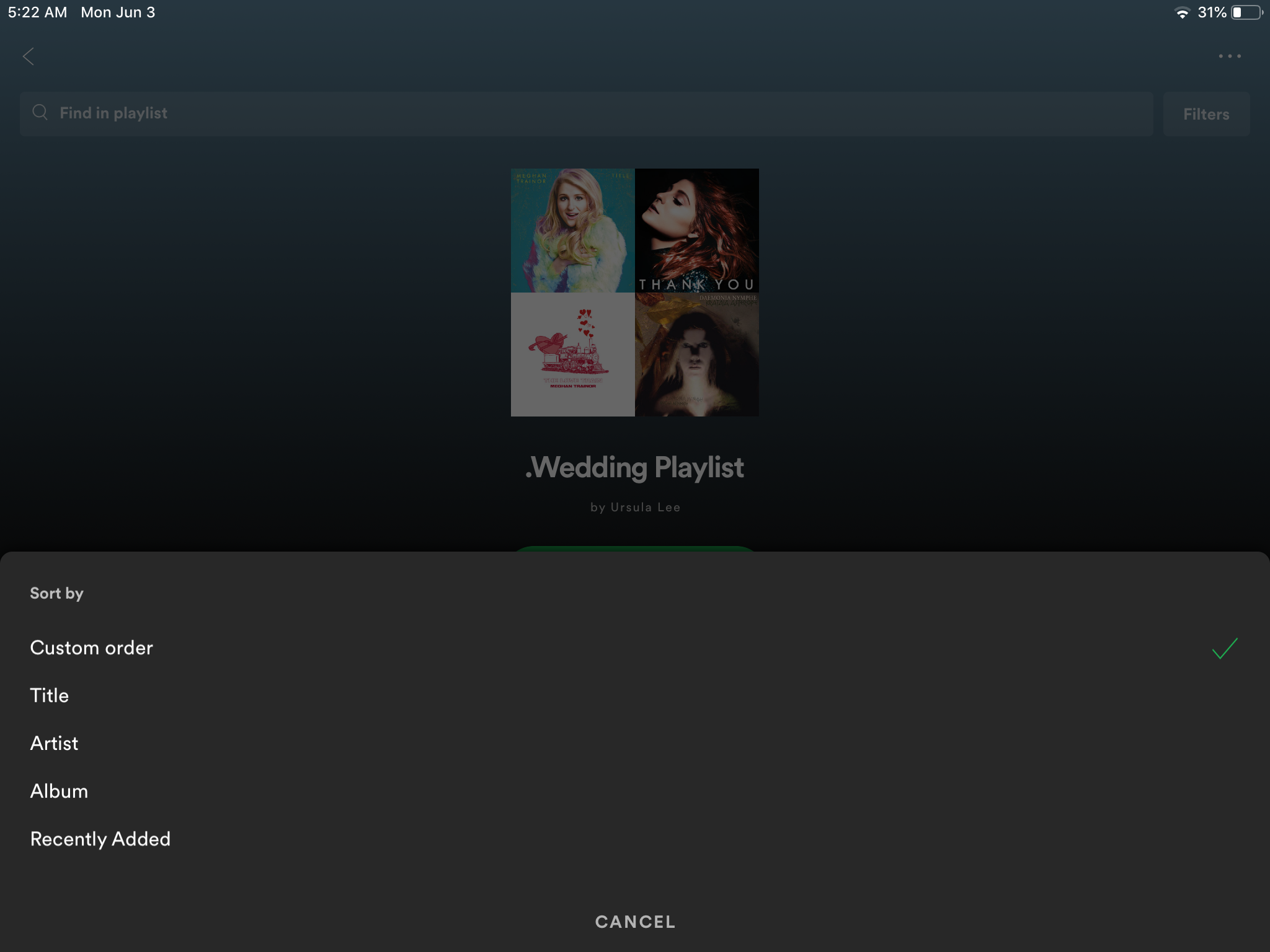 Playlist is not in a specific order
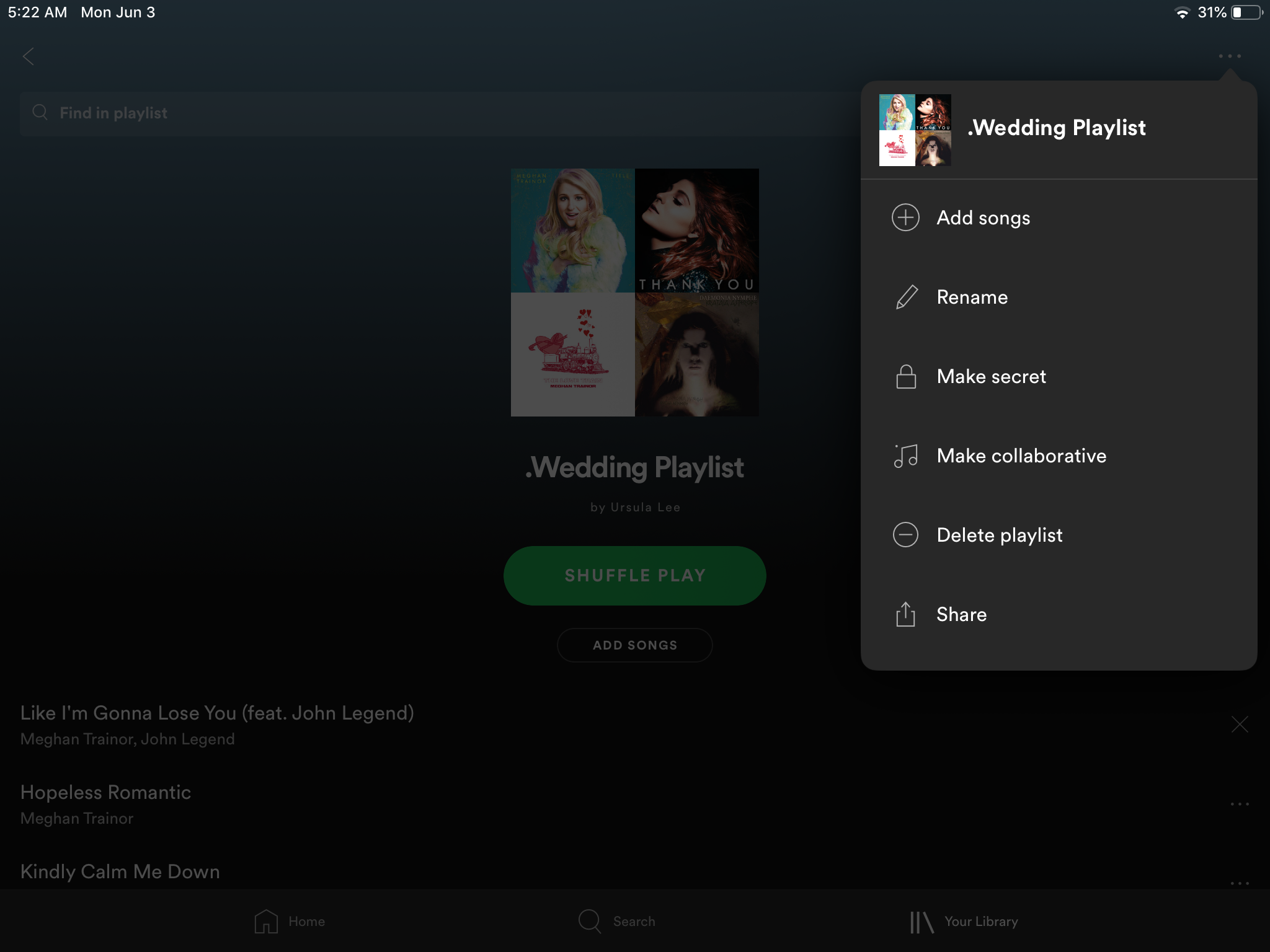 Bu I still don’t have an edit or rearrange option
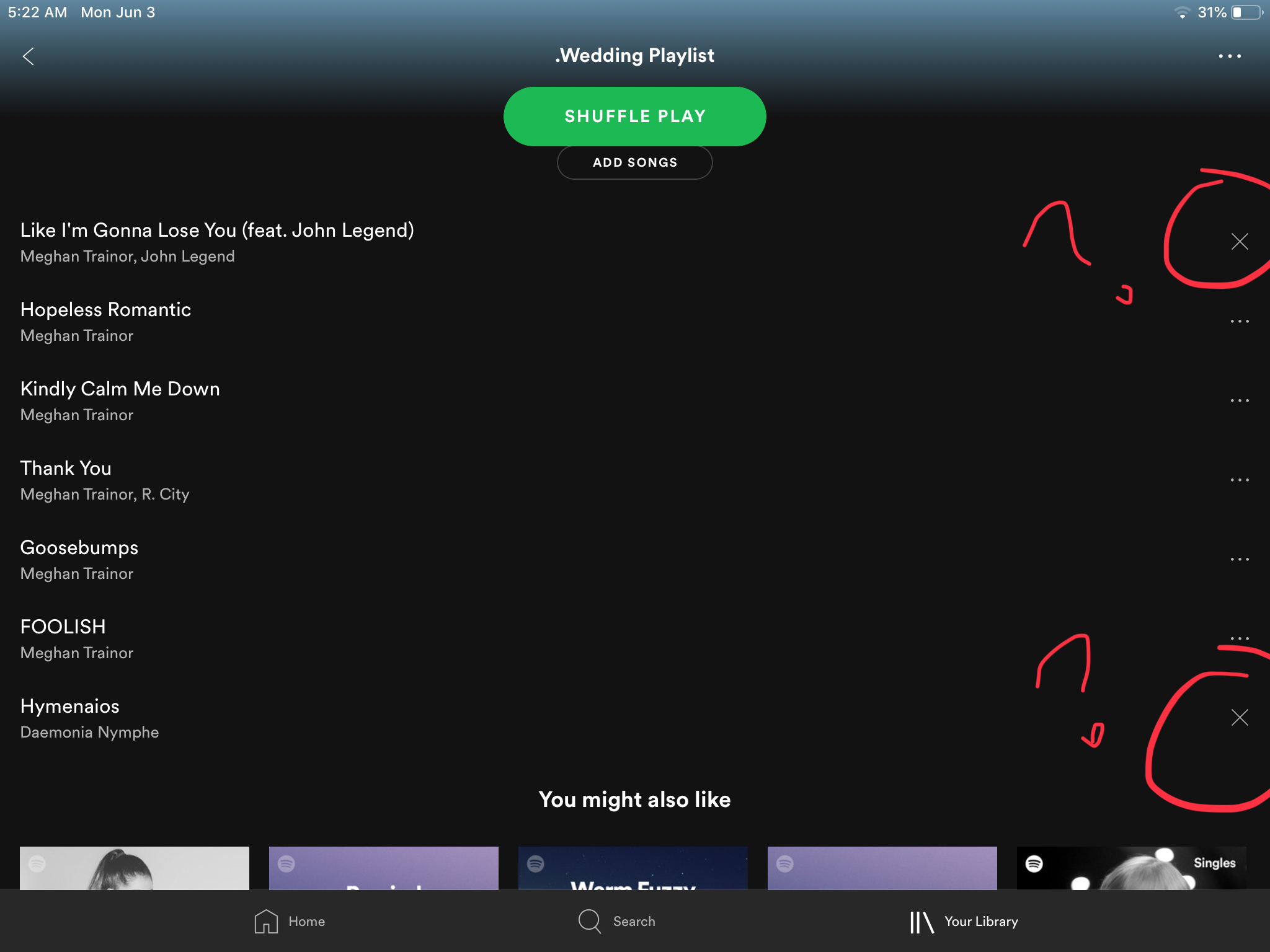 And two tracks now have an X instead of ... next to them
Accepted answers
All comments
less than a month ago while being on the free plan?

By any chance were you using a promotion during that time?
If there was a change in the ability to change the reorder, it must have happened before May 15th...
Keanu_C
I wasn’t on a promotion. I’ve been able to rearrange the order the entire time I’ve had a Spotify account up until May, but I don’t remember the exact day

Same here. Always was able to change song order in all my playlists on my iPad until some software update. Didn’t enlist in any promotion that I know of. Don’t really remember what was the update, but I think it was on march or april. Unfortunately, it seems Spotify is pushing Premium more agressively. Not really much of a complaint: it’s a business, they are entitled to use the strategy they see fit. It seems it can still be done from my Mac, so this is a rather minor annoyance.
Hey @Ursielee Thanks for getting in touch with the Spotify Community!
I notice that you included that you are using Spotify for free. Unfortunately, only Premium users can reorder the Playlist track. What i would recommend on doing, if you plan on sticking to the Free Plan, is creating a whole new playlist to create the order you want for your Wedding Playlist.
Keanu_C