Plan - Premium
Country - USA
Device - Windows Laptop w/ Fulla2 DAC/AMP2016)
Operating System - Windows 10 Pro x64
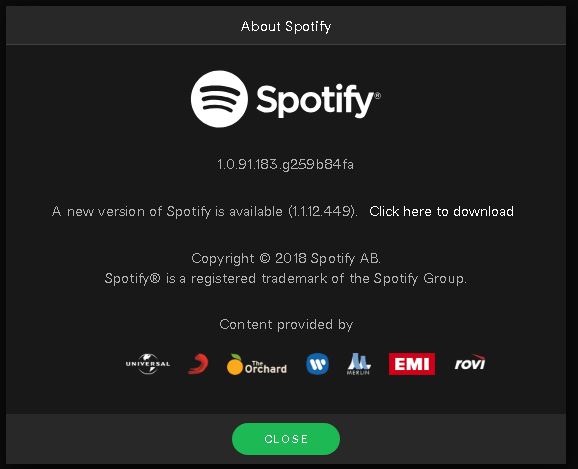
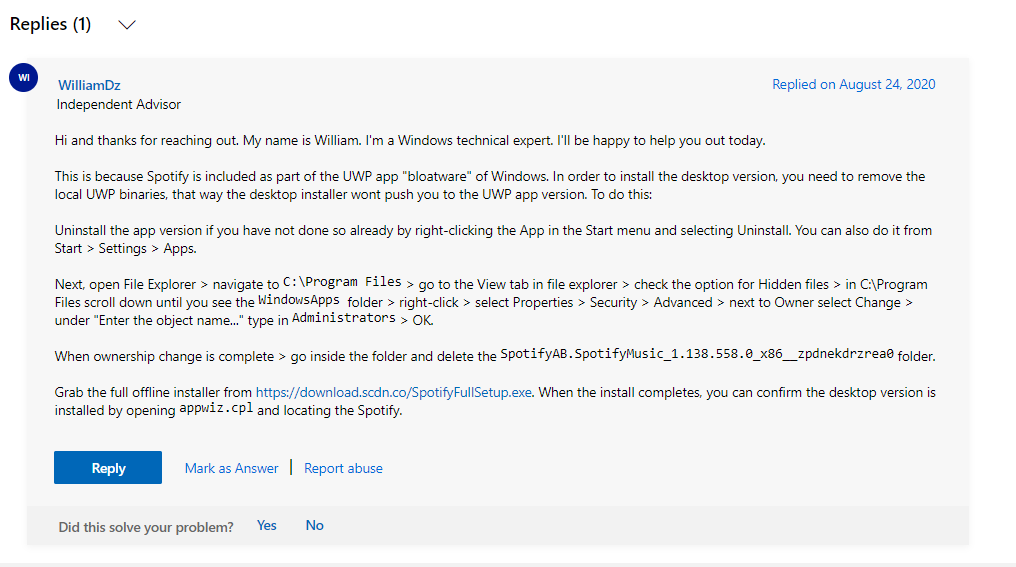
My Question or Issue - I run an addon for Spotify that requires the actual software, not the Windows 10 Store version. I have tried several things to get the "pure" version, but every time it pops up with the Win10 Version. I've done:
- Complete uninstall of WIndows 10 Store version of Spotify, deletion of folder from %AppData%, reboot, reinstall with pure installer.
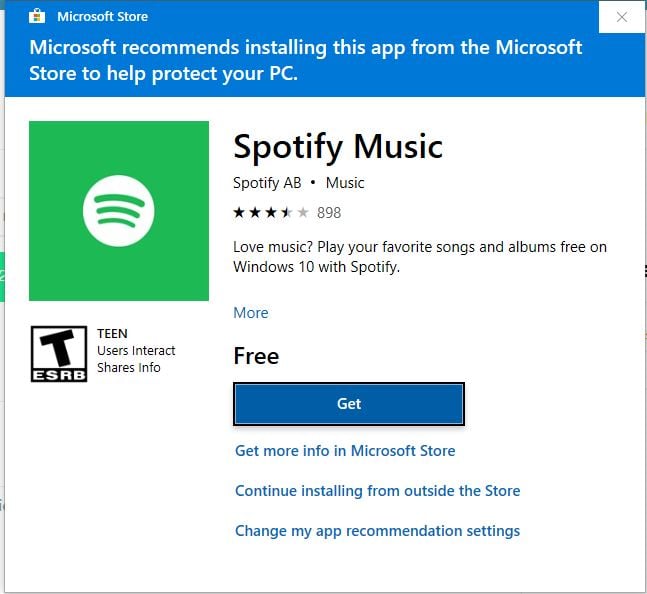
- When I do this, it does ask me if I want the original Spotify or the store version. I tell it the original, but it still gives me the Store version.
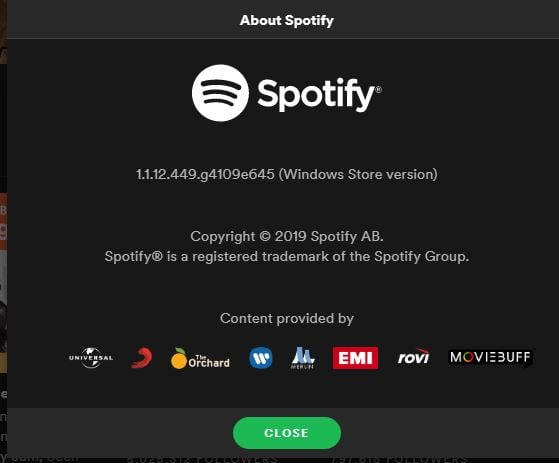
- Copy a good "pure" install from a Windows 7 machine and drop folder into %AppData%. Run from spotify.exe and it still reports as the store version.
- Launching the pure version on my Windows 7 machine launches the pure version, not the store version.
This is getting annoying, because I am unable to use Equalify on my laptop, which sucks when you have money invested in good headphones, a good DAC/amp combo (Schiit Fulla2), and can't get all the benefits because I am unable to use Equalify to tune to my liking.