Hey there,
We've seen reports of some Bluetooth connections to other devices displaying Car View. The right team is aware of this.
If you're experiencing this, let us know by adding your +Vote the info requested in the Status Update.
All the best!
We've seen reports of some Bluetooth connections to other devices displaying Car View. There's also the opposite issue, where connecting via Bluetooth to the car doesn't produce Car View. The right team is aware of this.
If you're experiencing this, let us know by adding your +Vote and commenting the following:
Hi,
I'm not able to get the "car view" while connected to my Fiat Panda bluetooth on my Android phone. The name displayed while connected is "BT Uconnect".
I have this issue in my car. Even better i don't have tje car view option in the app. And lately i i can't even change the song with my car command.
Car: Mini Clubman 2018
Bt: Mini81313
Phone: OnePlus 6T (Android 9)
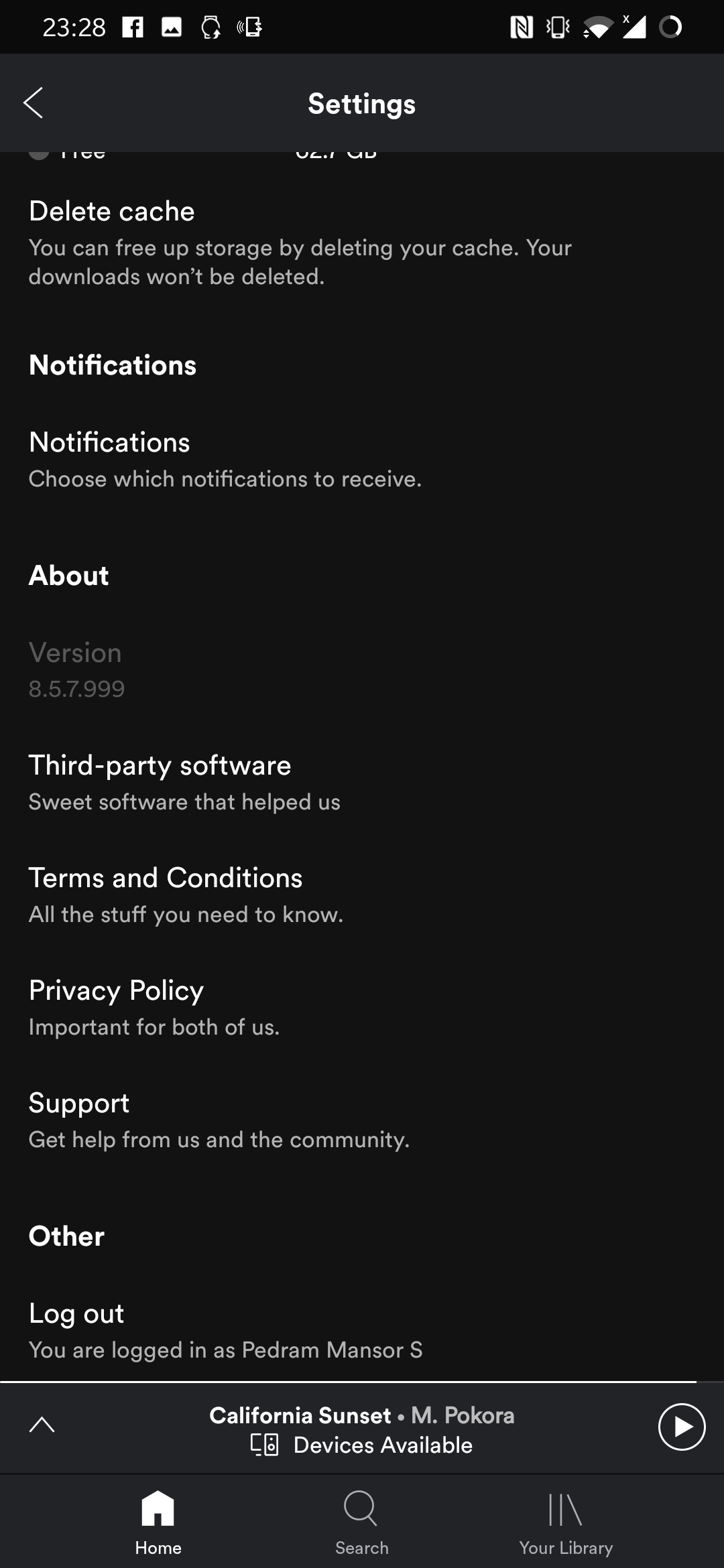
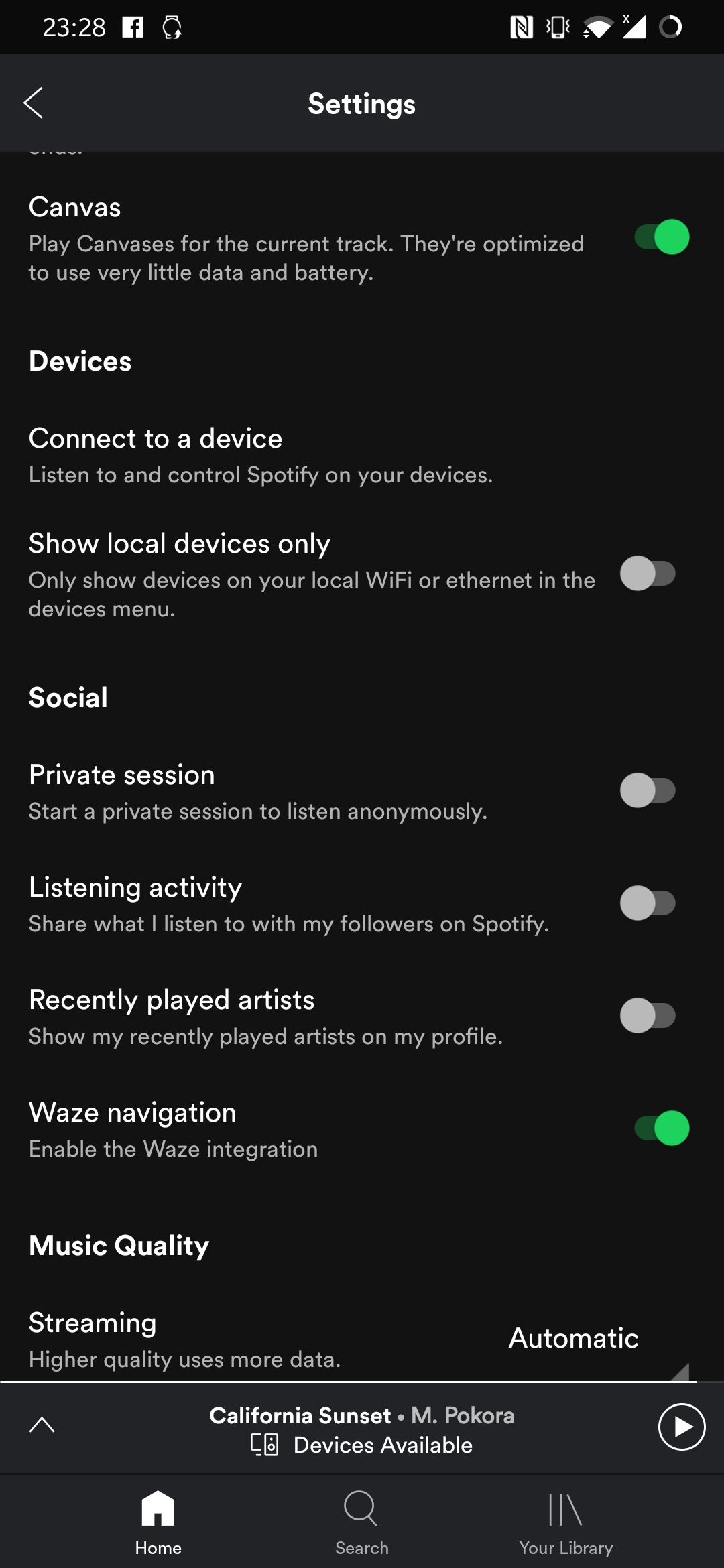
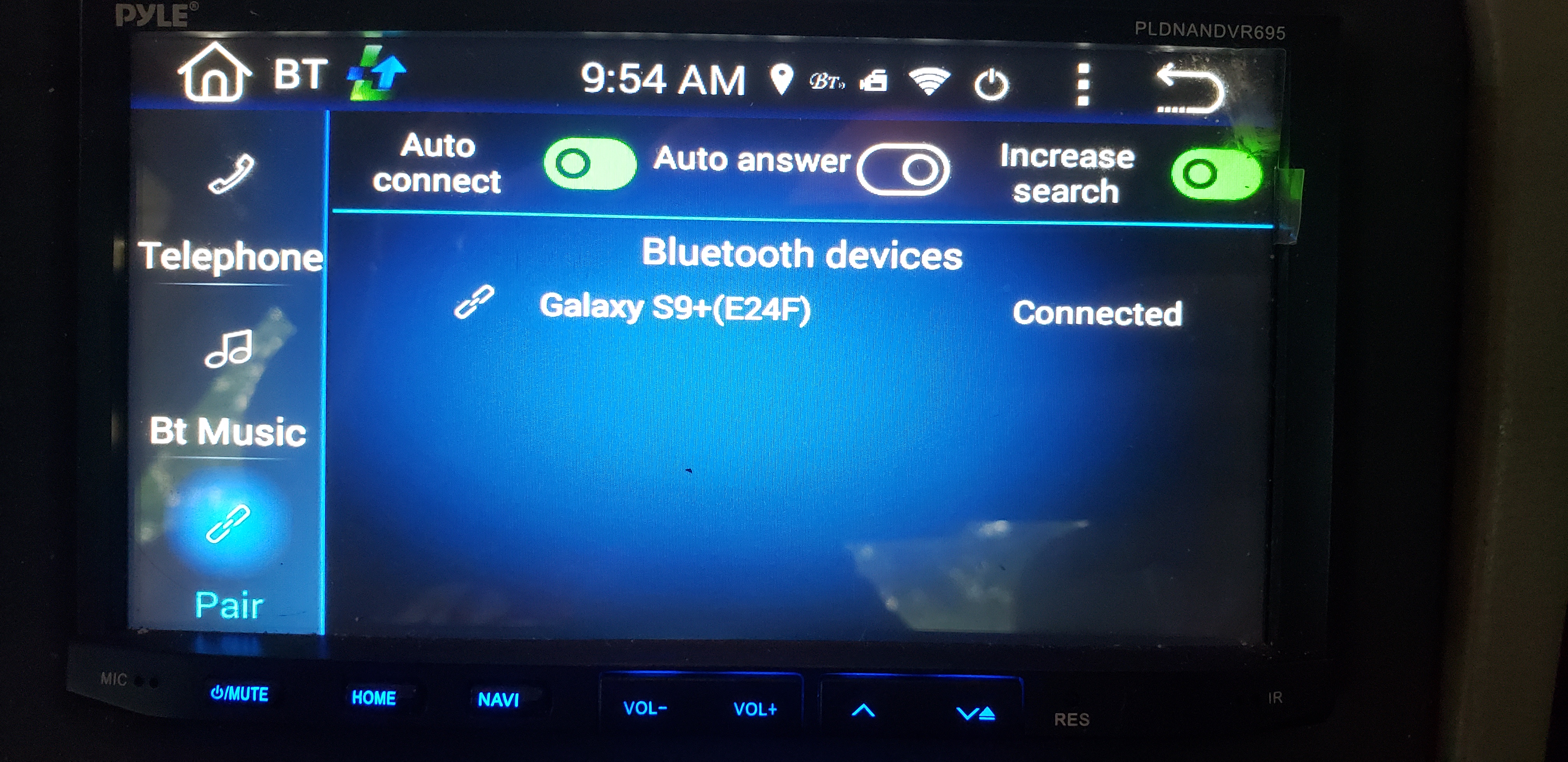
How do I turn off the Car View on my aftermarket android base car stereo? I am using the app from Google play store. I turned it off in settings, but it's still that ugly car view screen.
Plan
Premium
Country
US
Device
Pyle headunit
Operating System
Android
Hey there @Larry616,
Thanks for reaching out here in the Community about this!
We really appreaciate your report 🙂
It'd be very helpful if you could also let us know the following:
We'll make sure to pass these details on to the right teams, thanks!
Samsung Galaxy s9 plus.
I hope this helps.
Thank you.
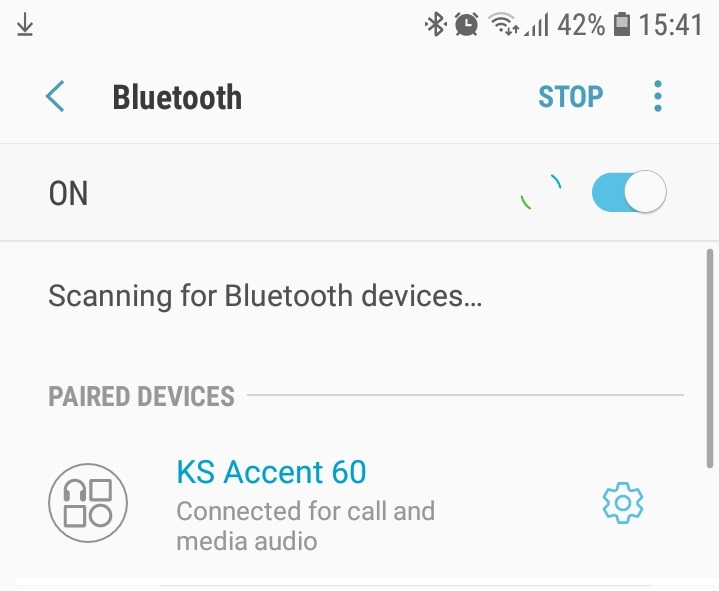
Hi - We have this issue on Bluetooth headphones with pairing name 'KS Accent 60'
Hi Spotify - any update?
Hey folks,
Thanks for your patience so far.
If you're still experiencing the first issue as described by this thread's title ("Non-car Bluetooth devices displaying in Car View mode"), could you get back to us in this thread and confirm that it's still an issue, and provide us with the requested info if you haven't already? We will then pass it on to the right team who can look into it.
If you're still experiencing the second issue where connecting via Bluetooth to the car doesn't produce Car View as expected, we suggest you create a new thread for it in the help boards so that we can handle it separately. Feel free to post the link here so that other users can head over to it and leave the required info - we will then escalate it to our Ongoing Issues board and help you troubleshoot it if it's still an issue.
Thanks!
I continue to have the same issue I already posted. All of my settings are where they should be to turn this feature off, but I still have the Car View that I would to have turned off and go back to the screen we use to have.
Hi Peter
Confirmed we still have the issue.
Bluetooth headphone with Paring name 'KS Accent 60' is booting car mode on all Android devices running latest software version (8.5.12.758)
Thanks for looking into this.
Is it possible to push car mode to the iPad app? And to create a manual activation of Car Mode, like there is for Offline Mode? I use multiple devices to connect to Spotify Offline in the car (phone connected to BT, iPad connected via USB), So it would be great if you could in large the controls on an iPad, especially since it’s a larger screen to begin with.
Hey everyone, thanks for the info.
@Kitsounddev could you send us all the info requested from the status update above? We'll make sure to let the right team know as soon as we have that.
Hi Jemi,
Exact details again as follows:
Thanks
Justin
Bump!
Hey @Kitsounddev,
Thanks for providing us with the requested info - we've passed it on to the relevant team who will take a closer look.
We'll let you know as soon as we have any updates 🙂
The best way would be us to choose device which we use in our car. For example I use bluetooth device with aux just for comfortable usage. And I always use it in car, so i want to choose this device. After selection car mode would be automatically turning on. Simply.
Bump again!
@Peter @Jemi
Any chance of an update please?
Thanks 🙂
Thanks for reaching out again - we're still waiting to hear back from the relevant team, but rest assured they're looking into it.
We'll keep you posted 🙂
Thank you 🙂
I can send you a pair of the headphones if it will help speed things up?
Hey guys!
What are the exact bluetooth name(s) of the devices that are causing this issue?
A screenshot of your connected bluetooth devices taken from the phone while connected to the device in question would be helpful too 🙂
Thank you!
My pictures are posted on page 1.
I would like to add that my Android based car stereo will continue to display in Car view even though no bluetooth devices are connected.
Hi Daisy,
Exact bluetooth name is 'KS Accent 60'
The music on Spotify keeps changing by its self. Even if it is paused the music continues silently. I don’t know what’s going on. I changed my password and logged out of all devices. Please help me ASAP so I can enjoy my music again. Thanks in advance 😭😭
My bluetooth device isn't a radio. I have aux input in my radio and I bought simple device where I connect my phone to. I can easily play music wireless on my radio. And that's why spotify doesn't see my device as bluetooth radio. But I use it only in my car. So the best option will be to choose this device from list, and car mode will activate automatically.
@Jemi @Daisy @Peter
How is the team doing?
I still have the issue !
weekly check in - how is the team doing? I still have the issue.
This speaker is also booting car mode
https://www.amazon.co.uk/Betron-Bluetooth-Wireless-Speaker-Smartphones-black/dp/B077SHH27K/ref=asc_df_B077SHH27K/?tag=googshopuk-21&linkCode=df0&hvadid=310068305035&hvpos=1o1&hvnetw=g&hvrand=14382361845579535666&hvpone=&hvptwo=&hvqmt=&hvdev=c&hvdvcmdl=&hvlocint=&hvlocphy=1006634&hvtargid=aud-543776533562:pla-564520488911&psc=1
Pairing name 'A3' (just like the Audi)
Any update?