Spotify app crashes opening any artist and no liked songs showing on mobile

Plan
Premium
Country
Taiwan
Device
HTC U10
Operating System
Windows 10
My Question or Issue
Hi, while my Spotify works just fine on my Windows 10 laptop, the app recently has been crashing whenever I open up any artist page. That said, I can still play the songs just fine if I search for the song and press play.
In addition, on the app all of my liked songs I saved are now completely gone (but are still saved on desktop version). I have uninstalled the app, logged out and logged back in and still no luck. If anyone has any suggestions I'd greatly appreciate it! Thanks
Accepted answers
All comments

Edit: The albums DONT appear in online or offline mode

Plan
Premium
Country
Italy
Device
Huawei P10
Operating System
Android 9 Pie
My Question or Issue
Hi! My android app keep crashing whenever I search for an artist.
I click on the results, the app tries loading artist's info and it crashes. It happens with any artists, but I don't experience issues when searching for an album, song, or playlist.
It does not happen on the webapp, only on my mobile (Android).
I tried to cancel the cache, log out, remove and download the app again but I'm still experiencing the same issue. Thank you for help

Hey @Vlaxi - help's here!
Thanks for trying out those steps already. Do you mind trying a clean reinstall by following the steps as they're listed in this Spotify Answer?
If that doesn't work, could you let us know if you experience the same issue when logging in with another account on the same device?
Thanks - keep us posted!
card and now it works!

Plan: Premium / Country: Germany / OS: Android

Since today i have the exact same problem. Happend just a few hours ago.
Android/Nokia 5.1/Germany

I've also noticed this for two weeks.
The clear cache, delete data, and reinstall method they recommend does nothing. As well as the crashing/no likes, I also can't change downloaded songs storage location. I also tried accessing the webplayer via mobile and it also seemed to refuse showing me my likes.
Android 9/LGV30

Plan
Premium
Country
UK
Device
Samsung Galaxy S9
Operating System
Android Version 10
App Version
8.5.66.1002
My Question or Issue
Every time I try to view any artist on the android app the whole app crashes.
I have tried a clean reinstall and rebooting my phone but nothing works.

Exact same issue here

Have the exact same issue. I brought a Premium sub, and Spotify works just fine on the Desktop app, with no issues whatsoever. But whenever I try the latest app on Google Play, it crashes if I so much as sneeze in the general direction of artists. Very unsatisfying experience for a new user, and nothing officially suggested as a solution to this problem seems to be doing anything to resolve it: cleaning cache, reinstalling with reboot, etc, none of that works.
The only thing that helps is downgrading all the way to 8.4.68.903 version (as suggested on reddit).
I hope this issue will be resolves soon, as ability to stream music on my phone is important to me.
Oukitel K10000 Pro/Android 7.0
Update on the issue: if you guys can find 8.5.64.1046 version, try it out. It's slightly older than the current build on Google Play, but it does seem to resolve the problem of not being able to look up artists while preserving the newest UI.

I'm having a very similar problem, I can access my own playlist but if I want to add a song from a specific band it won't open up that playlist. It is annoying, on my computer I am able to access everything just fine.
I think I found the main culprit for this problem. Had to clear all data on Google Play services, and, as usual for me, disabled all perms for it. After that, even the builds I suggested above crashed as soon as I tried to look up an artist.
But as soon as I enabled perms for access to Phone (as suggested when you first install Spotify, you have to do this in Google Play services), everything went back to working without issue.
Mind you, this won't help with the latest build on Google Play, because I had the same perms enabled back then, and trying to look up an artist still resulted in a crash. But, in case you're having an issue with Spotify crashing, try to update Google Play services to their latest version, enable all the perms, and see if that solves that issue for you.

Its work for me.

Same thing exactly with me, latest version been doing for a month now. Most annoying

Did you disable all perms on Google Play app or on Spotify app?
Thanks to everyone who have responded.
I have enabled and disabled and nothing still works. Although now going to my liked songs also crashes the app.
Both spotify and google play have perms disabled
Spotify
I've done that as well, sadly the same issue comes up as well.
After trying all the suggestions, the problem has not been solved and now I cannot enter my storage settings either. The app does not make any more sense for me now 😞
Hey guys, check out the latest version of the app (updated on July 31, 2020). I decided to give it a go, since the developer responded to my 1 star review, and lo and behold, I no longer experience any crashes (insofar as looking up artists is concerned).

Thanks for bringing this to our attention. We've merged a few threads together to keep track on this and keep you updated more easily.
We recommend that everyone experiencing this first tries to solve the issue by performing a clean reinstall.
Tip: You'll need to download your songs again after these steps.
If that doesn't fix things, make sure to add your +VOTE and leave a comment with the following details:
- Your device + OS version
- Exact Spotify version
- Does this happen when you open a specific Artist page, the Artists section of Your Library or both?
- Are your liked and downloaded songs appearing correctly?
- Does it make a difference if the app is in Offline mode?

I am having the exact same issue on an LG V30. App is always up to date and does so automatically, but has not been functioning properly since late June of 2020. Cannot view liked songs, followed artists, liked albums, or search any album or artists without the app crashing. It doesn't run for longer than 2 songs before crashing again.Will not add any new songs to my liked playlist either. This happens no matter how many times I do a clean Download. No error message, just stops responding and closes. Tried everything on the troubleshooting page and anything commented in the app store, however it seems as though this is a specific issue with android devices. No restarting, clearing, or re-downloading has worked. Offline Mode does nothing to fix this, if that part of the app even manages to load without closing the entire app.
Spotify Version:
8.5.70.868
Phone Software Version:
VS99630c

- I have exactly the same issue. But adding some others that ONLY happens on my phone:
Spotify version: 8.5.70.868 (Android)
Phone: Moto 4E plus
I have all ready tried everything (logging out and then again, uninstalling the app, cleaning the phone... everything)
The problems that my Spotify app has are:
• my "Liked" songs aren't visible on my phone (it just disappeared)
• If I click on "Artist" or if I search someone my app crashes
• I can't follow any podcasts on my phone
• When I tried to "liked" a song on my phone this massage appears "Epic collection friend. There's no more room in Your Library. To save more, you'll need to remove some song or albums"
• I can't click on "Add songs" in a playlist because my app crashes
• when I click on "Podcasts" the app crashes again
• Whenever I tried to change the storege settings my app crashes
And all of this happens online and offline
Please help!! All of this problems only happen in my phone
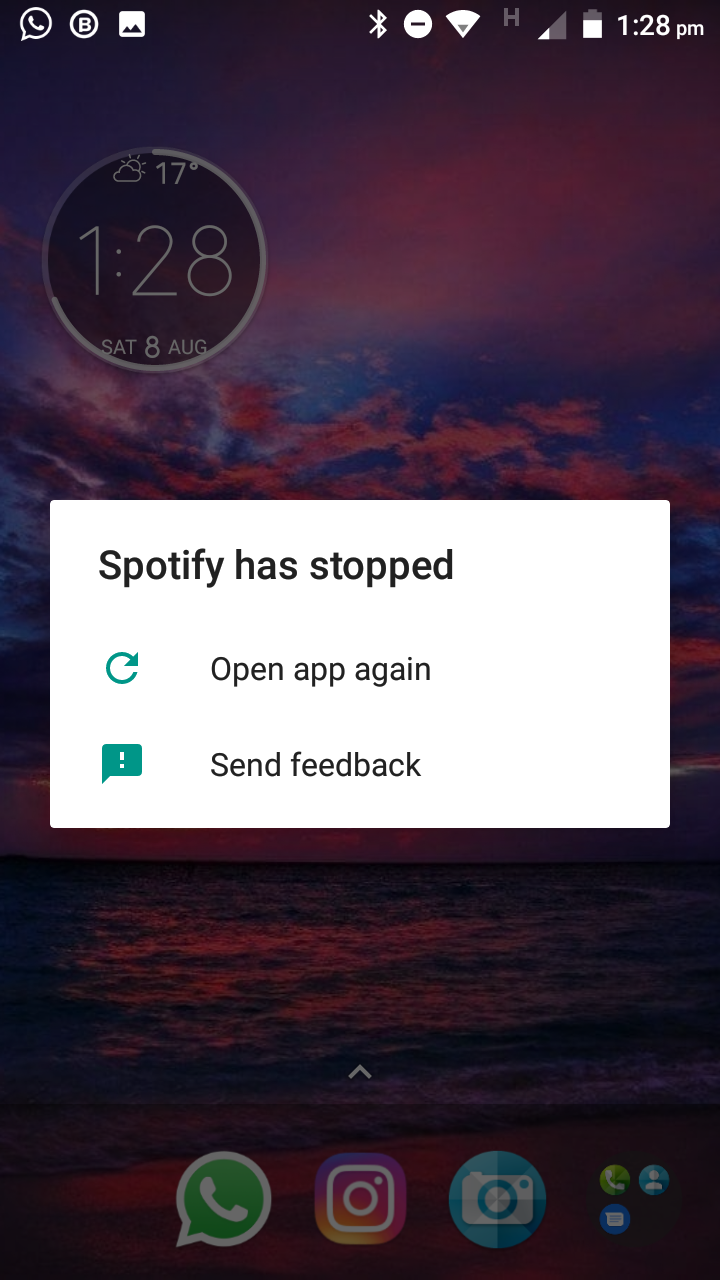
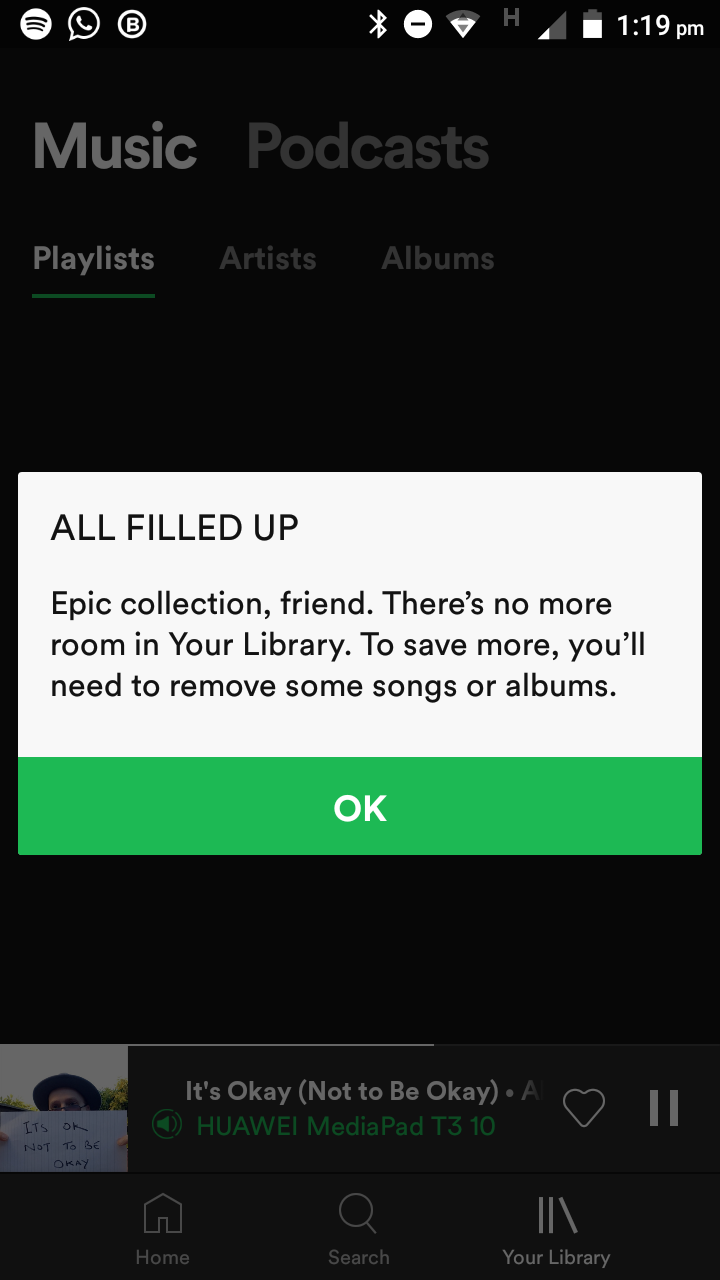

@Mihail @Peter 1. Help us fast don't wait for votes if someone doesn't vote your are not going to help even if it is 10 people !!
2. Tried everything reinstall the app like 10 times and restarted my ph and shut down my ph and made a new account and checked to open the artist page and its still crashes.
3. My device - Redmi K20Pro/ Mi9T Pro Country - CANADA/India, Operating System :- Android 10, Ui Skin:- MIUI 12.0.2 Global Stable, Spotify Version :- 8.5.71.723
4. Please try to help us in one day or faster its irratting and buggy for my mind
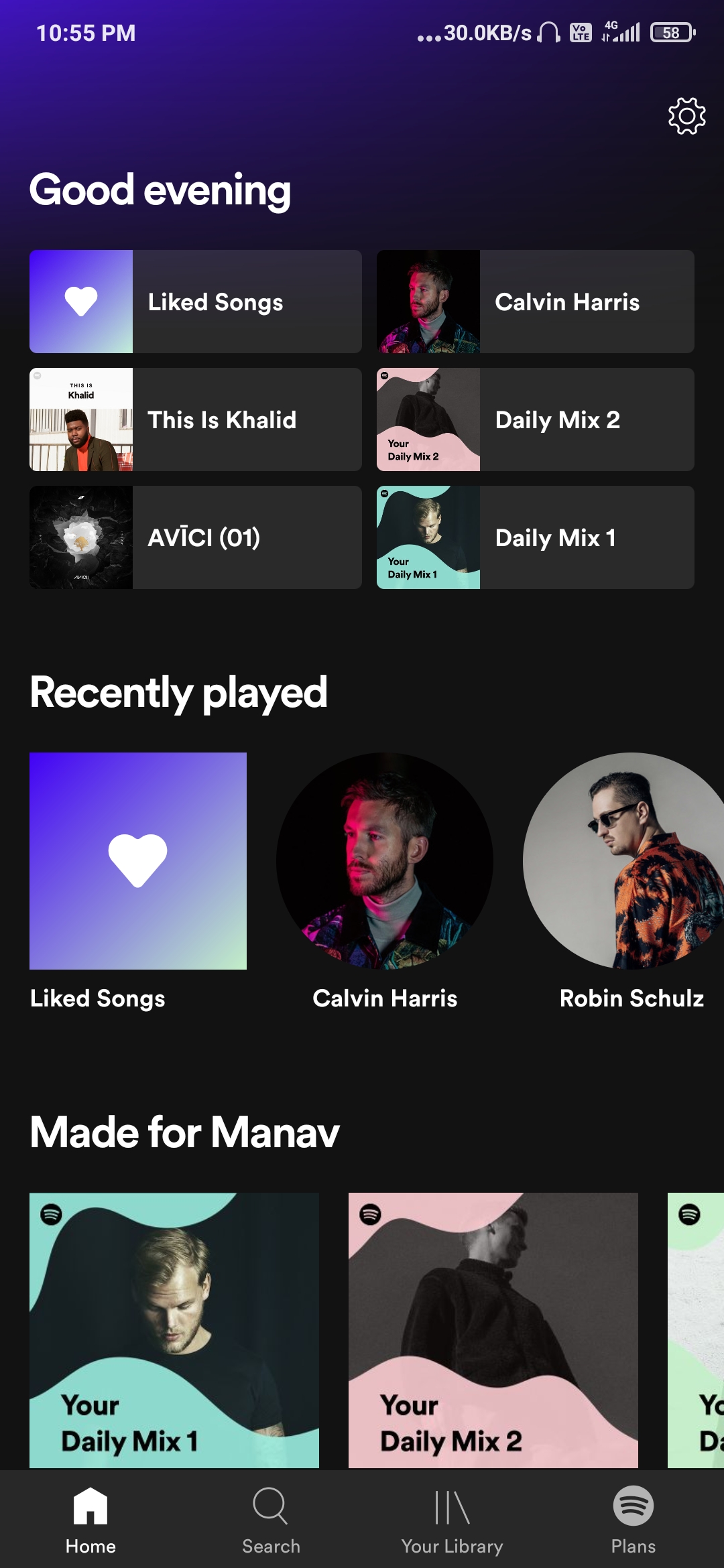
after this screenshot and i tap on Calvin Harris artist icon this appears and it crashes to home screen
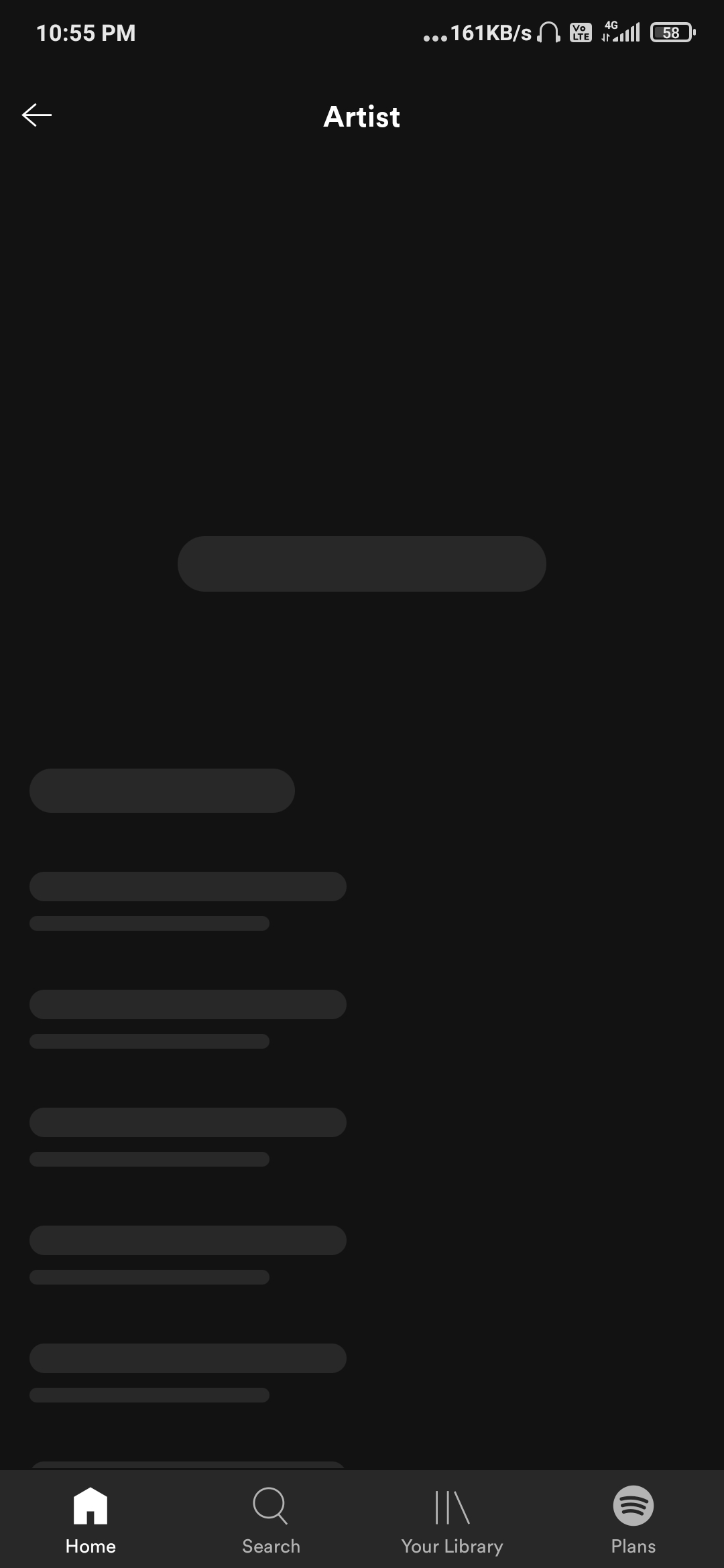
help fast ?!!!!!

- Exact same issue here too, its only the artist search result which causes the app to crash, while the albums and songs load just fine.
- Tried all the troubleshooting suggested but to no avail.

Oneplus 5 Android 10.0.0
8.5.71.723
The app closes when trying to open any artist page.But there's no issue with liked songs list
Plan
Premium
Country
Poland
Device
Cubot King
Operating System
Android
My Question or Issue
I have several issues.
1. Whenever i enter a specific artist page on my phone, the app crahses
2. I cannot add any album to my library, but they do appear in my library if the device is online; any and all albums disapear when in offline mod
3. Sometimes songs randomly consider themselves as not downloaded, but the space of the app doesnt decrease. At the end of this month it was 5.6GB