Spotify app crashes opening any artist and no liked songs showing on mobile

Plan
Premium
Country
Taiwan
Device
HTC U10
Operating System
Windows 10
My Question or Issue
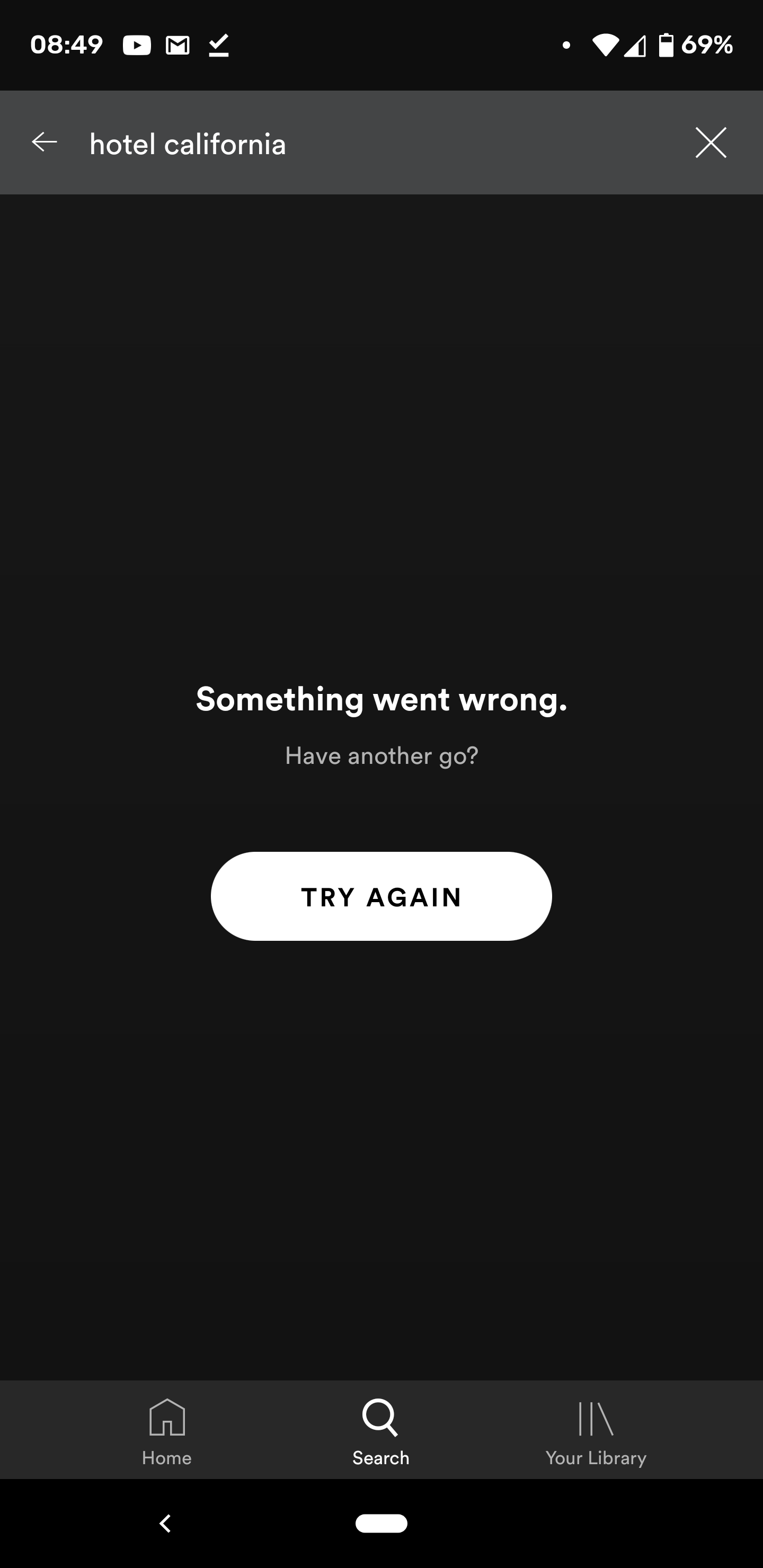
Hi, while my Spotify works just fine on my Windows 10 laptop, the app recently has been crashing whenever I open up any artist page. That said, I can still play the songs just fine if I search for the song and press play.
In addition, on the app all of my liked songs I saved are now completely gone (but are still saved on desktop version). I have uninstalled the app, logged out and logged back in and still no luck. If anyone has any suggestions I'd greatly appreciate it! Thanks
Accepted answers
All comments

-UPDATE-
Just checked in with the app and it's working completely again for me. I didn't take any further steps after posting so I'm guessing it was on Spotifys end. Hope it clears up for everyone else as well!
Pixel 3 XL - Android 10 - Spotify version 8.5.71.723
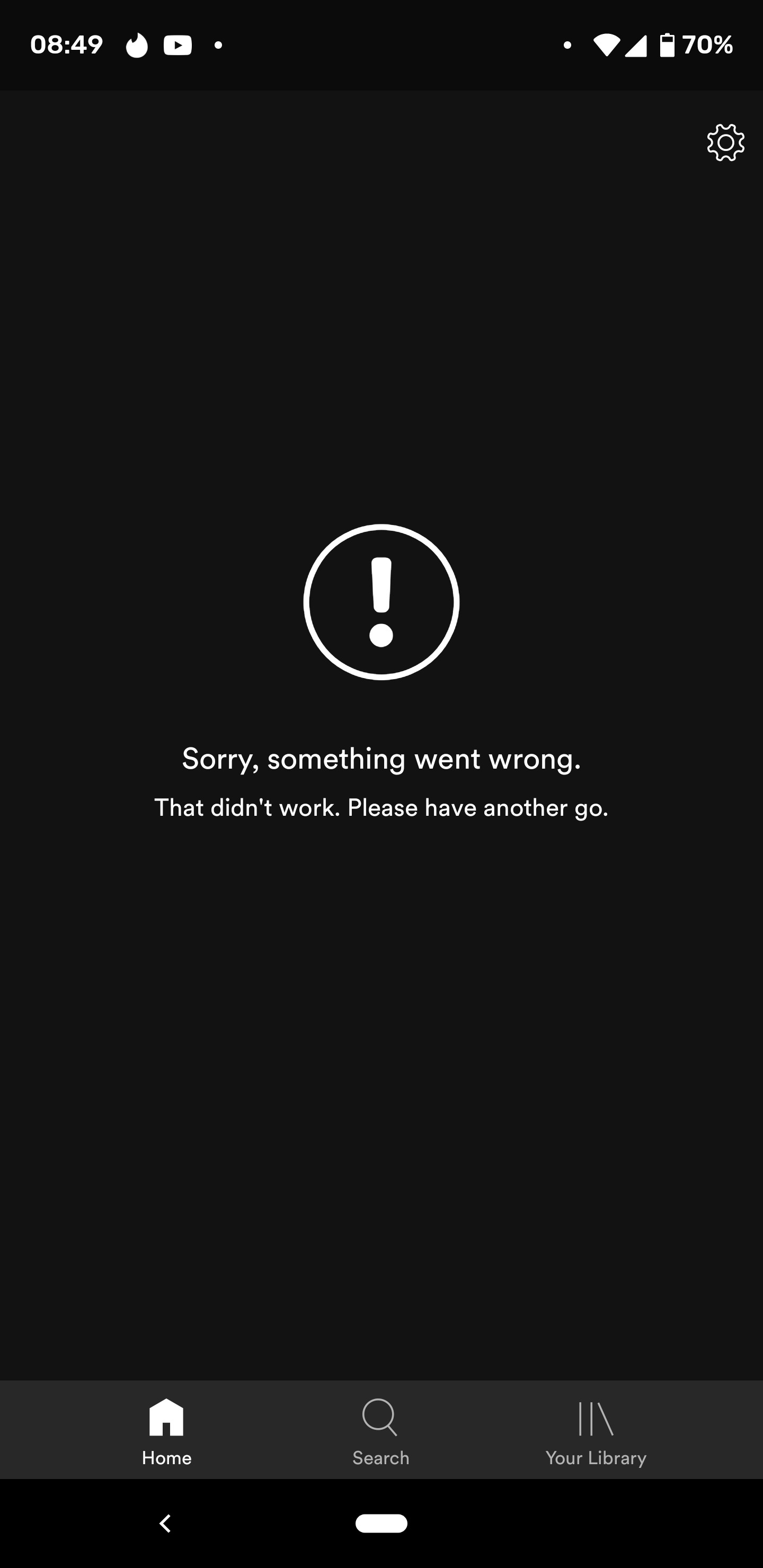
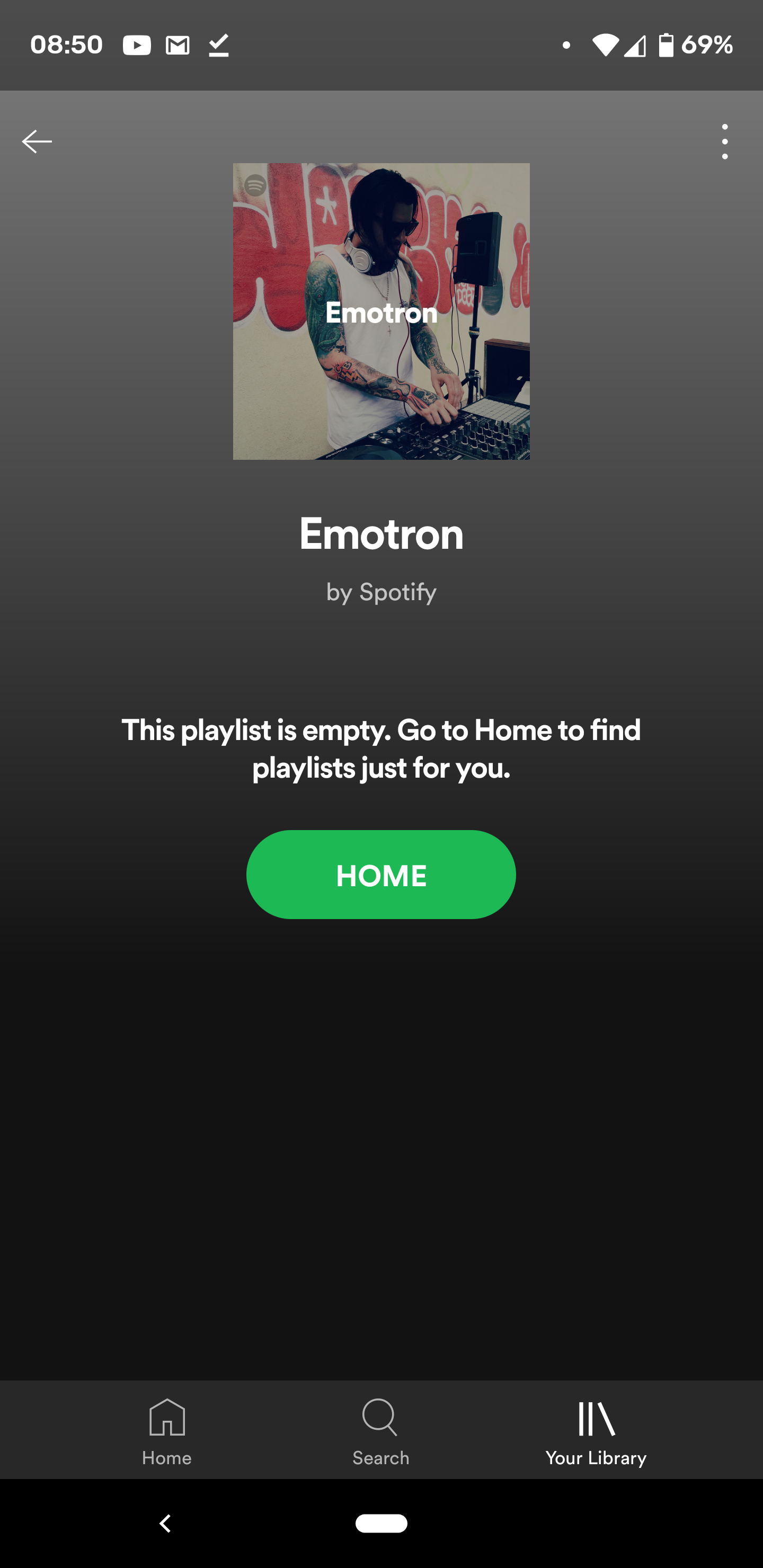
Running into a similar issue. Podcasts were giving me the "something went wrong" error. After routine troubleshooting (clearing cache, restarting device, clean install of app), I'm now getting the same issue for my home screen and all playlists etc, including playlists made by Spotify.

Hi!
Plan premium
Device: moto one macro
Spot version: 8.5.71.723
App crashes when i try to open any artists or albums. Also in my library. No problem when i look for a song. Also has a slow start.
I already uninstalled AND reinstalled it. What can i do??? It Is so frustrating

Plan
Free
Country
England
Device
HP Chromebook
Operating System
Chrome OS
HP Chromebook - Chrome OS Version V.84.0.4147
Spotify Version V.8.5.72
It happens on all artist pages
I can see liked/downloaded songs
Everything works fine on the web player. I tried the reset, clear cache etc. method, along with the clean reinstall method, it didn't work. The only issue I have is that I can't see artists regardless of where I try to access them, liked songs still work. Doesn't happen on iOS or PS4, only seems to be Android.
Hey, quick update on my end: my mobile Spotify works again. BUT I'm positive this was an absolute fluke so this thread should still be kept up for others.
There's really nothing special I did, a friend was on my phone and she made a new playlist, adding songs to that and liking new songs (all from the drop down menu). She wasnt aware that the app wasnt working, but because of that it worked again.
Hopefully this helps at least someone here!

Hey again folks,
We really appreciate your updates in this thread so far!
Based on some of the comments, it seems that this should be resolved for some users currently.
It would be very helpful in this case if you could you let us know in a comment how things look for you and include the requested details from the status update if you're still experiencing this. This way, we can get this reported with the right teams.
Further, if you do experience it still, make sure to try a thorough reinstallation of the app which includes clearing the cache and data of the app as this helps with issues like this.
Keep in mind that there's a separate issue about not seeing your Liked Songs playlist in the Android app that is being looked into here. If you're experiencing that, make sure to head to that Ongoing Issue for more info.
We'll be keeping an eye out for your reply, thanks in advance 🙂
Update: I can access artist pages when I press 'add song' when editing a playlist, however, I still can't access from anywhere else. Not sure if this is a development as I hadn't tried accessing the pages this way but hope it helps.
Hey there @kac3y,
Thanks for getting back in touch and adding that!
In this case, it would be very helpful if you could share the details requested in the Status update so we can get this reported with the right folks. Including a screenshot or screen recording of what's happening with the latest details of your device and app would be very helpful as well.
We'll be keeping an eye out for your reply, thanks again!
We really appreciate your reports!
- The affected device(s) and its operating system (OS) version
- Exact Spotify version
- Does this happen when you open a specific Artist page, the Artists section of Your Library or both?
- Are your liked and downloaded songs appearing correctly?
- Does it make a difference if the app is in Offline mode?
- Does this persist on a different device?
- A screen shot or screen recording of what's happening
- Any troubleshooting steps you've tried so far
stuff) but i still have the same problem. I can not open any artists, any
albums if i look for them, just opens what i have in the main frame. I
dont know what else can i do. I pay the premium package and ithis is so
annoying
Hey there @Drognoni,
Thanks for keeping us in the loop!
In this case, could you let us know the details requested in the Status Update so we can get this reported with the right teams?
Thanks in advance 🙂
Hey again folks,
We do appreciate adding your votes in this thread!
As we haven't heard back from you with more info about the desktop app crashing when accessing artist pages, we'll be moving this thread back to the Help Boards for now. If you're still experiencing this, let us know in a new thread with all the requested details.
However, we'll be creating a new thread about reports from users experiencing this on the mobile app. If you're also experiencing that, make sure to head here and add your details.
Thanks 🙂

I've been having this exact same problem and it still keeps happening. On the desktop app on my Windows Dell I try to go to artists but suddenly everything freezes but the music keeps playing so I close and try to reopen but when I do I get a pop up saying "Spotify is not responding". I'm just wondering if the Spotify team have looked into and sorted this problem now?

Hi there @jackfar88,
Thank you for your reply in this thread. Let's take a closer look into this.
To start with, can you let us know what troubleshooting you've done that's been provided in the thread?
We'll be on the lookout for your reply.
Take care!

Hey @jackfar88!
Thank you for letting us know!
This seems to be affecting multiple users. Take a look at this thread, leave a vote and subscribe to it for future updates 🙂
Thanks!
I'm sorry but this has not helped. I reported this issue months ago and still I'm getting this same problem and the solutions I'm getting seem to be following threads about the same problem with no clear solution in sight. Instead it's just a thread featuring a whole load of other users who are facing the same issue, who (by the looks of it) are now fuming that it's still not working and nothing is being done about it still. I'm just wondering what the mentality is behind throwing all your unhappy customers into a chatroom like an echo-chamber is going to do anything? Does it solve anything? No it does'nt, everyone is deeply unhappy with this issue and no one is doing anything about it and I'm sure there are plenty of other music streaming services we can go to that have customer support that make people feel like they're being listened to. Not being palmed off and sent to various conversation threads like it's not an issue for you. Seriously unhappy with Spotify right now.
I had this same issue since past few hours, I have OnePlus 6.
Enabling Storage permission for Spotify app seems to do the trick, I can open View Artist menu now.
Give it a shot.