Plan
Free
Country
Tunisia
Device
Asus X541UV Laptop
Operating System
Windows 10
My Question or Issue
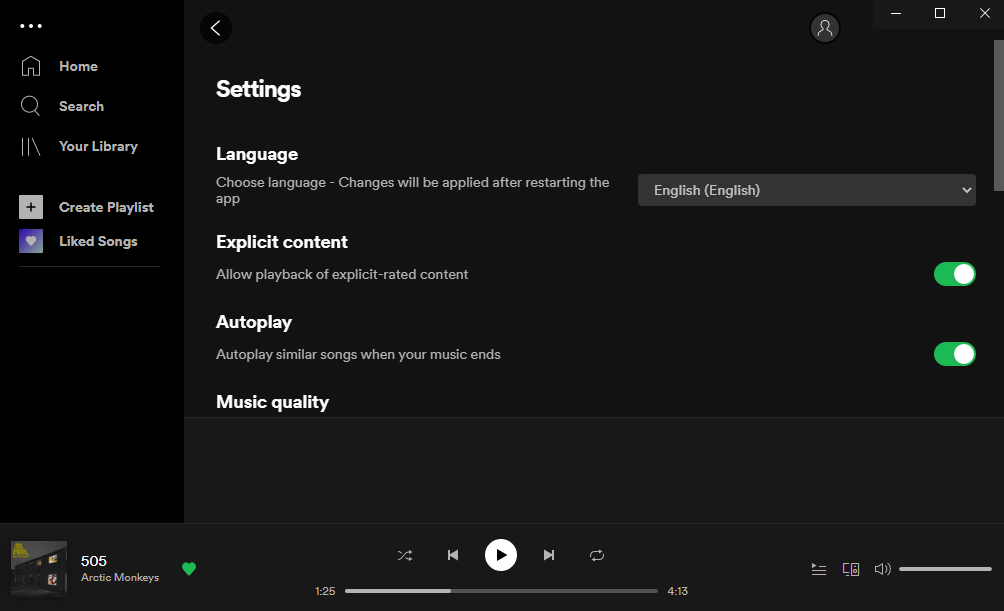
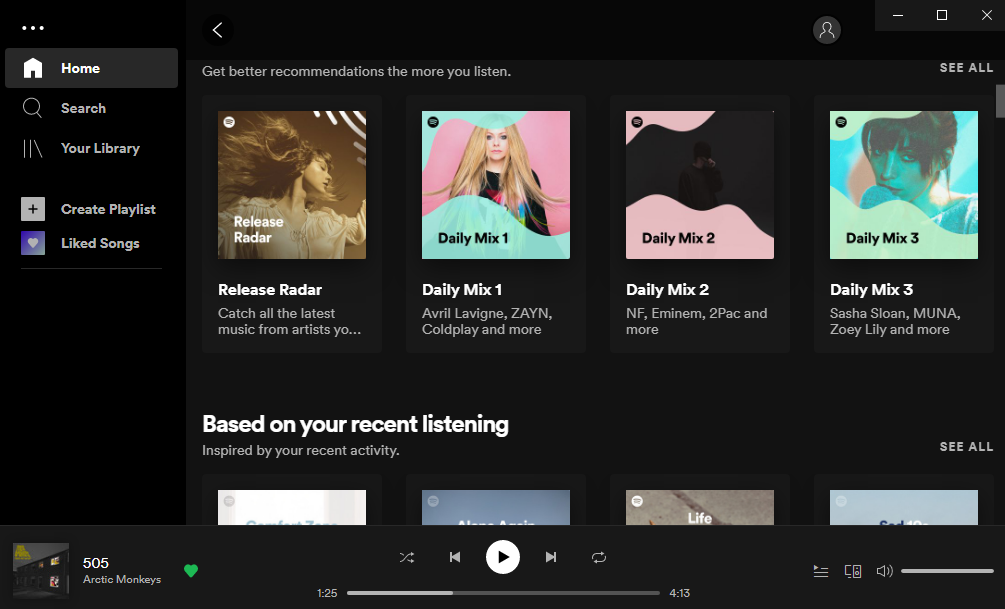
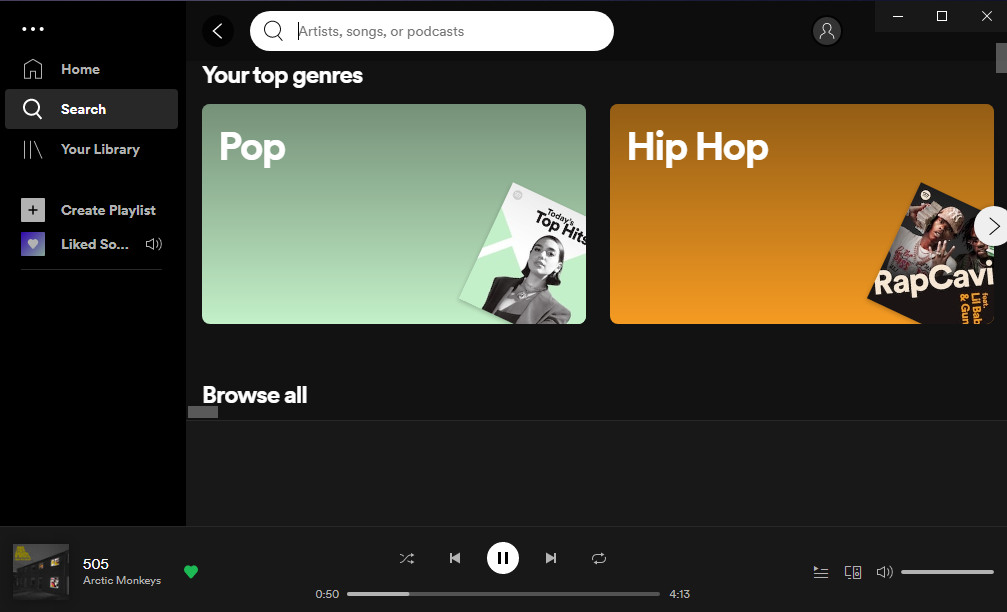
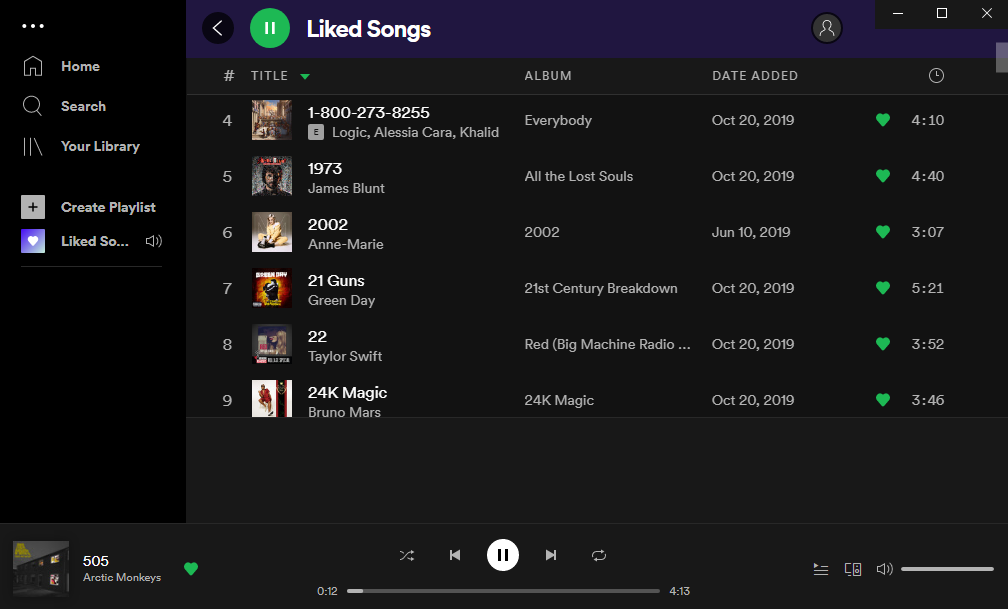
Empty Gray Bar at the bottom on Spotify Free in playlists, search, and settings. Only disappears in the Home tab.
Hey there @Jasser77,
Thanks for reaching out about this in the Community, and welcome 🙂
We'd first recommend performing a clean reinstall of the app. This is often an overlooked step, but it can be helpful to get rid of any corrupted files that might be causing trouble.
If this doesn't do the trick, could you let us know if the same thing happens when you use the web player?
We'll keep an eye out for your reply.
Thanks for getting back in touch.
Would you mind asking a friend or a relative to log in to their account in your PC to check if the issue persists with a different account?
Additionally, could you log in to your account in a different PC to check if that makes the difference?
We'll be on the lookout.
hi, i reinstalled the app on my desktop thrice now, still the gray bar under the playlist is there
Hey there @rukha1,
Thanks for getting in touch about this here in the Community.
Would you mind letting us know if this only happens on the desktop app or on the web player as well?
On another note, you mentioned that you've already reinstalled the app, but we'd like to know if you've followed these specific steps to do so.
If so, could you log in to your account on a different PC to see if the same happens?
We'll be on the lookout for your reply.
I still got that bar
Hey there,
Thanks for the replies and reporting this behavior.
We understand that the app has some polishing requirements left to do and we can assure you we're working on removing those, but at this point we can't commit to a specific timeframe. Let's hope for the best and continue enjoying our favorite tunes.
Hope this clears things a bit.
Cheers!
even i am facing the problem,its blocking the list.... kinda annoying 😅