Downloading music on Apple Watch

Hey folks!
Here's a few tips & tricks to share about downloading music from Spotify on your Apple Watch! - If you're looking to get started, check this out!
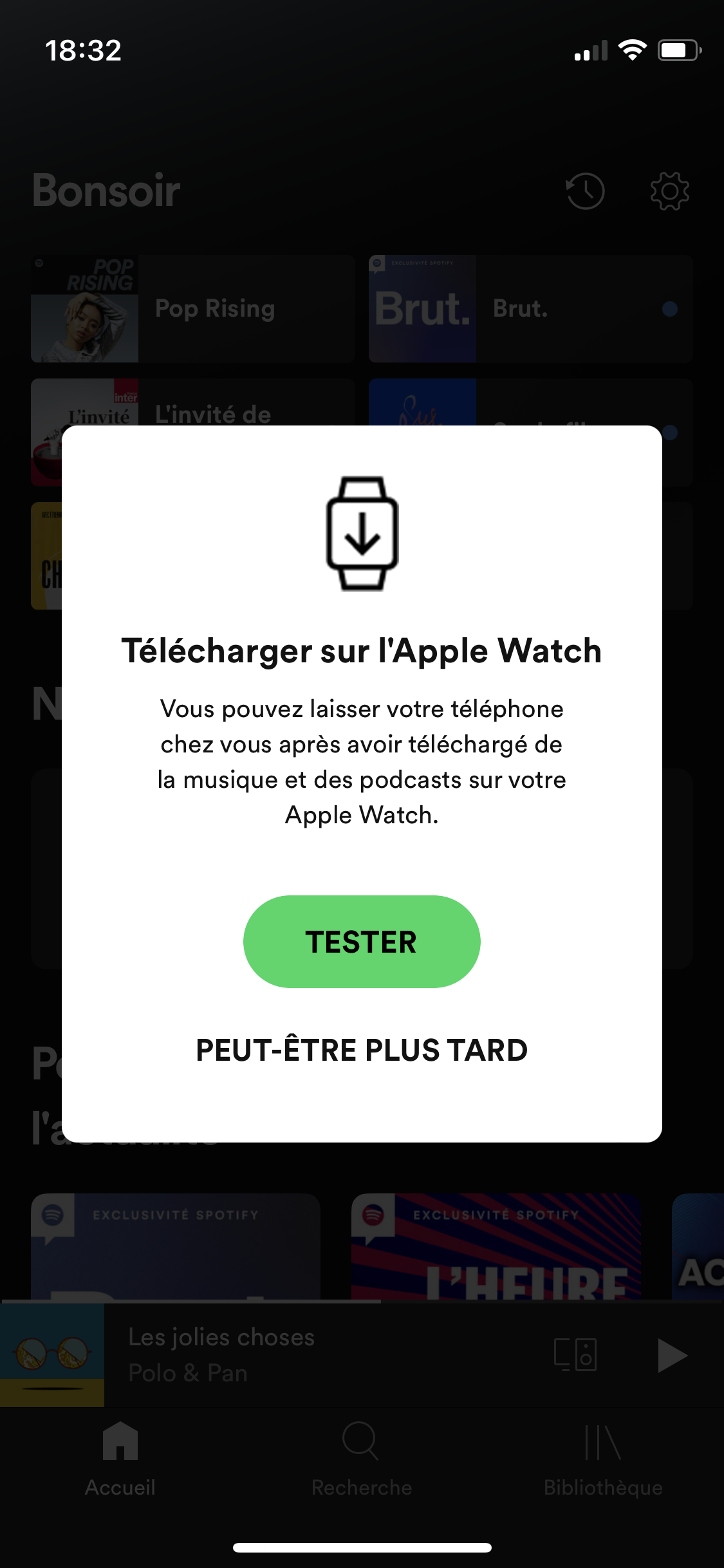
Not seeing the 'Download to Apple Watch'-button yet? Make sure your Spotify app is up-to-date the Spotify app is installed on your Apple Watch as well!
To download music, you'll need a Apple Watch Series 3 or newer on watchOS 6.0 or higher (7.1 or higher is recommended).
Want to download Liked Songs? Just add them to a playlist and use the steps from this page to download them to your Apple Watch.
Downloads keep stopping? Make sure your Apple Watch is on and the Spotify app is open on your Watch. After a bit of time, your Apple Watch might suspend the app if you're not using it actively so be sure to keep it in focus.
Downloads not working? Your Apple Watch battery might be a bit too low to download. Make sure your Apple Watch is charged or on a charger to start downloading.
Want to check (the status of) your downloads? On your Apple Watch, swipe right to Your Library and choose for 'Downloads'. There you should be able to find everything you've downloaded and the status of your downloads.
Got any more tips to share? Post them here!
If you're looking to get help with downloading music from Spotify on your Apple Watch, create a new thread on the iOS Help-board.
Accepted answers
All comments

Any timeline for when the feature will roll out to those that don’t have it yet?

Announced in May - “Available Now!” Mid June and it’s still not available. For a company that does only one thing Spotify sure does move slowly
I jumped the gun and canceled my Apple Music subscription for this…

I have had spotify premium for years, new apple watch, all apps and versions of iphone, watch and spotify are up to date. When I hit the 3 dots on my iphone spotify app today - no apple watch download option. Should I continue to be patient and wait for the option to roll out to me or am I missing something? It's been over a month since the release... I have to be missing something...

It’s almost been a month since Spotify announced this being available…still not working on a fully updated iWatch 6 paired with an iPhone Pro Max 12 running Spotify version 8.6.30.968

Need an ETA even if its pessimistic!!!! Better to underpromise and over deliver than overpromise and under deliver.

It is also not available in Germany.
Let's just wait a little longer. 1-2 years maybe?
Streaming to the Apple Watch also bugs around so hard. We just need the offline feature.
Hey folks!
Thanks for posting this here. This feature is still rolling out. Hopefully it’ll be on your Apple Watch soon. Hang tight!
Have a great day,
Hubo

Appreciate you have to toe the party line, but soon is relative. Is there an actual estimate for when this will be released? Or some information about what the hold-up is?
It was "in the coming weeks" over a month ago, so I'm sure you can appreciate that "soon" doesn't really help.

has anyone even seen this offline listening feature worked on their Apple Watch? i'm with others on this thread. it's been almost a month since this feature was announced and still nothing. Ugh...

I love Weekends that starts with a good news 🙂

My downloading status stuck (it shows 1 out of 50 downloading forever). It remain like that even when I connect the apple watch to the charger

Hi there folks,
Thank you for your posts in this thread.
We suggest that you always keep your OS and app up to date.
@3nwqfk1tjpkg5ao - can you try to unpair the watch with Spotify and then connect it again? Another useful step to try is to perform a clean reinstall of the app. This will make sure there's no old cache files causing this.
Just to confirm, do you see the option to download music offline? If you do, can you send us a screenshot so that we can have a closer look directly from your end.
We'll be on the lookout for your replies.
Take care!

Any idea when people can actually expect this feature and not a pretty press release for the tech blogs to salivate over? It's finally summer in the northern hemisphere, and I'd sure like to be able to use this app that I pay for instead of having to jump between a few other deeply inferior apps...
apple watch series 6, watchos 7.5

Hi folks!
Thanks for reaching out about this.
We can confirm that this feature is going to be officially implemented. However, it's still being rolled out to all users. We can't commit to a specific timeline for this to be completely rolled out.
In this case, we suggest that you keep the app up to date.
Hope this clears things up. If you have any questions, just let us know.
It work after uninstall and reinstall. Thank you ❤️❤️
I have this working now. Went for my first run with just my watch today and it works great 👌.
The first download took a while to move past '1 out x downloading', but I tried streaming the playlist from my watch whilst it was downloading and that seemed to get the ball rolling.
Spotify version 8.6.30
I saw the popup as I opened the Spotify app. Spotify hasn't updated their app in the last 3 weeks, so I guess the capability for this feature was in one of the releases last month, and now they're just enabling it slowly to monitor any issues.

Very difficult to download the songs onto my apple watch se (Watch OS 7.5) The download is stuck at 1/36 since long. What other things are necessary to keep this moving? The Watch is connected to my iPhone 8(iOS 14.6). Any tips which might make this a little easier.

Still waiting here. I have a trial subscription to Apple Music I use only for this reason when I run. I’ve been a Spotify subscriber for years but I gotta admit the “announce a feature as available and then not roll out for months” is making me think it’s going to be Spotify that goes, not Apple Music when the time comes to make a choice. I work in app development, I can understand days, maybe even weeks but now we are at over a month. If the feature isn’t ready you say it’s in beta, not available now.


Going crazy here, got the latest version 8.6.30.968 on my iphone 12, iOS 14.6.
Performed the uninstall as described, which involves clearing the cache, deleting the app, turning off the phone for a few minutes and still nothing.
Navigate to a playlists with <50 songs pressed the 3 dots and no menu option for downloading to the apple watch.
Using apple watch 4 watch os 7.5
Don’t like this at all after waiting so many years…
Hi there folks,
Thank you for your replies and feedback here in the Community about this.
This feature is still being rolled out so in this case we suggest that you always keep your app up to date and that you're running the latest OS version.
Let us know if we can help you with anything else.
Take care!
Just give us the feature already...