[Desktop] Popout player

I have seen this idea posted several times over the years and they are all marked closed. I personally find it really frustrating that people have clearly been asking for this and over and over been denied, especially because it seems like a rather simple feature. Anyway, on the web player on Chromebook, there is an excellent popout player that remains on top of other tabs and windows you open, has the album/song art and has simple controls like pause, play, skip, and rewind that show when you hover over it. You can also move it around your screen so you position it where is easiest for you. It's crazy to me that this feature hasn't been implemented already for the desktop application, or if it has then the fact that it's been removed. It's super annoying to have to stop what I'm in the middle of to open the Spotify window just to see what is playing, or to skip or save a song. Something with just the basics of these features would make a huge difference and make usability so much easier.
Comments

I like to listen to music while I work, but sometimes if I have to leave my working screen to go to Spotify to look at something it gets too distracting.
It would be nice to just have a mini player in the corner of the screen where we can see what song is playing, the artist name, and be able to like the song to find it again later.
Hope we can see something like this soon!

Such an important feature!! Would really love to see this. As people already said, this feature is such a basic feature for music players since it allows for convenient multitasking. I had this problem since I started using Spotify, but did not realise there was a community/idea/suggestions board. I'm sure others have encountered this need, but also like me didn't realise they can voice that need/idea. I think the fact that there are other apps like Toastify or Silico just provides more evidence that there are many users who want this. Please consider adding this!!!

I really hope they add this to the Desktop player soon? When they changed to the new Desktop player earlier this year they said it would be easier to maintain/bring updates to both Web Player (which has the mini player) and the Desktop - surely this can't be that hard for them to implement?

Hey team Spotify,
please just do this. It's the right thing, you know it.

Why isnt it here yet? it's been year.
I wanna see the album art and song name.
That's it.. none of this excessive cluttering of my screen.

I literally got here by trying to figure out why I couldn't find the button for an obvious feature on a desktop music player.... How is something this simple not implemented?

Please... A simple mini-player helps massively with productivity without getting distracted.

this would be so useful please spotify, working over RDP with a spotify mini player over the top would be sweet

I suggest lofi.rocks to everyone searching for the miniplayer feature. Ideally, Spotify should hire them and buy their application

lofi.rocks is nice but I'm wanting a miniplayer to use on a small monitor to view my playing song (with timeline so fullscreen mode isnt usable). I would just use a spare phone but the app won't show now playing in landscape mode. I assume this has been removed due to people who used their phone in landscape mode in cars so that they can now be forced to buy the new "car thing". Always about money right Spotify?

I see many of you looking for a mini player so I wanted to remind you about my mini player "rhiimoot" after a long while.
It works with windows only and gets main info from your official spotify desktop player and controls it. Main reason I created this was I was in need such a mini player. Over time I've made some aditions to the software but it's been a while since I updated it because I couldn't spare much time. So there are some portions of it not working right now.
I recently started to clean the code a bit and change this and that. I'll fix some bugs like: details window (see second image below) is not getting correct info from internet.
BUT main functions are working fine (previous, next, play, song title, sleep timer, vumeter, cache cleaner etc.)
These functions work offline and do not need an active internet connection. It just needs your spotify username to work properly.
SORRY that I kind of promoted my software but since it's not that popular I wanted to tell you about this.
rhiimoot is basically something I made for myself as a hobby but I'm sharing it in hope some people find it usefull too.
It's free with no restrictions and does not collect any data. I'll share again when I release an updated version.
You can read more and download from https://www.locusmare.com/rhiimoot.html
Also check my other tiny software since you're at my page 😄
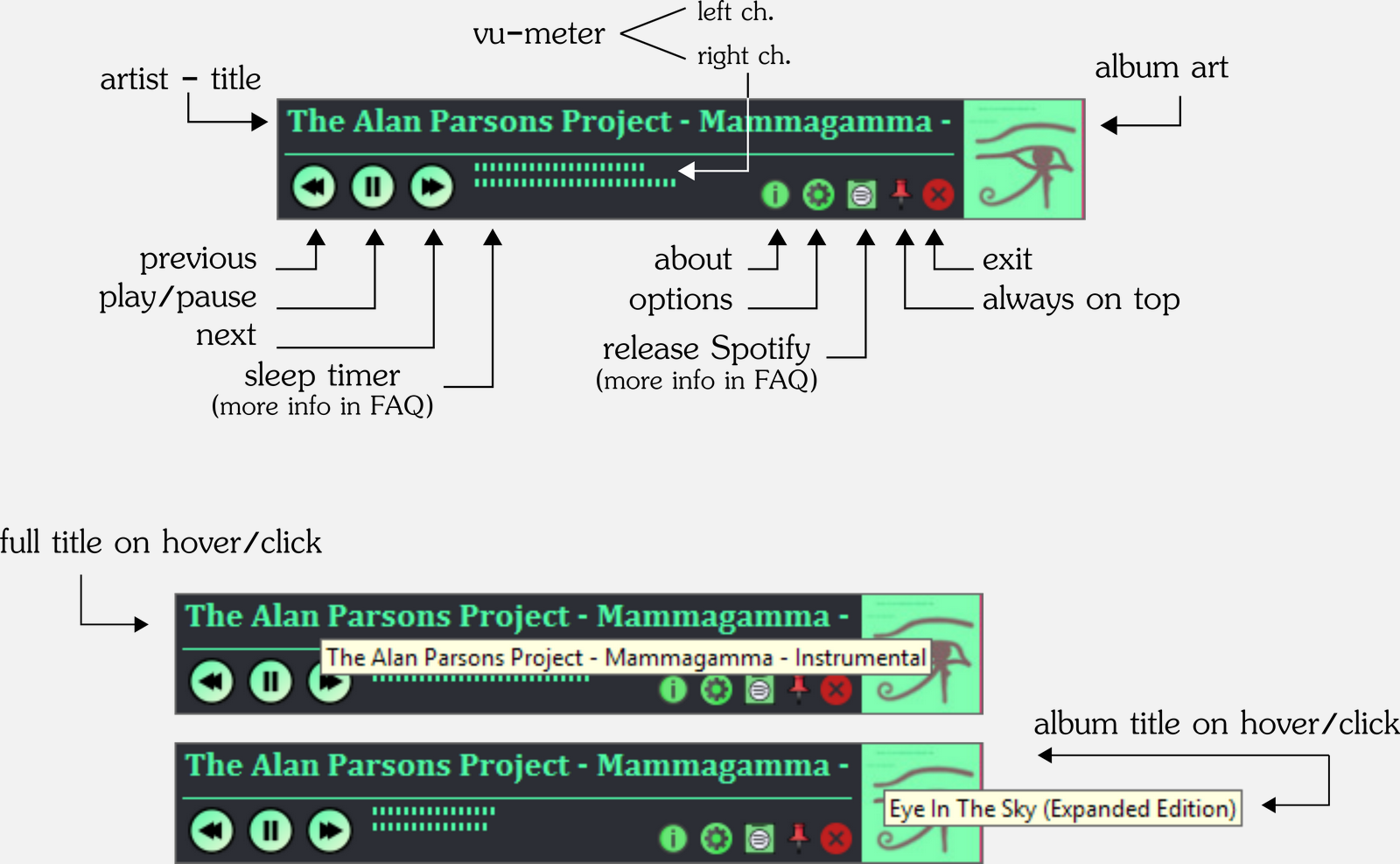
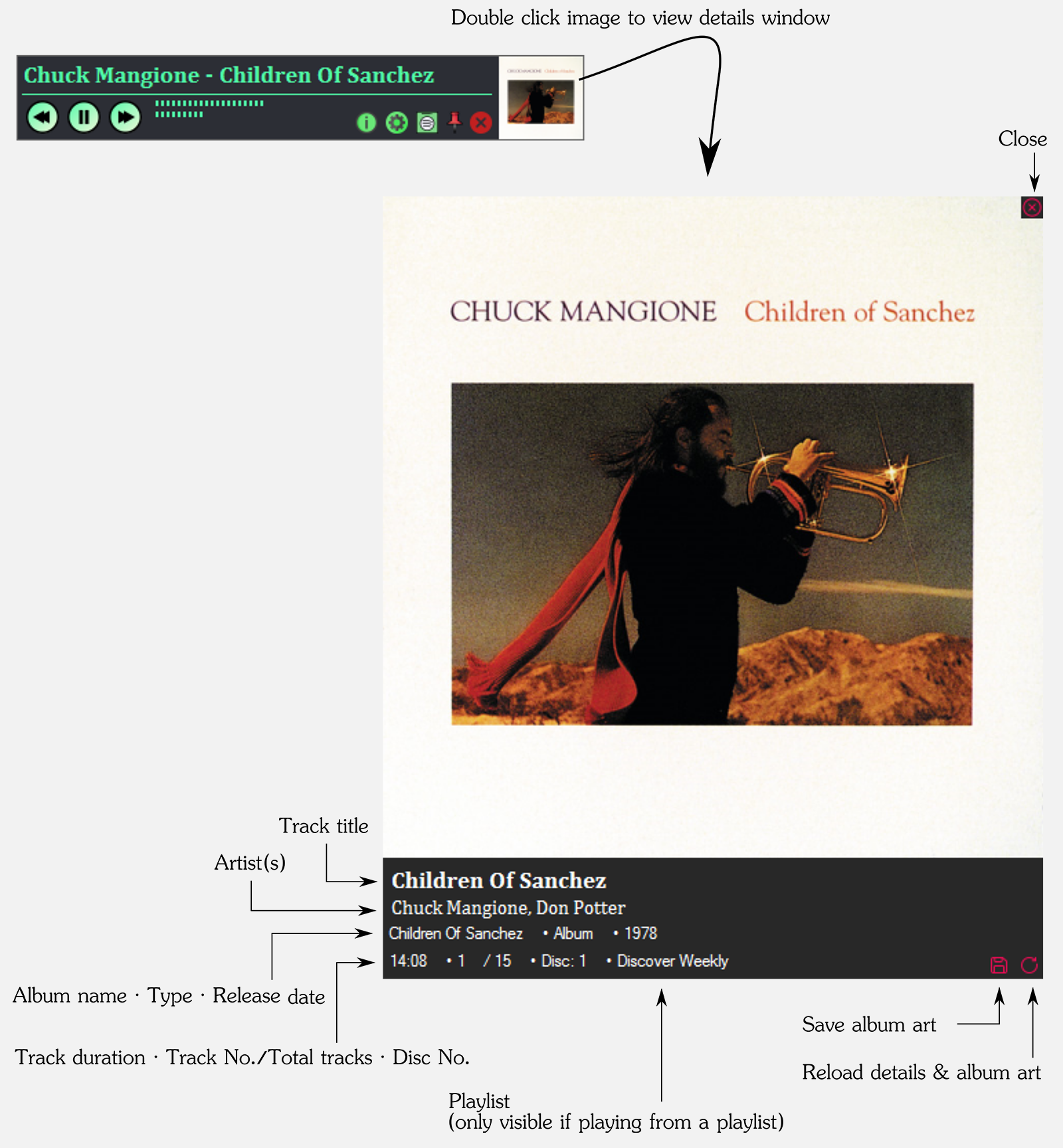

your UI/UX is not good. I also read many negative reviews about it. Please Make some solutions. And also for PIP and the artist's image. it is gone in DEsktop

That feature from the Webplayer slaps. I don't know (and can't believe) why it is never transferred onto the desktop app.
I finally found time to work on rhiimoot and released an aupdated version just now. 😌
I had to make many changes, some aspects are removed unfortunately.
You can read changelog and download the newest version from https://www.locusmare.com/rhiimoot.html
Sorry it took too long since I've said I'd update it. 😇
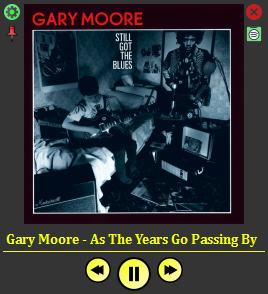

I neeeed this, it's so dumb that it's in the web version yet not on the desktop. I feel like this is something really small that could just be done so easily. I would love to see this added.
I agree and very useful for most people who use the desktop player!

An idea was closed as duplicate linking this idea.
The closed idea was to remove the arbitrary setting in Electron, the Chromium-based web app wrapper used for the desktop app, forcing the window to stay above a minimum width, which breaks several normal use cases and interferes with Windows features. This is a bug report that is fixed by changing 1 parameter.
This idea is the implementation of an entirely new and different player, which is a feature request and requires, obviously, a great deal of work- and most importantly, does NOT fix the above bug in the normal client.
They are not duplicates.

aeonden
How do I display the program? It is not in the Windows tray, but I can see that it is open and showing the songs being played for about half a second. There is no way to click to see the GUI of the program. Even if I close the program by force-closing on Task Manager, and then re-open from the "Install" executable, it is still hidden and not able to be viewed. Alt + Tab doesn't show it amongst the currently open programs. It doesn't install to any directory in the Program Files that I can see, and doubleclicking the executable from the extracted archive just does the same behaviour that I've outlined above. We need it to show itself in the System Tray, and a toggle to be in the tray or not to be in the tray. And clicking it in the tray would open the GUI.

Necesitamos esto, para ser más productivos.
Spotify, no están pendientes de su comunidad.
There is a new update for rhiimoot if you're interested. I fixed known bugs.
You can see the changelog and download it here: https://www.locusmare.com/download.html
Please let me know if you encounter any bugs, thanks.
.

Where can I find this "Picture in Picture" mode? In Firefox I'm not able to find it ... 🤔
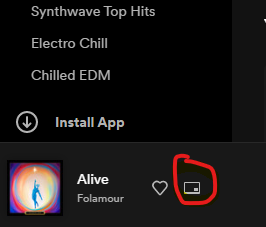
bottom left hand side
I don't have such a button ...
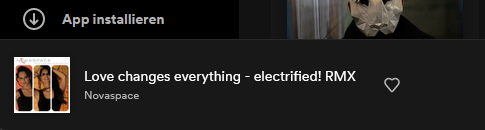
Hmm.. I've just checked on Edge and it's also there? (but again doesn't work correctly)
Wait my fault I've just realised I've posted this in the wrong channel - it's not on the desktop it's on the webplayer ignore me apologies to all
It's okay for me. Just looked into Firefox. In the desktop app on Windows 11 there isn't this feature, also. 😉
So I've just tried Apple Music and the desktop app was iTunes. Although I didn't like the the whole Apple system (and cancelled my subscription after a couple of hours) the ONE brilliant feature of the iTunes app was the pop out mini player (with the option under settings to "Keep on Top"). Just brilliant and what is lacking for the Spotify Desktop. There's not response for a couple of years on this thread from Spotify I hope it's something they are considering (I'm guessing the programming wouldn't be that difficult for the team Spotify have employed).
For this reason, I am forced to play it on my phone. It seems so counterintuitive to have an app that plays music that takes up so much space. However, this idea has enough votes to put a couple of FTE on it and get it done. GO!
Thanks
Jason