Can't dismiss pop-up for videos in Cinema mode

Plan
Free
Country
Canada
Device
Windows
Operating System
Windows 11
My Question or Issue
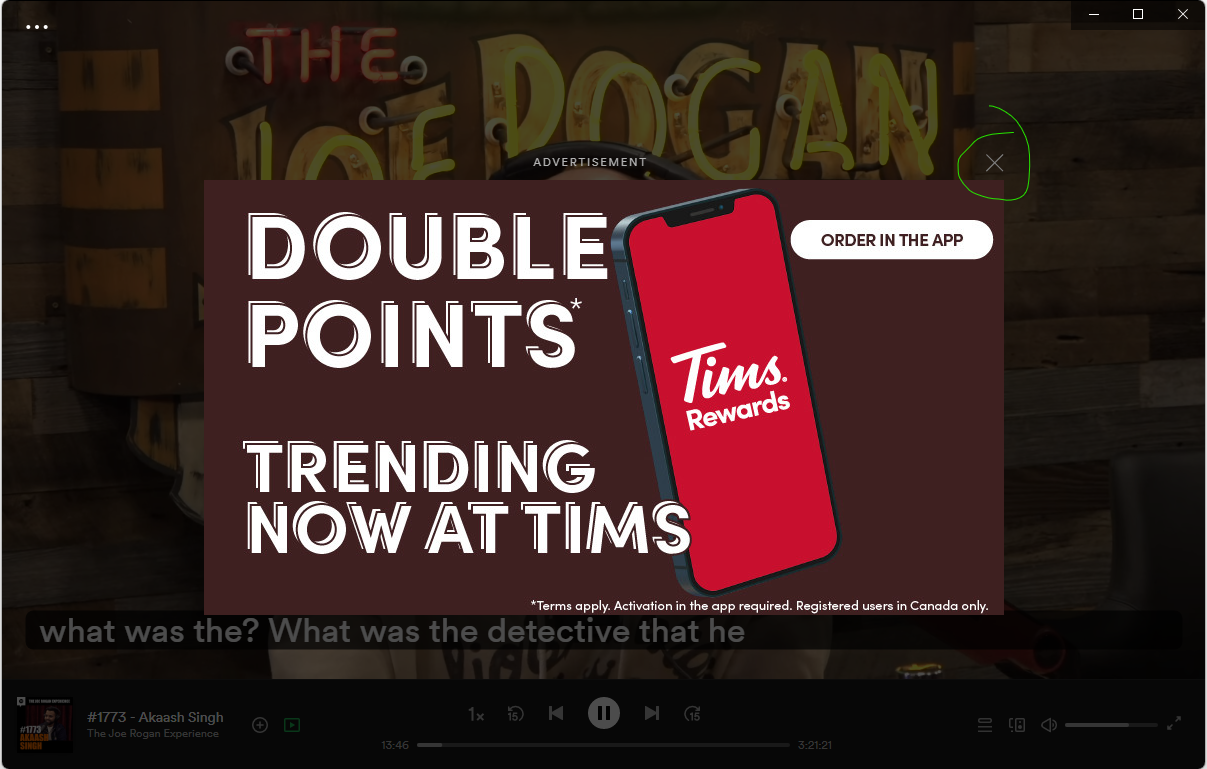
I can't dismiss ads clicking the X in top right when the video is in Cinema mode. I have to hit ESC to minimize video before I can click the X to dismiss.
Accepted answers
All comments
Hi,
I was using Spotify nomenclature, I assumed this was a known feature 🙂
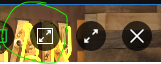
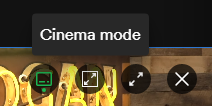
This is called Cinema Mode in Spotify Player which goes full screen on the window but not fullscreen on the monitor.
I cant close this ad

Hi there folks,
Thank you for your replies and screenshots in this thread.
Can you close the app and then reopen it to see if the issue persists?
If that doesn't do the trick, can you perform a clean reinstall of the app? This will make sure there's no old cache files causing this.
We'll keep an eye out for your reply.
Take care!

Hey @sguergachi,
Thanks for your reply.
Would you my logging in to your account on a different PC and trying to check if the same happens?
On another note, we'd like to know if this has always happened of it it started happening after a specific event such as an update.
We'll be on the lookout.
Hi,
I dont have another computer to try this on unfortunately. I did ask a friend and they did confirm it happens to them too.
As for when this started, it has always happened as far as I could tell, I dont really notice when the app updates.
Hi again @sguergachi,
Thank you for your reply and confirmation.
Can you let us know which version of the app you're having?
We'll be on the lookout for your reply.
Cheers!
1.1.79.763.gc2965cdf
Hey there @sguergachi,
Thanks for sending us this info.
In this case, we suggest that you try pressing Ctrl+W instead of clicking the X to check if that makes any difference.
Keep us posted.
Hey @sguergachi,
Thanks for reaching out.
Could you please explain what you mean under Cinema mode? A few screenshot would also help us understand your situation better.
In any case, if there's a malfunctioning button in the app's interface, this is usually caused by damaged app files. An easy way to remove those and make sure you're running the latest version available, is to perform a clean reinstall.
Hope this helps. Keep us posted.