Plan
Premium
Country
US
Device
PC
Operating System
Windows 10
My Question or Issue
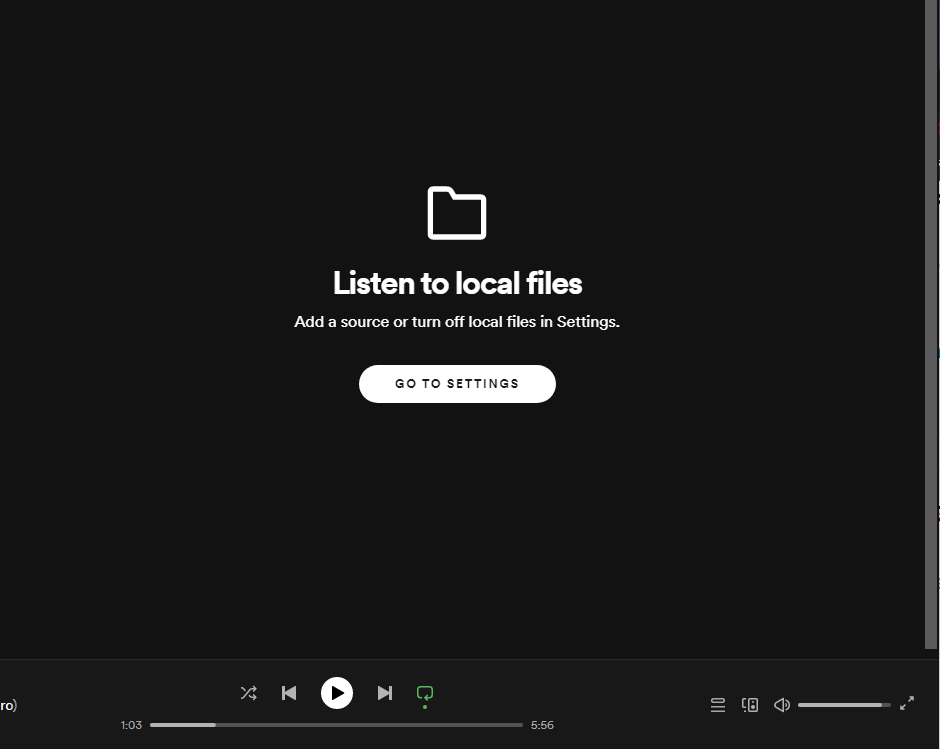
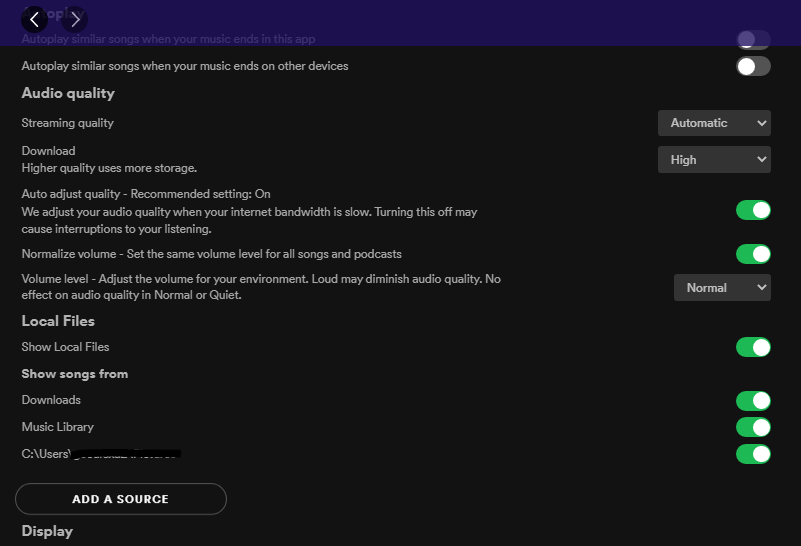
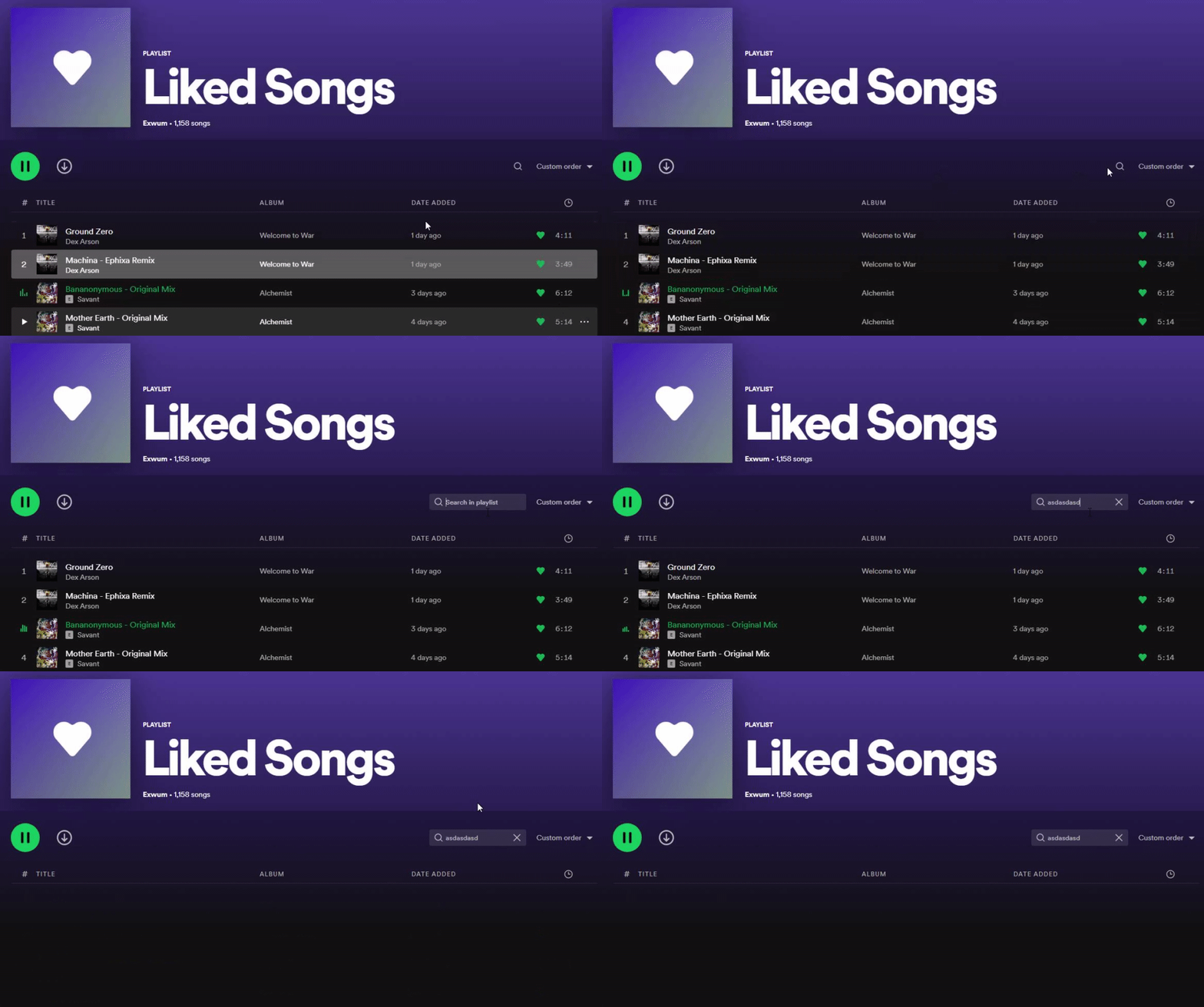
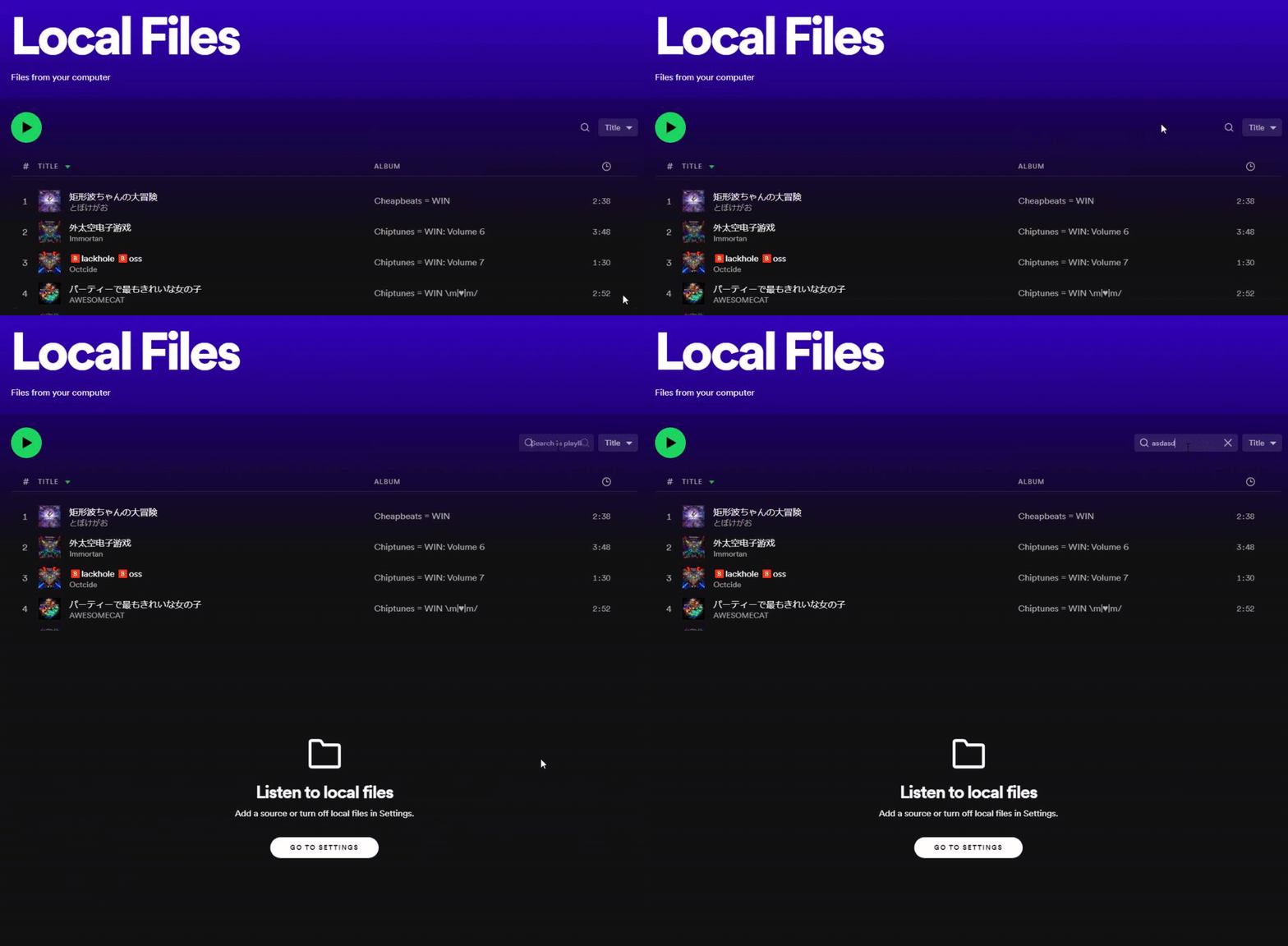
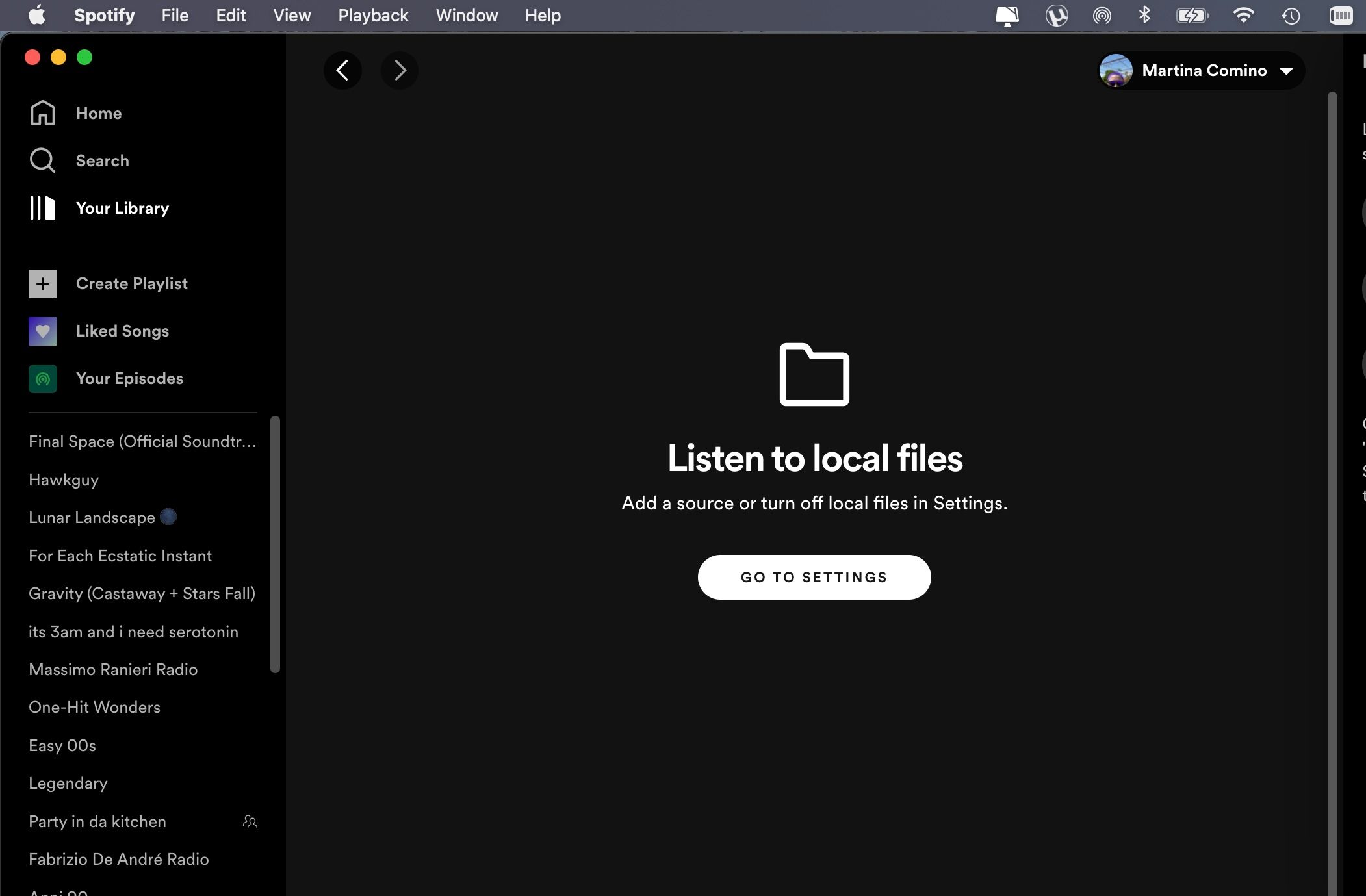
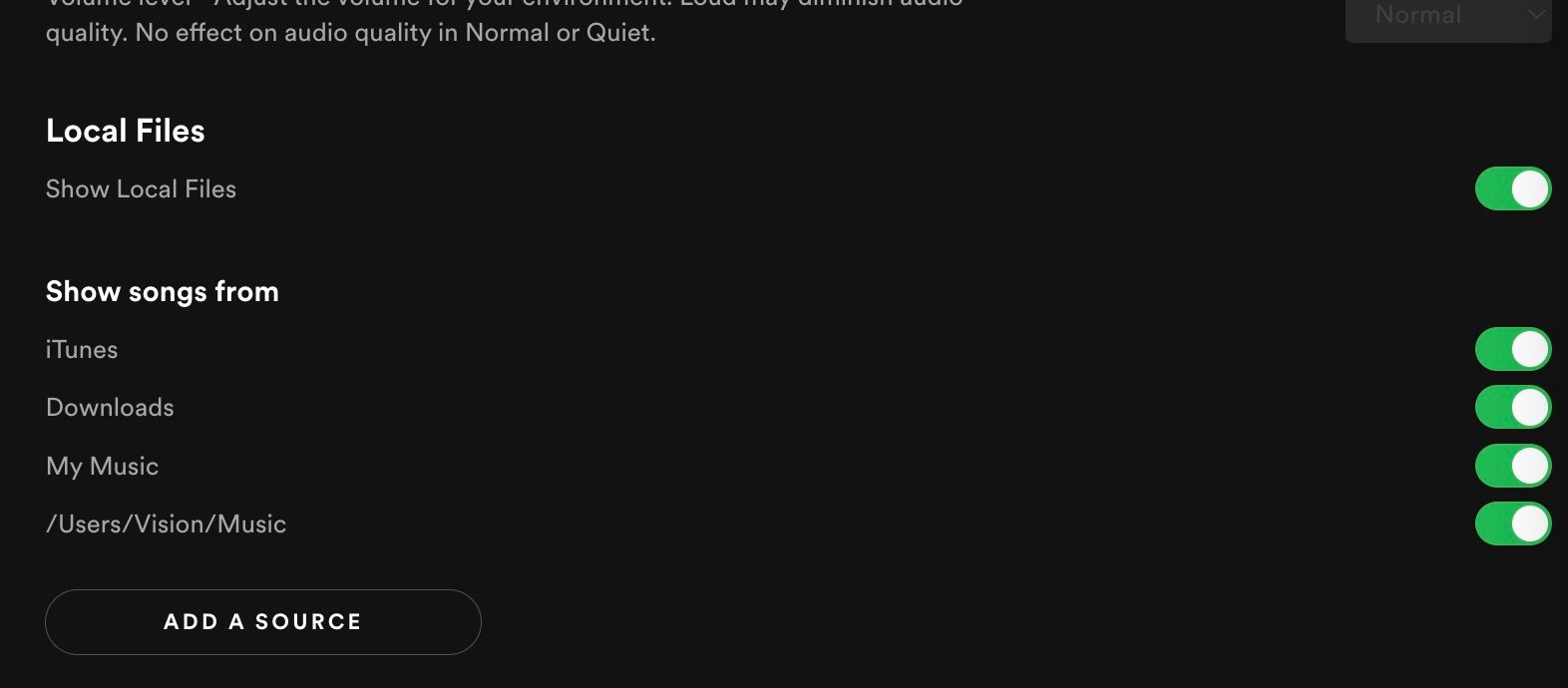
When searching local files, if there are no matching results, it shows the screen that says to go to settings to add source for local files (see attached image). If I backspace the search input, the local files don't show back up. Additionally, there are sources added for local files, and they work correctly up until using the search functionality. The only way to get the local files to show back up is to restart the spotify desktop app. If there is a matching search result, everything works fine, but there's some kind of bug when there are no matching search results that causes local files to no longer display.