Android Auto - "getting your selection..."

Plan
Premium
Country
USA
Device
Samsung S21 Ultra / GMC Terrain (Android Auto
Operating System
Android 12
My Question or Issue
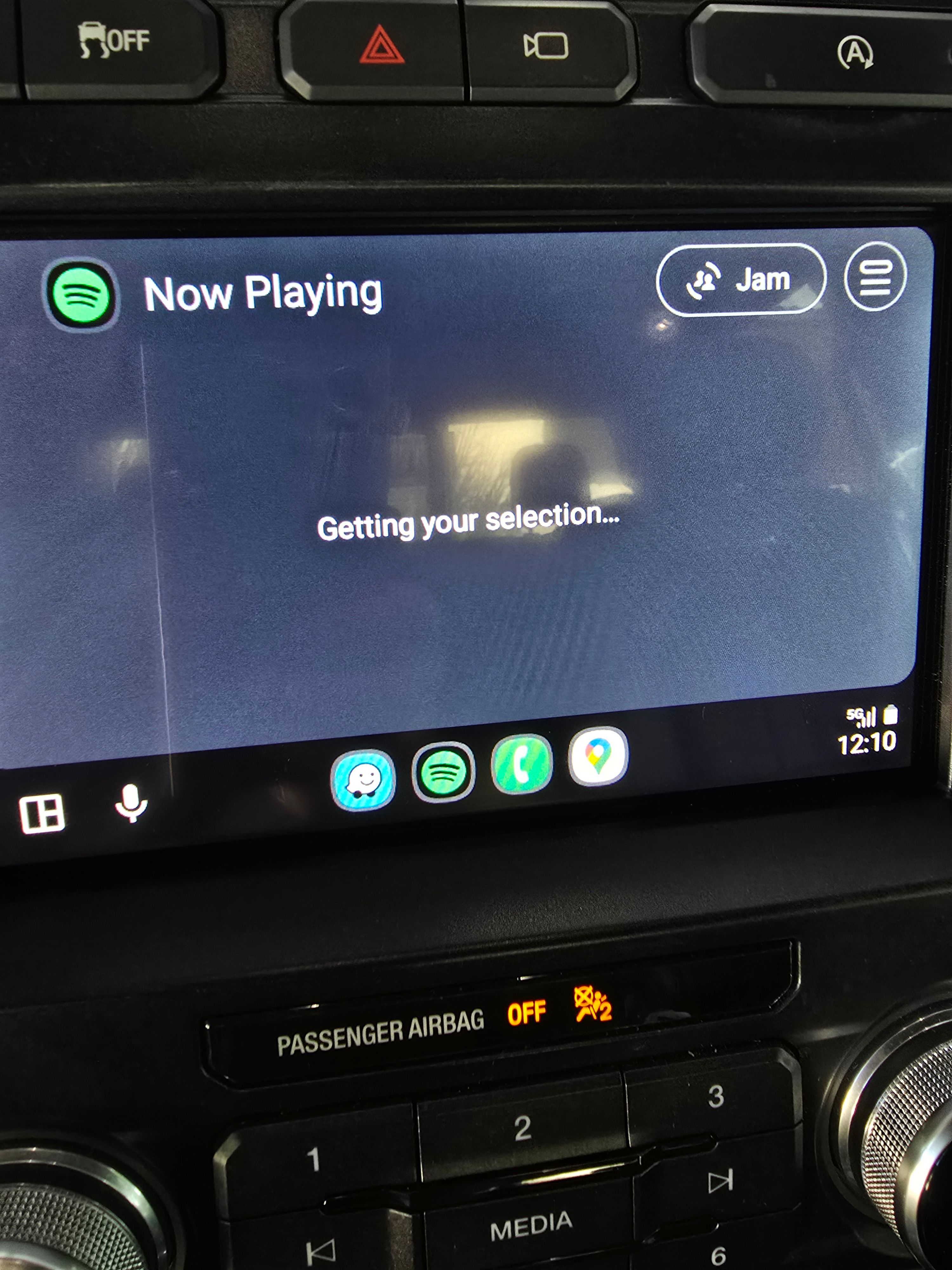
I just picked up a new 2022 GMC Terrain. When I select a playlist, I can see the songs, but when I try to play a song, the app hangs on a screen displaying "getting your selection...". It does not do this on the 2020 GMC Terrain that I just turned in on a lease. Any help would be appreciated.
I did try clearing the Spotify Cache on my phone as well as delete the phone from my vehicle and re-pair it.
Accepted answers
All comments

I'm also having the same issue on a Google Pixel 6 Pro and Skoda Scala 2019.
Managed to get it working again by force stopping AND clearing cache on android auto and Spotify (not sure which one actually made the difference) but it's quite inconvenient to have to keep doing every time I get in the car at the moment.
Both android auto and Spotify versions are up to date, so not sure what else to do.

Same problem here!
When I try to play music from Spotify in Android Auto I get the "Getting your Selection" message and nothing happens - just like in the picture above.
Force closing Spotify does get to work once again until I stop the motor engine, then Spotify refuses to work again.
There is post in Reddit about this problem too:
https://www.reddit.com/r/AndroidAuto/comments/u220xv/getting_your_selection_in_aa_if_spotify_is_open/
Galaxy Z Fold 2, Android 12, newest Spotify version, Mazda MX-5 2021.

Same here, just started happening
Google Pixel 4a, Honda e

I ended up being able to fix it by adjusting the spotify/google maps settings. I followed these instructions
You'll need to enable playback controls manually within Google Maps. This feature works with smartphones running at least Android versions 10.43.2 or higher. Here's how to do this:
- Open the Google Maps app, select your Profile icon (top-right corner), and go to Settings > Navigation settings.
- Toggle on Show media playback controls.
- We will use Spotify as an example. Select Spotify as your preferred media app, and tap Next on the pop-up screen.
- Tap OK to enable playback settings within Google Maps.
- To view these settings, go back to Google Maps and enter your desired location in the search bar. Tap on Start to begin navigation. You'll notice a Spotify music icon on the right, just below the Plus sign.
- Tap on the Spotify icon to view the controls at the bottom of the screen.
To be fair I had tried numerous things so it's also possible it was something else LOL
Sorry @Bee083 but adding media playback to Google Maps is no fix.
I don't want Spotify in Google Maps, I just want Spotify to normally play music like it did in the previous version.
Additionally this problem is related to Android Auto - and the Spotify music icon only appears in the smartphone app.
Restarting my phone resolved the issue for me. Didn't need to keep doing this (been in the car a few times today / still working)
Google Pixel 4a, Honda e

In Google Maps there is no option titled Show Media Playback Controls to toggle?
I have the same issue in my Honda Civic using my S10 phone.

OnePlus 8T same issues. Started yesterday, 2020 Mazda MX5, today my daily 2022 Mazda 3 worked fine until I got to work. After work stopped working and same issue.

Had the same problem. S21 Ultra and a Ford Flex.
Cleared cache on both Android Auto and Spotify, force stopped both.
Fixed the issue. Been in the car twice since and it's still working fine.

Same here
Help pls

The other thing that started happening around the same time is on my mobile phone, the playback controls disappeared (not when using Android Auto). They must be related though.

Hey folks,
Thank you for keeping in contact and for your messages.
We appreciate the troubleshooting tried so far. We're currently investigating this issue.
If you didn't send it yet, include in your next response the make, model and OS version of your device, along with the Spotify version you're currently running.
In the case mentioned by @RayHChi, we've a current investigation about it as well. You can check all the information in this post. We'd recommend adding your +Vote and subscribing to it to be aware of any updates posted there.
We'll be on the lookout.

If you play the first song from your phone while connected via AndroidAuto. You will see the UI for the mediaplayback control and the selected song details. If you later select any songs from AndroidAuto, you will most likely see the UI instead of this string - "Getting your selection." This appears to be an issue associated with obtaining mediametadata from the player.

2022 Mazda CX-5, Samsung A50 with newest versions of Spotify and OS (ver 11). Have tried clearing cache on all apps, rebooting, removing my phone as a device in the car settings, reconnecting bluetooth, removing Spotify completely and reinstalling. I've tried everything I can think of and I'm still stuck. My PlexAmp works just fine so it's definitely not a signal or general streaming issue. Called Mazda and they told me to take it to the dealer. Ugh.

It's 2025 and the problem has re-surged again with the latest spotify/AA update


Plan
Premium
Country
USA
Device
Samsung S24 Ultra
Operating System
One UI 7
My Question or Issue
Don't know what's going on, I can't play from liked songs anymore only shuffle or other list. If I select a song in liked list it just stays stuck on getting your selection. Found countless posts with this issue going back years and no answer/fix as I've tried a few things and no difference. Nothing works not cache, not reinstalling....

Hey @Surfer82,
Thank you for reaching out!
We did some digging on our part and found this thread here and we merged your post with it to keep the place tidy, hope you don't mind 🙂
What's odd is that this issue seems to be fixing itself intermittently and due to different troubleshooting steps, so my best advice for starters would be to go over the steps one by one and see if anything makes a difference:
- Restart your device and see if there's a change
- Make sure your Android Auto app is up to date
- Ensure your vehicle's firmware is up to date
- Force stop and clear the cached data on your Android Auto app
- You can do the same with your Spotify app one more time; if this doesn't make a difference, you can also go for a complete clean reinstall
- If the issue remains, try a cable connection if you haven't already and unpair & re-pair the Bluetooth connection between the mobile device and the vehicle
- It's also worth it to take a look at the post from @Bee083
Make sure to go over all of these steps and, in case the issue remains, let us know what your affected device is, as well as its OS version and your Spotify app version and we'll do our best to get to the bottom of this.
Much appreciated!
Hi,
The error is the same as the original, any song/podcast manually selected via the head unit (Android Auto wireless/wired) gives the same result
"Getting your selection" message with no end (no music playing in the background.
As for troubleshooting:
-Cleared the cache of both AA and Spotify
-Uninstall and re install both as well (clean install, phone reset included, to also include full delete of local data from Spotify)
-Enable/disable Wi-Fi scan throttling (in case of weak signal or lost of it)
-Turn on/off A2DP hardware offload (for Bluetooth module saturation/overload)
-Tried different Bluetooth AVRCP versions (because why not at this point), ranging from 1.3, 1.4, 1.5 and 1.6
So far no luck. This has started happened with the latest AA or Spotify update (I've tried older versions but they all have the same error, I'm assuming due to system logs)
Also, the steps provided by Bee083 are no good on this issue since it's a completely different thing.
Yeah I've tried everything even last two days with Spotify online chat support, nothing works. Same issue with other devices now as well, even my other phone has same issue. This was all fine till two days or so ago. I've reinstalled multiple times, redid AA, tried Google maps trick. No difference. This doesn't make any sense. Support just said basically as of now don't know what to do or what issue is and to update Spotify in future and maybe will fix. Like that's what I've paid premium for years and years, to be told your sol lol?

Hey folks,
@jdiaz777, thanks for getting in touch about this and for all the info you've sent so far. As a next step, could you check if your vehicle's firmware is up to date? Also, would you mind checking if the same happens if you connect your phone by cable instead of Bluetooth? Lastly, make sure to send us the exact make/model, operating system and Spotify version of your affected device.
@Surfer82, thanks for getting back to us and for trying those troubleshooting steps. Just to confirm, does the issue persists if you connect your devices by cable instead of Bluetooth? Also, could you let us know the exact make/model, operating system and Spotify version of your affected devices?
We'd like to take a closer look. We'll be waiting for your replies.
Hey there,
Vehicle firmware is up to date and has been for the past few months (this "glitch" just happened about a week ago)
I have tried both wireless and cable (tried a new cable as well in case it was that too)
As for make an model, you mean the phone or the vehicle? Phone is an S23 ultra and the vehicle is a Ram 1500 with uConnect system head unit (I think is running uConnect 5 or so)
I've tried other Samsung, pixel and apple devices with the same issue, although I'm unsure of their Spotify version since I don't have access to those.
Spotify version 9.0.80.1343
No difference cable or wireless. Also Spotify doesn't show in Maps or Waze anymore for control even toggling the switch on and off even though shows connected service in both apps, and redoing everything doesn't fix that either. Ford Sync F150 no updates as been current for a long time, S24 Ultra, One UI7, Spotify is current 9.0.82.1023 which don't know when that update was but same info I kept giving to support chat. A friend is having same exact issue with his S23 and AA. My other phone that was working find prior as well, has same issue now when I reconnect it to test. S24 Ultra is new phone and was fine until last week randomly.
Only works if play liked songs manually from phone, which is what I found others saying even reddit recently saw someone else other day post.
Yup your having same issue I am
Hey folks,
Thank you for your messages.
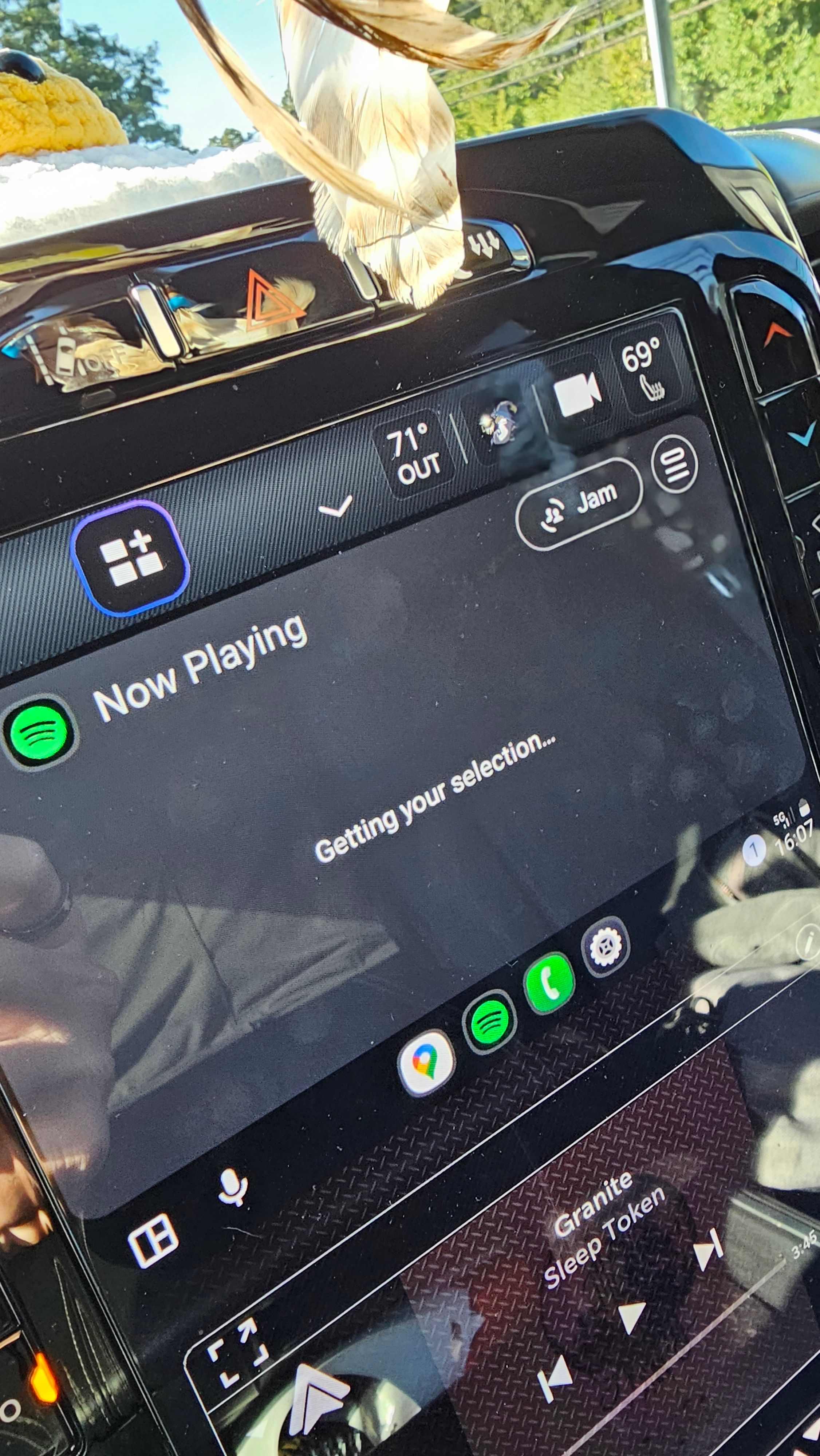
We appreciate all the information you've shared so far, it's really helpful. In order to have as much info as possible and reopen this investigation with internal teams, could any of you include an updated screenshot of how things look on your end?
Also, @jdiaz777 would you mind including the OS version of your S23 ultra in your next response as well?
We'll be on the lookout.
Imy S23 ultra is running Android 15 updated Sept 1st.
Hey @jdiaz777,
Thank you for your swift response and for the screenshot you shared.
We've passed all this info to internal teams so it could be investigated further. Any relevant updates about this will be posted here. We'd also recommend having your Spotify app updated, even if we don't have a specific date for this to be resolved. We appreciate your patience and cooperation regarding this behavior.
Stay tuned.

Good afternoon,
I have followed all previous steps in the post to try and rectifying. I am running the lastest android auto, tested this with wireless and wired connection as well as uninstalling spotify and android auto and numerous other options suggested in the forum. I am using the Samsung S24 Ultra on Android 17 one UI 7.0, I have had no system updates and this issue suddenly started happening in the previous 2 - 3 weeks and is now unusable in my car. Is there a timeline on when this would be looked into an a fix suggested?
Thanks in advance.


Same issue here using S25 ultra
Playing shuffle / playlist works fine. Selecting songs from the phone also works fine, but selecting a song directly from the car screen shows this. I have uninstalled and reinstalled and tried force stopping and clearing cache. No luck
I'm having the same issue and I also use a Samsung S21 Ultra