Problem with Playlists on my Samsung A10

Cannot access my Playlists on my phone- can on another phone using my creds. and also on laptop (windows). Reinstalled/ rebooted/cleared cache etc.
Recently returned from Russia -may hve something to do with it -please advice!
Plan
Free
Country UK
Device
Galaxy A10
Accepted answers
All comments

Hi there @NigeB,
Thank you for taking the time to post here in the Community. This seems odd so let's take a closer look into this.
Can you provide us the URI of the playlist so that we can have a closer look directly from our end?
On another note, what happens when you try to enter your playlist?
Note: If you have an SD card we suggest that you uninstall the app > turn off your phone > take out your SD card > turn on the phone again (without the SD card) > reinstall the app since the card can be corrupted.
Keep us posted 🙂
Take care!
https://open.spotify.com/playlist/1tuBMBoefp891qTrN7bjfP
or
https://open.spotify.com/playlist/1tuBMBoefp891qTrN7bjfP
either i just get the 'spinning ' green wheel
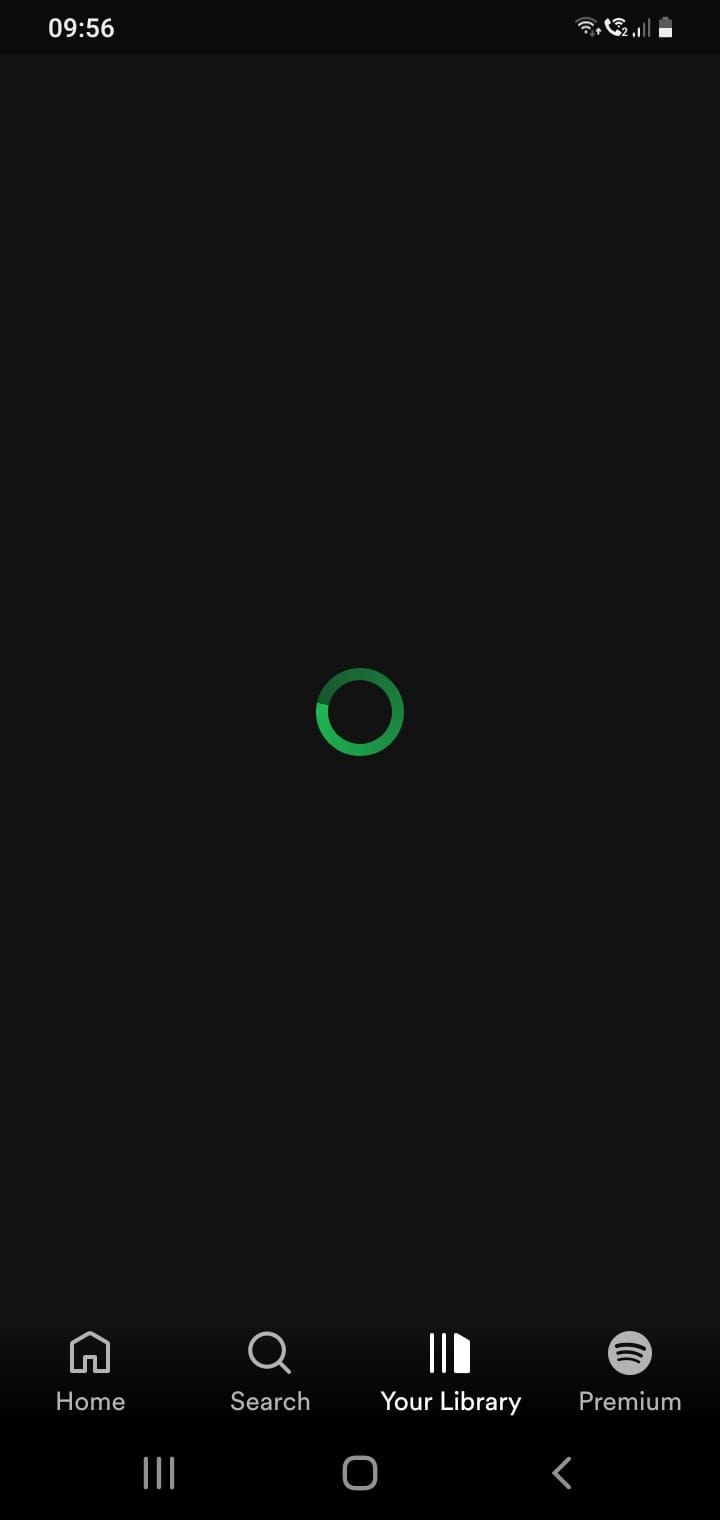
thank you ill try the other solution and return
NB

Hey @NigeB,
Thanks for your reply.
Not to worry. Take the time you need to try what @Jeremy suggested.
Changing tunes, we recommend that you make sure that all your location settings are up to date, in order to discard that any configuration is creating conflicts with the app.
We'll be here holding up.
ill try all options and return. thank you so much
meanwhile sometimes i get this message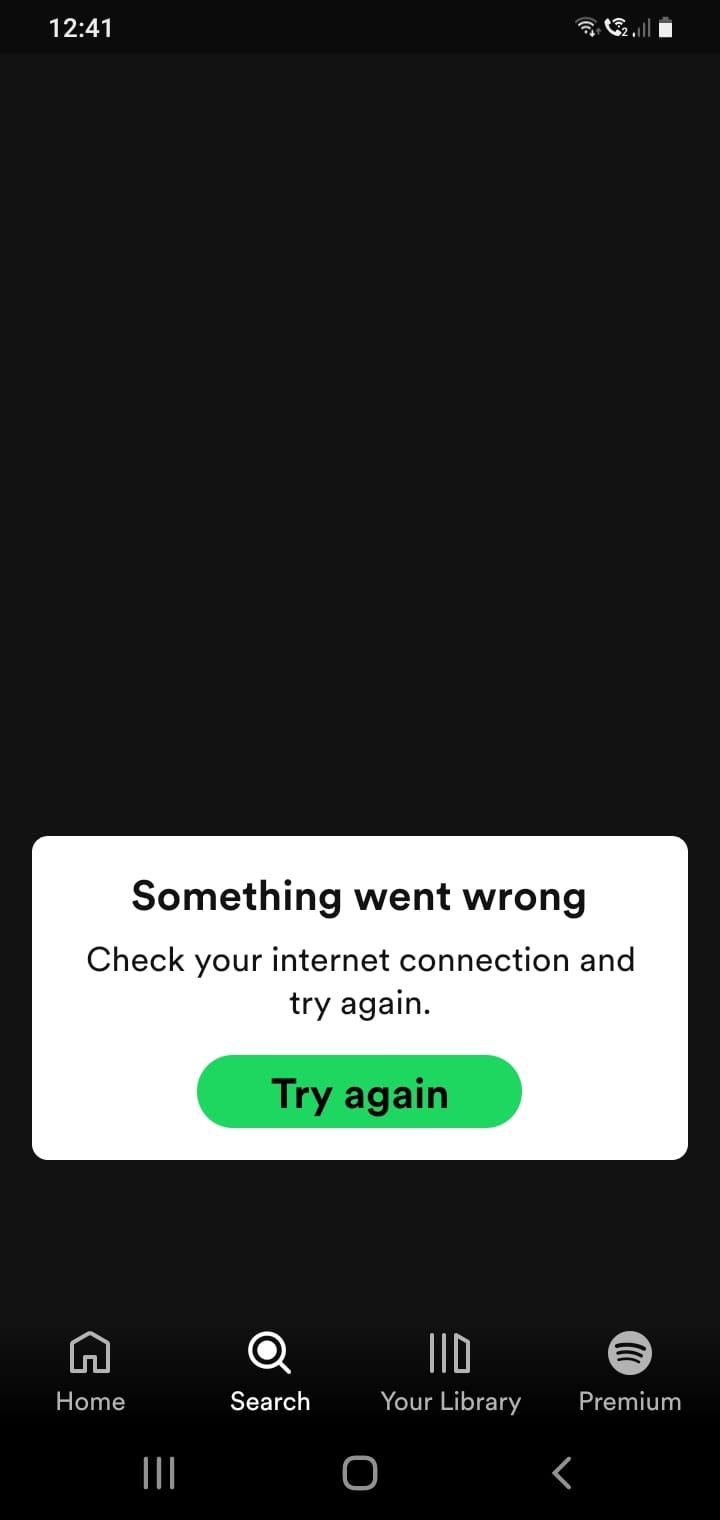
when i try to play music/ anything -even though there is nothing wrong with my i/c.
Hi,
While i was taking out the SD card - i took out the (Russian) Sim card too!. It works.!
1 It now works with both SD and (Russian) sim card re-introduced
2 Never imagined that the sim card would have any effect from 4000 miles! ..that conjures up the imagination.
thank you
NB

Hi there @NigeB,
Thank you for taking the time to post here in the Community. This seems odd so let's take a closer look into this.
Can you provide us the URI of the playlist so that we can have a closer look directly from our end?
On another note, what happens when you try to enter your playlist?
Note: If you have an SD card we suggest that you uninstall the app > turn off your phone > take out your SD card > turn on the phone again (without the SD card) > reinstall the app since the card can be corrupted.
Keep us posted 🙂
Take care!