Something went wrong with playback appears everytime

Accepted answers
All comments

Same here, manjaro Linux and Firefox.
Though I haven't updated that machine in a while...
Edit: Full system update did not help
Edit2: works on Opera

Same issue! Using web player with Firefox. Never had issues before and it still works fine on my phone app, but when trying to listen on my laptop, I constantly get this error. Have tried clearing cookies, cache and history.


Same issue as other posters here. Will add: works fine on Chrome and iPhone app, but when I try to switch to play on Firefox browser, nothing happens.
Seems to be up and running again for me. Not sure for how long, or maybe it was just a firefox issue yesterday...
Edit: Btw, didn't do anything to make it work, just logged in today and it was fine again.

Hi folks,
Thanks for reaching out about this in the Community.
If the issue is still present on your end, can you please let us know what version of Firefox you're running and include a screenshot of the error message?
This will help us look further into the matter.
Cheers.

I have exactly the same issue. Using the latest on Windows 11 Firefox 102 Spotify web player in an incognito window and get a red error message "Something went wrong with the playback". A song start playing few seconds without sound. Then starts the next song similarly, and then this message occurs. After that nothing can be played (if you click play nothing happens). I can send you a screenshot of the message, but it'll just be that text in white characters with a red background...
Logging in again, restarting etc. doesn't help.

Hey folks,
Thanks for posting here and reporting in the Community.
First off, could you all confirm if this is still happening for you when using the Firefox browser? If yes, then please follow the request of @Alex, and send us the details which are needed for us to report this situation to the right folks, so they can start looking into it. Once we've submitted the needed info, we'll make that you remain posted around the developments of the investigation 🙂
Hope this helps clarify things. We'll be keeping an eye out for your reply, thanks!

Same problem Arch/Librewolf 110, was working fine until a couple of days ago

Hey @Johnny-Darki,
Thanks for reaching out.
Does the same thing happen when using a different connection by a different provider?
Looking forward to your reply.

I am using Spotify on Windows 11. This is windows application not a browser that I am using.
I have the same error message on my system after a wake up from sleep/hibernate.
I can continue playing where it stopped. Songs change and next plays just fine. I can browse links on the left just fine. But, I cannot open the home page. I need to completely close (from system tray) and re-open the windows desktop application to fix that.
Below is a sample screen shot. My version is "Spotify for Windows (64 bit) 1.2.31.1205.g4d59ad7c"
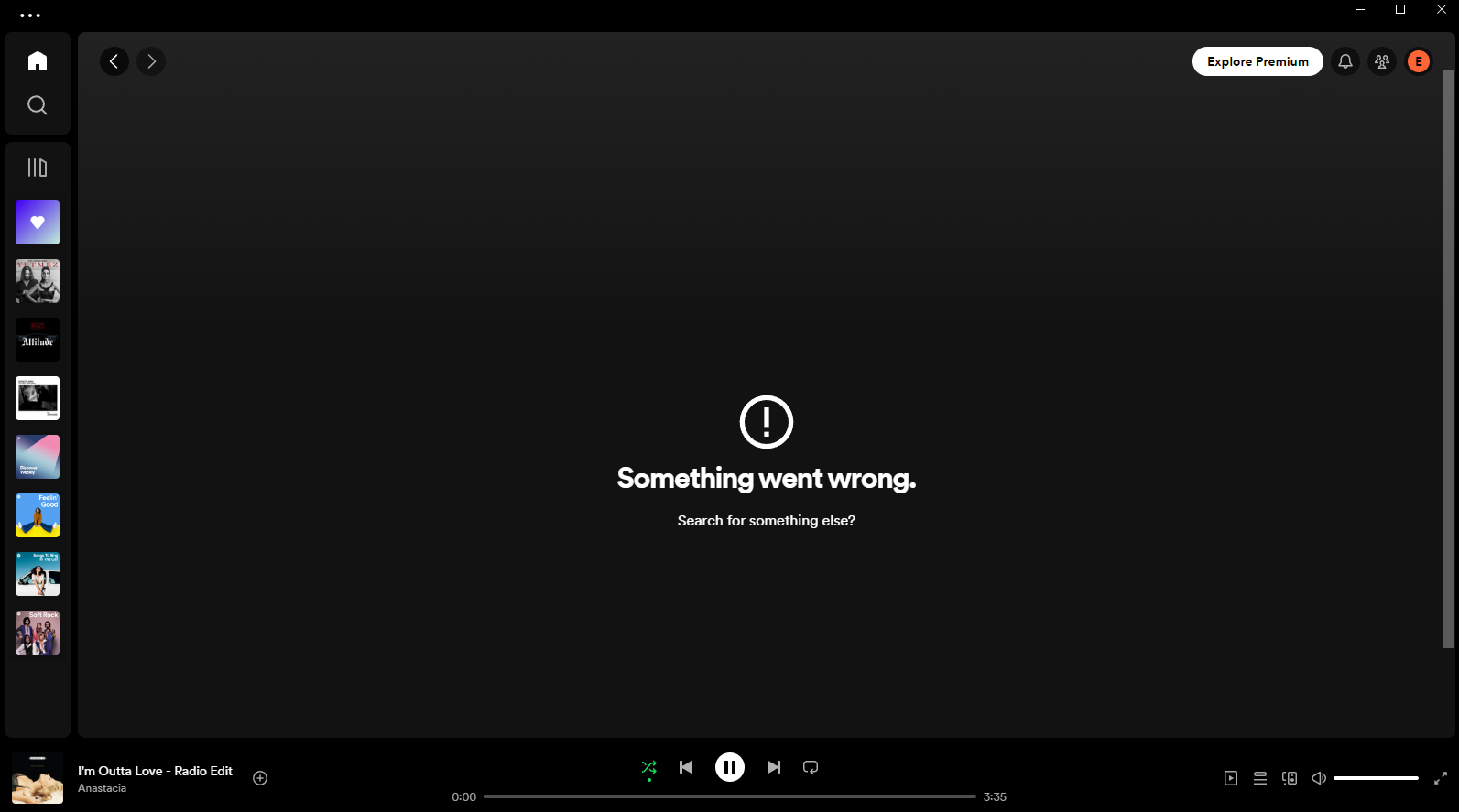
Hope this helps.

Hi @ertank,
Thanks for reaching out. Your seems somewhat different from the rest here. Try performing a clean reinstall if you haven't already, that should help clear any sync issues with the Desktop app.
Hope this helps.
Hi @Joan,
My system is a fresh formatted less than a week ago. In anyway, I followed the instructions. They were a bit off. I couldn't find "5. Click Apps & features, then select Spotify." But, I could use Start menu right click and uninstall.
Then I made sure that no remaining folder in AppData\Local or AppData\Roaming using 3rd party tool Search Everything.
Turned off my computer for good and waited more than 2 minutes before I turn it on again.
I don't know what source it was installed. It was preinstalled in the system when I format it.
Anyway, I installed it from Microsoft Store.
Now, I will use it and see if the issue repeats.
Thanks & Regards,
Ertan

Having the same issue.