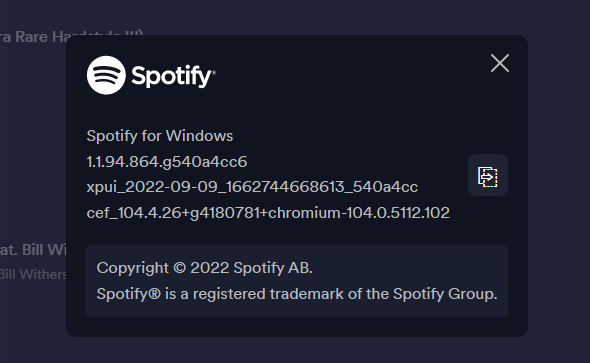
Discord status stopped working after updating to 1.1.94.

Plan
Premium
Country
UK
Device
Desktop Computer
Operating System
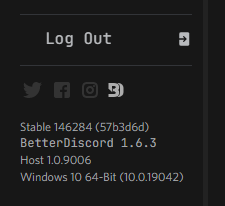
Windows 10
My Question or Issue
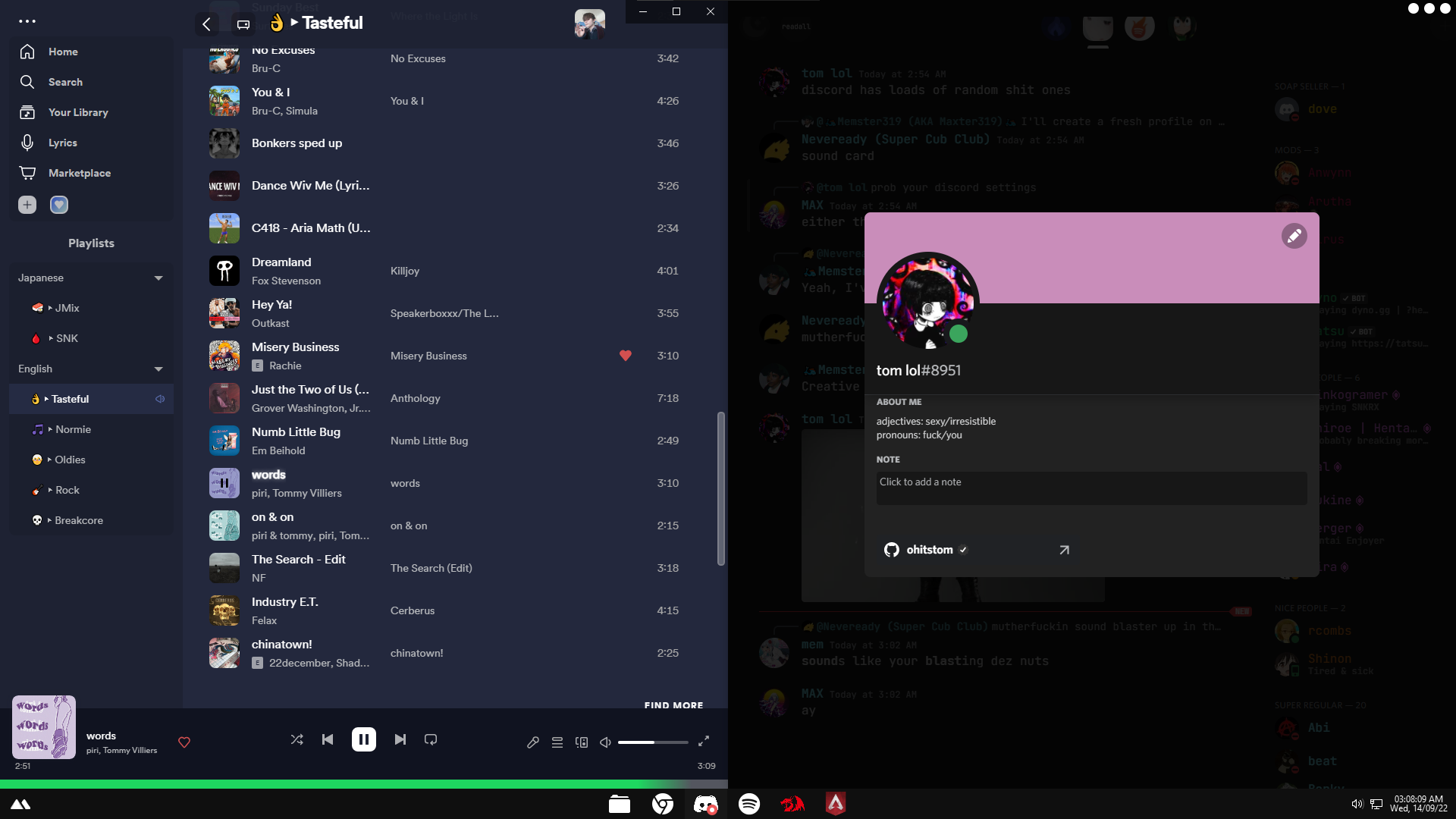
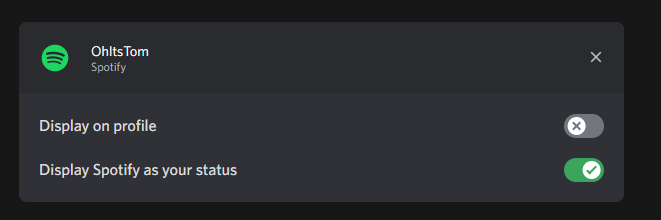
Since updating to 94 my status is no longer showed on discord.
Accepted answers
All comments

Hey folks,
Thank you for reaching out to the Community.
Just to be on the same page, have you tried any troubleshooting steps? In case you don't, we'd recommend reconnecting the accounts following the steps in this article.
After reconnecting the accounts, Spotify needs to be under "Added games" in your Discord to properly show the activity. If it is not there, you'll need to add it.
First, click on the Discord settings and go to ACTIVITY SETTINGS > Activity Status. Make sure that the option "Display current activity as a status message" is active and add the Spotify app to your ADDED GAMES with the option Add it!. This should do the trick.
If the issue persists, could you let us know if it started after an update of either of the apps or your OS?
Hope it helps. We'll be on the lookout for your next response.
https://community.spotify.com/t5/Desktop-Windows/Spotify-Connect-not-working/td-p/5429730