Shared Playlist not working

Plan
Premium Family
Country
DE
Device
iPhone
Operating System
iOS 14.6
My Question or Issue
I have created a new Kids Account and now want to add a shared playlist but none of my playlists are showing. I am plan owner and created 4 shared playlists according to Spotifys Guideline. But still ob Spotify Kids App it says there are no playlists there. 😞
Accepted answers
All comments

Here is the list I created on my Spotify accout and share through Spotify Kids.
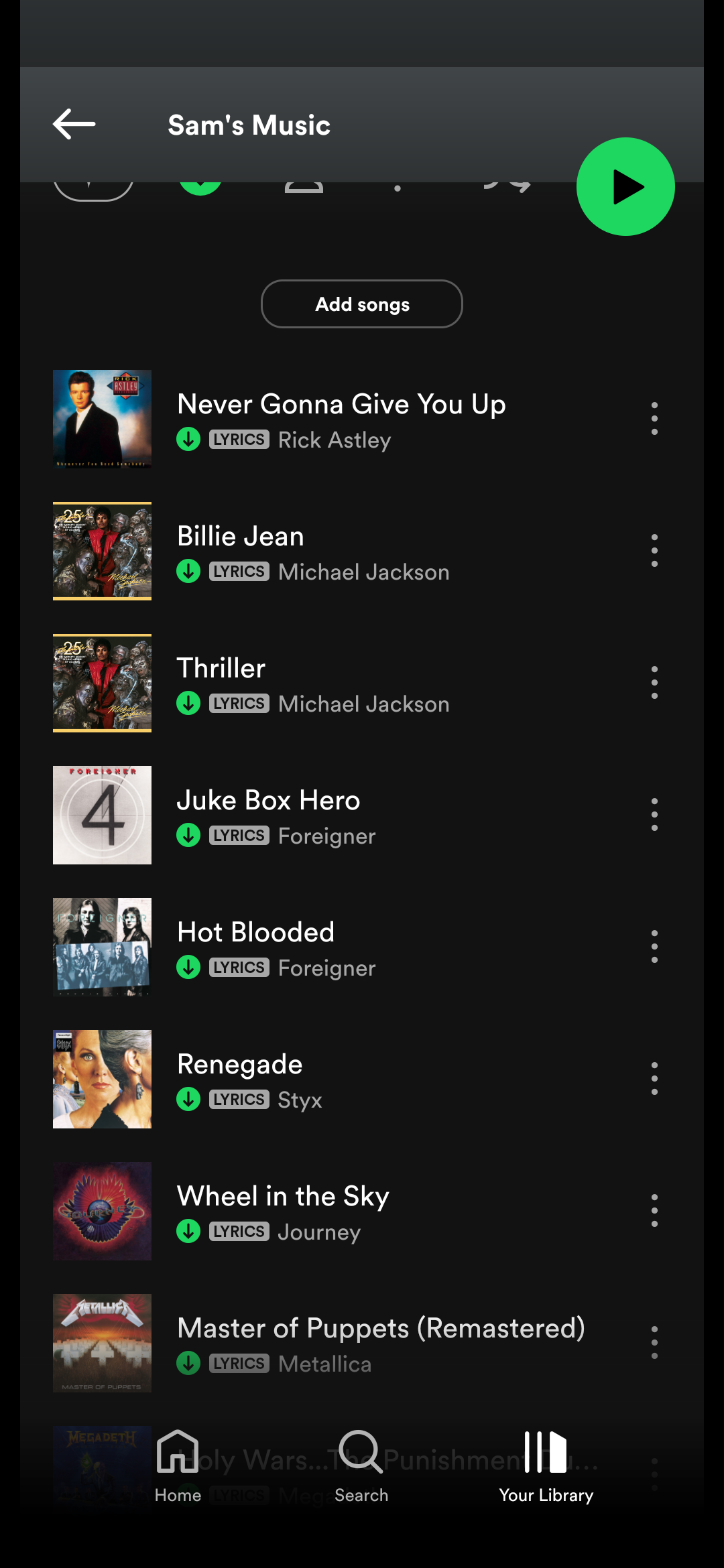
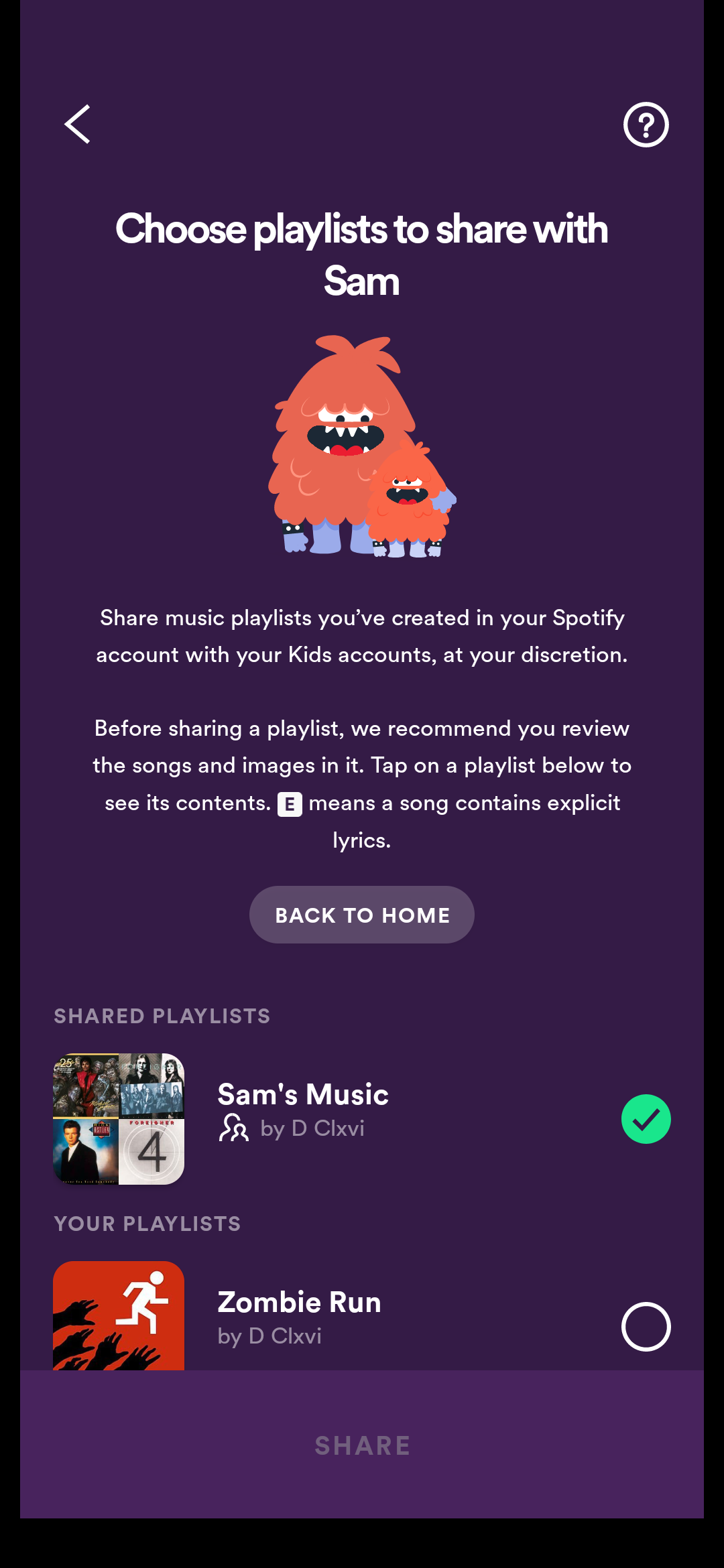
I don't find "share with me" anywhere on his screen.
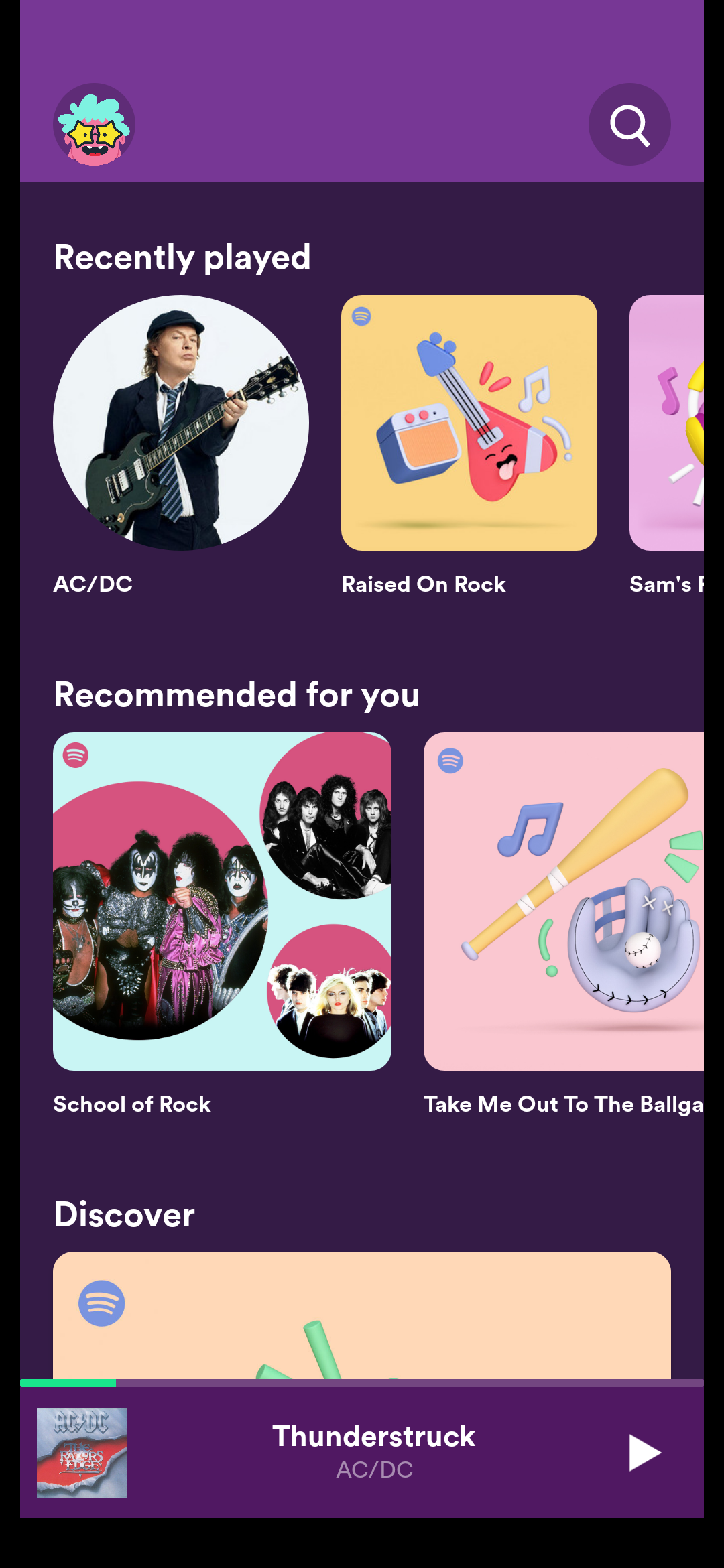
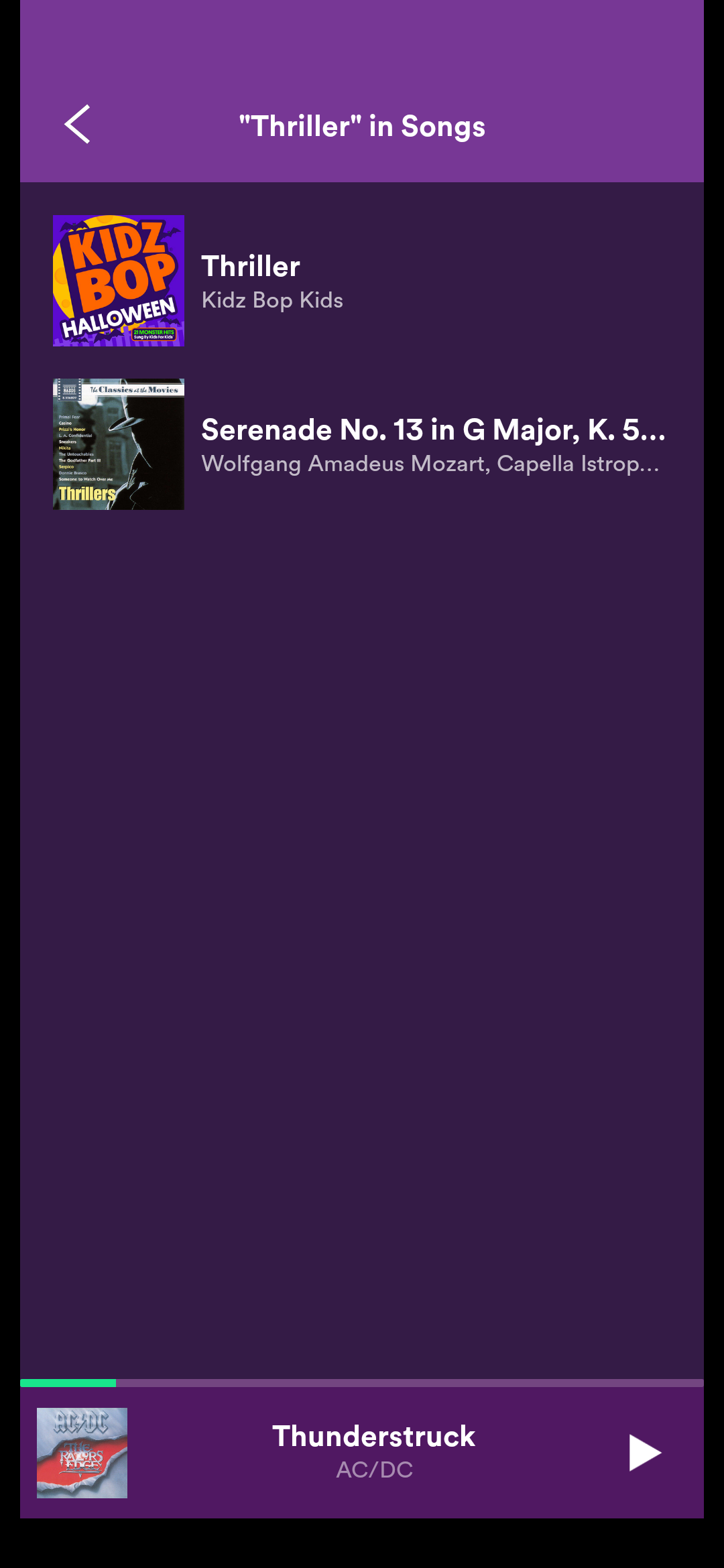
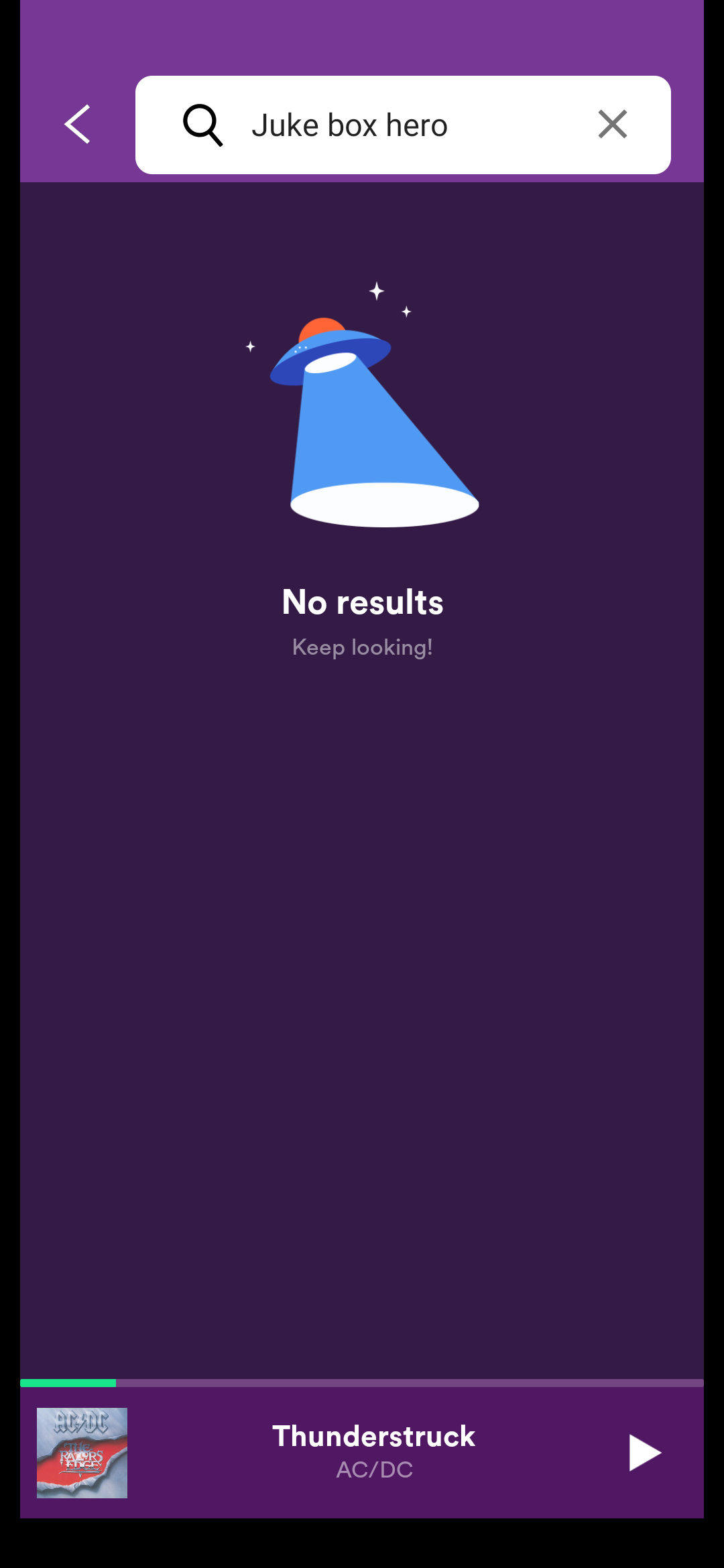
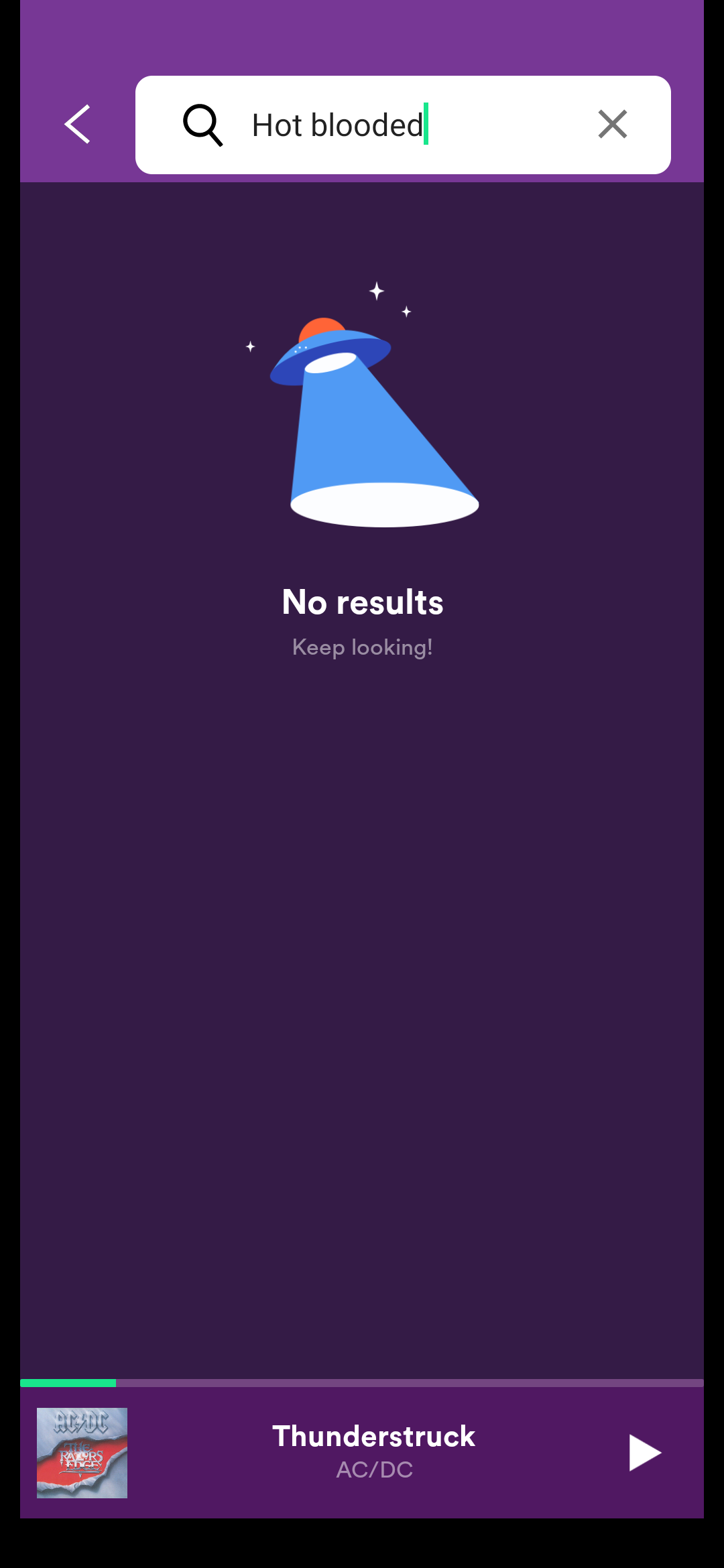
Searching for specific song on the playlist returns nothing

Howdy everyone,
Thanks for the inputs so far.
Could you check if the playlists you're sharing with your children are set to private? If so, set them to public and try sharing them again to see if that does the trick.
You can set the playlist to public by tapping on the three-dots menu > Make public.
Let us know how it goes. Cheers!

I’m having the same issue as everyone else is.
able to create a playlist and share it, but there is no shared playlist section on the kids app.
I haven’t tried making the playlist public because that defeats the purpose of it being parent approved when anyone is able to find and add to the playlist without any parental control.
Correction: I went ahead and tested it by making the playlist public, which allowed it to show up in the kids app.
HOWEVER, this requirement opens up this playlist to be added to by anyone that finds it which defeats the purpose of it being parent controlled and approved. So that’s a major safety issue and feature flaw that this app is intended to protect.

Hi there @AllyK10,
Thanks for the post.
I thought I'd jump in here to clear things up 🙂
If a playlist is Public, nobody else but you can add/ remove songs from it. They playlist won't even be visible on your Spotify profile if you haven't clicked 'Add to Profile'.
Only If you make a playlist Collaborative, other users which you send an invitation to can add/ remove songs from the playlist.
You can read more about playlist privacy here. On Collaborative playlists - here.
Hope this info helps.
That did it. I thought it had to be private. We may need to update that.

Correction: I just read the post from @Yordan on 2022-09-02 explaining that the playlist needs to be public. That fixed the problem for me -- thank you. But I'll just add, it would be nice to be able to share playlists with family members without having to make them public.
I just upgraded to a Premium Family plan and am having this problem too.
I successfully created a Kids account under my family plan, and successfully shared a few of my private playlists with the Kids account. However, one playlist would not show up. I see it selected in the Kids app when I go to "For grown-ups" (enter PIN) → my child's account → "Shared Playlists". But when I'm just on the home screen for the kid's account, it doesn't show up in the "Shared with you" section, or anywhere else. This consistently happens for one particular playlist, and it happened for a second playlist that I just created.
I uninstalled and reinstalled the Spotify Kids app, and am still having this problem. Again, this works fine for some playlists. The playlists that don't work have a few songs in them, none of them "explicit", and no podcasts. The playlists that worked and the ones that don't were all private.
The only reason I'm trying to share playlists is because I wasn't able to find the songs I wanted when searching from the Kid's account -- and these are 100% kid-friendly songs. If I can't figure out an easy way to access those songs on a Kid's account, I'm probably going to cancel the family plan.

Hi there, we recently set up a Spotify Family plan and installed Spotify Kids onto our children's iPads. I've created an account for them, then accessed the grown ups area, but when I click on 'Family Playlists' it is blank. None of the playlists on my parent's account are available. I've created new playlists, set them to public and private to test. All software is up to date. Can anyone help?
Hi there @nickhnz,
Thanks for the post.
Can you please let us know if you're running a Premium Family subscription and that you've made sure that your child's Kids account is set as part of your Family account?
Cheeers.
Hi. Thanks for getting back to me. Yes, as I mentioned in my post we just set up a new Spotify family plan and added the kids under that plan following all the instructions correctly. I’ve tried all the suggestions from every post in this thread already too. They’re new iPads on the latest OS, clean install of the Spotify kids app, we’ve tried both public and private playlists, and playlists that do and don’t have collaborators. We literally see nothing on this page in settings, as you can see in the screenshot. It appears pretty strongly to be a bug with either the Premium Family offering or the iOS app.

I am having the exact same issue as nickhnz, only just upgraded to family plan this morning but getting blank screen when I try to share playlists

Hey folks,
Thanks for your replies.
Can you please make sure you've added the playlists to your profile from within the regular Spotify app? Just click on the 3-dot menu and choose "Add to profile".
Let us know how it goes.
Hi, tried that already but still only getting a blank screen.
Even if there were no playlists to be seen, I don’t expect a completely blank screen, there should at least be some writing at the top?

I have the same "blank screen" problem here.
I've just:
* Created a new playlist containing the songs I want to share
* Ensured it is public (!)
* Added it to my profile (!!)
* Unfollowed every artist and album, so all that's left are 26 small playlists (I've just tried setting them ALL to public in case that made a difference)
* Deleted and re-installed the app (iOS) and logged in again
* Installed the Kids app on another iPad, and an Android device
* Tried using a new profile in the kids app, just in case it was something related to an old playlist shared with the existing account
Once I set some of my playlists to public I was finally able to see the "Shared with you" section in the "Your Stuff" section of the Kids app, but if I tap it, nothing appears (there's just the "shared with you" title at the top).
If I use the "grown ups" section and go to the Shared playlists option, on both iOS devices I get a completely blank screen, and on Android I get an icon of a bandaid and the text "Oops! Something went wrong."
Yea I’ve tried this and all the other steps outlined by others in this thread who are also experiencing the blank screen under shared family playlists in the Spotify Kids app
Hi everyone,
in order to investigate this further and see why you're getting a blank screen, can you please share the following info with us:
- Your device model, OS version and Spotify app version.
- Your child's device model, OS version and Spotify app version.
- A screenshot of how things look on your end when you try to share a playlist. Make sure the playlist is set to Public, and Add to Profile.
- A screenshot of how things look on the Kids app.
- If you can, it would be very helpful to see a short video recording showing when the blank screen comes up. You can either attach it to your reply here, or add it as a link to YouTube.
Looking forward to your replies.
- I use a variety of devices for Spotify including iOS (8.7.84.360 on iPad Air 5th Gen) and Windows (1.1.98.691.gf759311c on Windows 11)
- Spotify Kids version is 1.32.0.55 (iOS on the iPad Air and on iPad 7th Gen), 1.35.0.2 (Android)
- Shared Spotify playlist appears as a Public Playlist, and is visible on my Profile
- Recording of the Kids app is attached, though it's as described in this thread. The "Shared with you" list of songs is blank, and the "Shared playlists" button takes me to a completely blank screen.
Hi
i provided this info to customer service yesterday and they are looking into it, although I am not confident they will find a solution.
I have a Spotify version 8.7.86.510 and kids 1.32.0.55.
I wonder if it’s the version of kids spotify that is causing this error?

Hey folks,
Thanks for your replies and for the info shared.
@unreliable, thanks for all the info you kindly shared with us.
@Blahblahblah39, we understand you already sent this info to our Customer support team, but, in order for us to investigate further and have better visibility, would you mind sending us the details @Alex mentioned above? Additionally, send us the exact troubleshooting steps you've already tried.
Keep us in the loop!
Hi Aleja, thanks for following up on this thread. I feel like we've all provided a lot of detailed steps and multiple members of the community are experiencing the same issue. Could you please provide us some information from the Spotify team about what investigations are underway to replicate the issue and identify a fix? Rather than another few days back and forth, it would take about 5 minutes for one of the Spotify team to recreate the issue, identify the bug, then resolve it.
Thanks, Nick
Hi Aleja
I don’t see a point in providing that info again because it is exactly as @unreliable has provided. I think spotify just needs to take note that it’s not just happening with one user but multiple users. Prove me wrong here, but I think this issue is just being ignored and they are stalling by asking every user to provide the same information in the hopes that it’s too much work.
I’ve given up hope in this being rectified and I ended up creating actual accounts for my kids even though they are not yet at the minimum age as I had no choice.
Hi folks!
This should now be fixed for everyone - just make sure you're running the latest version of Spotify. Could you confirm if everything looks good on your end?
Keep us posted. Cheers!
Thanks, this seems to be fixed now 👍

I had the same problem - fixed once I made the shared playlists 'Public'.

Has there been an update on this yet? The podcast my son likes (Mrs. Honeybee) doesn't come up when I search on the kids app, so I made a playlist for him and now can't get it to open. I'm going to cancel the family plan if I can't use the kids app for anything...

Hey @Lindsay87,
Welcome to the Community and thank you for joining the conversation.
The issue mentioned in this thread was already fixed and confirmed by some of the users as well. But keep in mind that podcast episodes cannot be heard on the Kids app as mentioned in our support site.
However, the app should open the playlist you've shared with your son. Since it was recently fixed, it's possible that the device still has some stored cache from the previous version affecting the proper behavior of the app. In this case, we'd recommend performing a clean reinstall of the app in both devices by following the steps in this article.
If the issue persists, include in your next response the make, model and OS version of your device, along with the Spotify version you're currently running to continue investigating the case.
We'll be on the lookout.


Hello everyone,
is it the supposed behaviour that one can only share public playlists with the kids? As soon as i switch the shared playlist to private, it's not listed in the kids app anymore.
I don't want the our shared kids list to be findable for everyone.
Thank you for your help.
Hey @takamat,
Thanks for reaching out.
Public playlists are only visible to other users through a direct link you've shared or if you've added them to your profile. If you haven't done this, you don't need to worry about anyone else accessing them.
We hope this helps.
Hey MihailY,
great, thank you for the clarifications. I didn't know that public is only "real public"when added the profile.
Thank you very much for your help
iPhone 13, software 15.6.1
Spotify Kids version 1.31.0.37
(can't post screenshot but) only shows Recently Played on top, then underneath is Discover section. No Shared With You visible anywhere
I've tried signing out, signing in, closing app, reinstalling, sharing & unsharing playlists. Nothing...