How to fix Spotify when it keeps saying 'error-dialog.generic.body'?

Spotify app
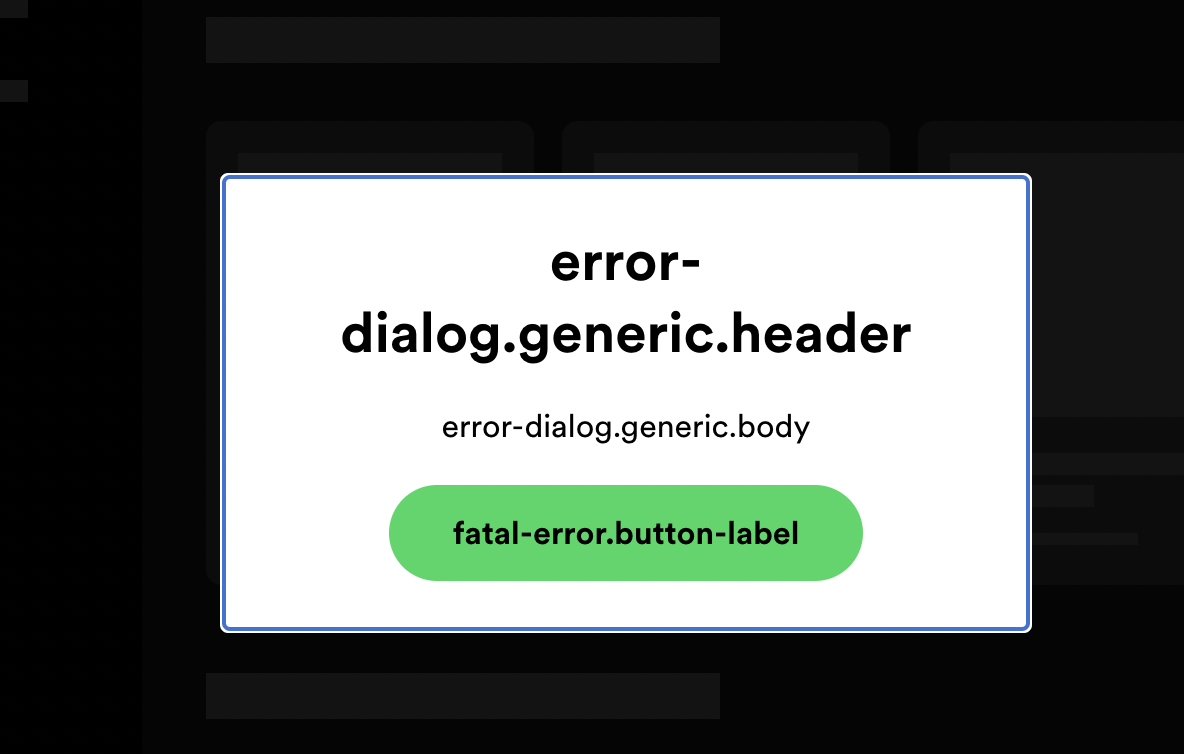
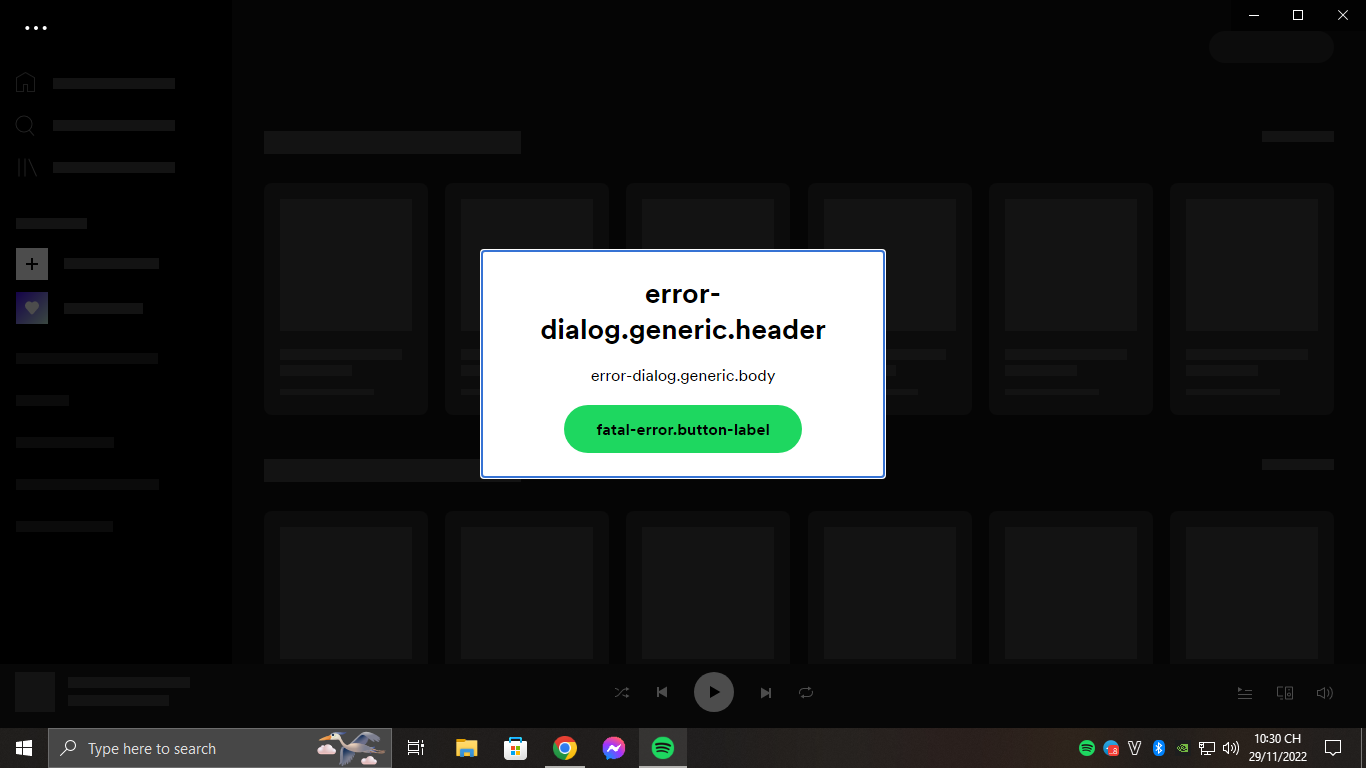
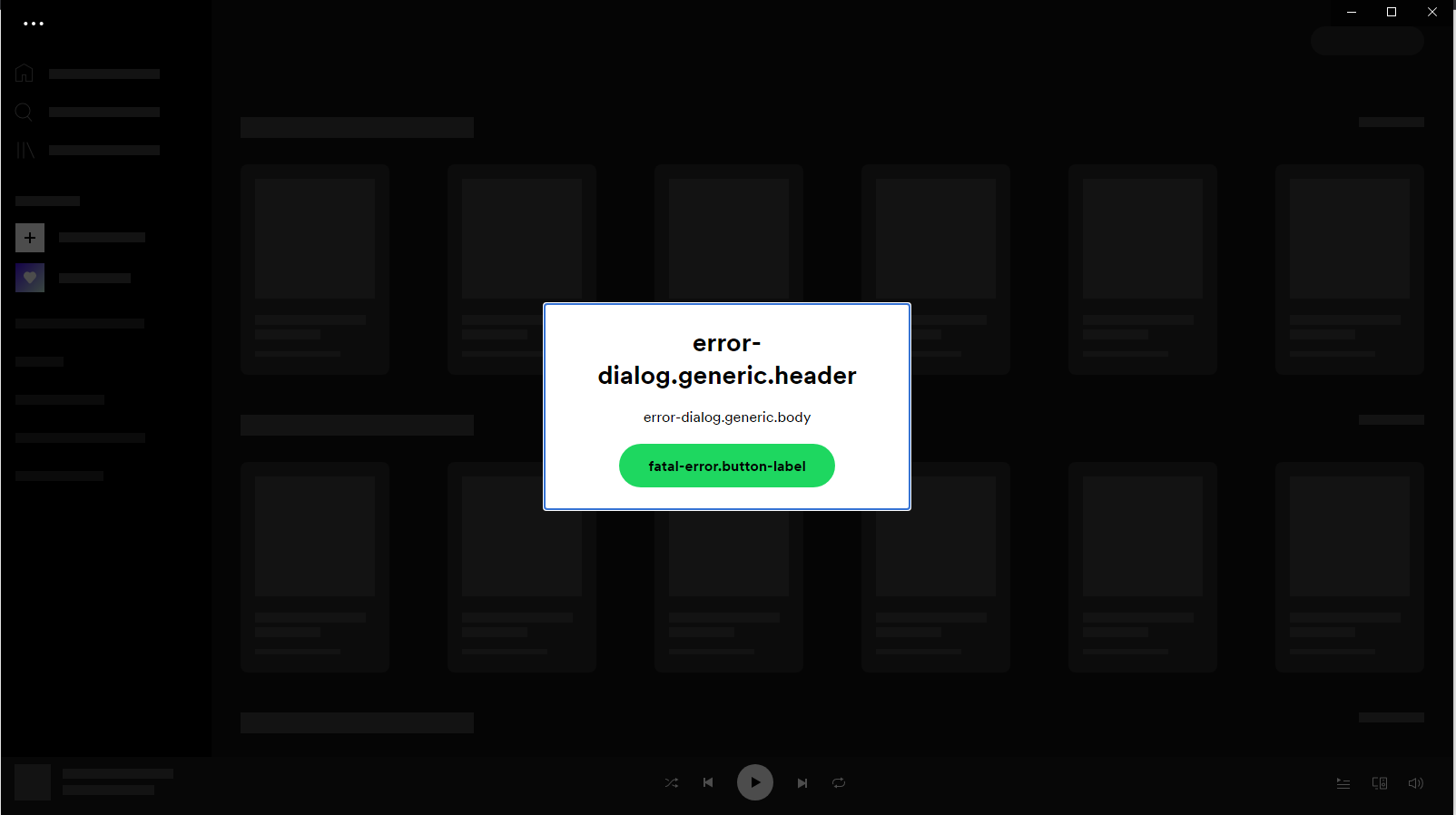
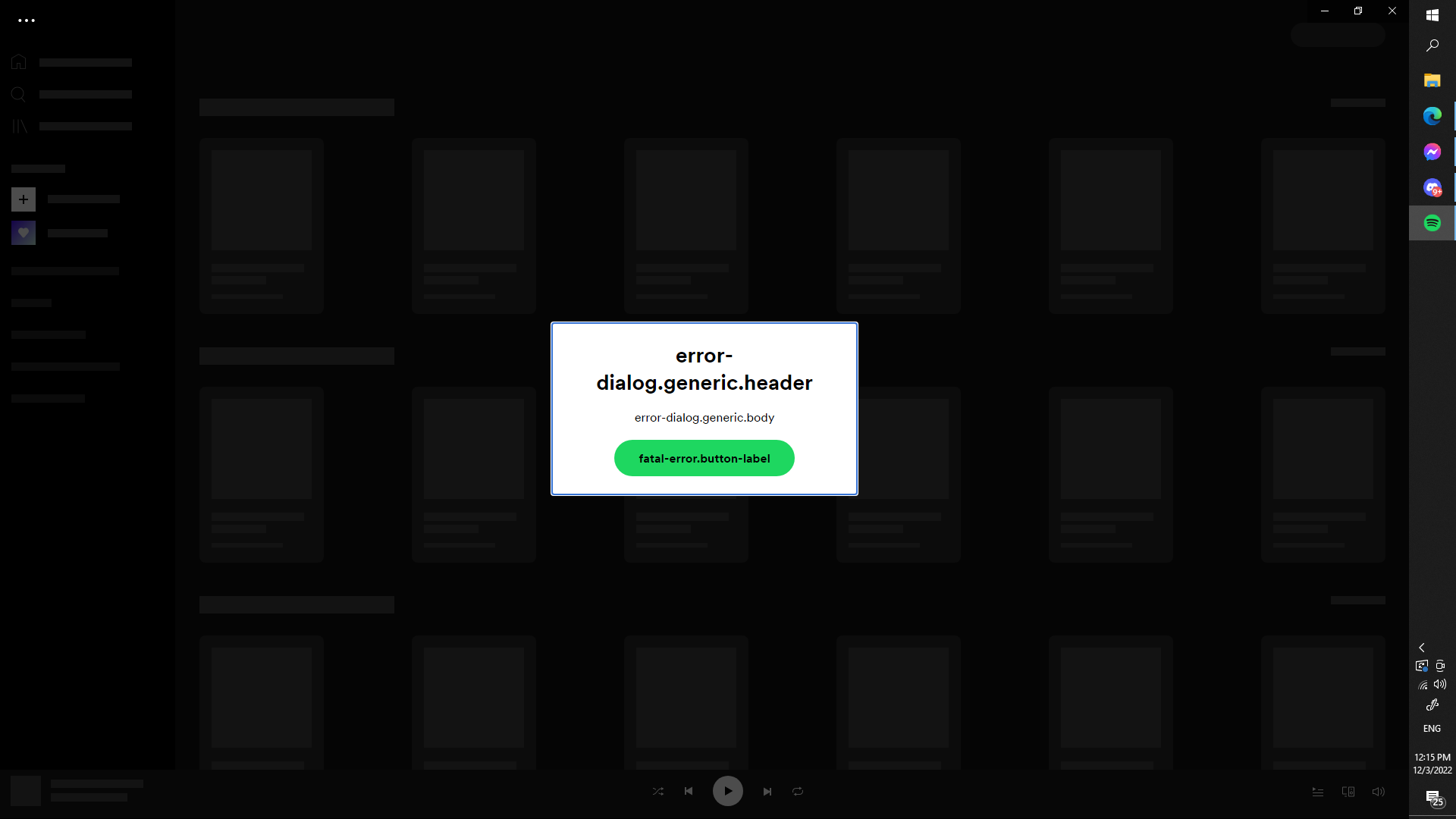
Basically, after I download Spotify and log in, it will say 'error-dialog.generic.header', with 'error-dialog.generic.body' under it. There is also a green box saying 'fatal-error.generic-label' which I can click, but when I do click it, it just comes back to the same exact screen.
Accepted answers
All comments

same problem i have as i redownloaded spotify as of 25th November 2022.

Getting the same error.

Same here it was working a while ago I keep reinstalling and installing but to no avail. The desktop version works just fine for now but I much prefer the inhouse app.

Same problem here. The desktop app used to say that it had failed to connect. I reinstalled and now it gives this message:
error-dialog.generic.header
error-dialog.generic.body
OS: Windows10 - 22H2

Same here, so how do we fix it? What, do Spotify?!

I got the same error and behavior as previous people in this post. I tried to exit the Windows 10 Spotify app, disconnect my VPN, and then start the Spotify app again. It worked. So my conclusion is that Spotify has started to block us VPN users and that it's time to find a competitor to Spotify or go back to file sharing mp3 files again because blocking us VPN users is unacceptable behavior.

Same here. App is unusable

Just reset the app if you have windows 11
Go to app & settings -> Search "Spotify" -> Repair Option
OR
app & settings -> Search "Spotify" -> RESET -> Login Again

same problem

Hi all, had the same issue. Solved it by clicking on the three dots at the top left of the spotify app on Windows, click 'File', and make sure Spotify is on 'Online Mode' as opposed to 'Offline mode'. That did the trick for me. Switched it off a few days ago because I had bad wifi connection and didn't want Spotify to drain it whilst playing downloaded playlist. Good luck!

worked for me, thank you!

Thanks, it worked for me too.

same, this's bullshjt app😃

Same error here.

I'm getting the same error, and I am NOT on a VPN, and I AM in online mode...

For me this was related to a local WiFi network i was connect to redirecting http traffic to some login page, i turned on a VPN to ensure traffic was not redirected and spotifuggle started working again
Check out julbod6042 Answer

it worked. thank you so much.

I had this same issue on 3 separate devices! On 11/24, I was automatically logged out of my account on an HP desktop running Windows 10, a MacBook Air running Monterey 12.6.1, and an updated iPhone 11. No matter what I tried, I couldn't log back in. I clicked on the three dots, then File, but there was no online/offline option for me to select.
My original method of logging in was to click "Login with Facebook." That didn't work on any device. When I tried to reset my password on Spotify's website, I saw a message that indicated that they sent an email with a link to reset the password. The email never arrived; I tried it multiple times and checked every inbox folder, including spam.
I used a simple workaround. On my phone, I never saw the error message (only on my desktop and laptop), so I used my phone to create a new account with my Apple ID instead of Facebook. That worked well enough to get me back into Spotify on each device. Then, to recover my playlists, I searched for my previous username. Since I had been sharing my playlists before, I was able to see all of them. I opened each playlist one at a time and clicked on the heart, which added it to the library in my new account. Now, I have all of the exact same playlists and don't have to recreate each of them.
I am wondering, though, if I will lose these playlists when my old account is inactive for too long...

does anybody know to how to get rid of this

It still won't work for me, i can't even use the web browser spotify.

Same issue here. I bet this is the new "something went wrong error" 😄
Welcome to today's episode of "I pay 10 €/month to be a beta tester of a crappy piece of software that basically should just do what Windows Media Player did 25 years ago"
julbod6042's solution didn't work for me... any more advice? Or any Spotify developer that is gracious enough to release us all from our daily pain?

In my mac I just disabled the option (Hardware acceleration) and it worked. Just clicked on the menu Spotify > Hardware acceleration. Hope it works.

This did not work for me. Any other suggestions?
I use Norton VPN to ensure I have a secure connection. I turned that off and "voila", now Spotify app works just fine. I would like feedback from Spotify as to why they are doing this???

turned off my VPN and it fixed the issue

I have the same problem but on my 2021 MacBook Pro 14 inch

Still broken Dec 2nd, 2022


still die today 😄
I'm getting this same issue as well.
Win10 desktop app, version 1.199.878.0, as of Nov 24, 2022.