Songs ending early when cast to TV

Devices:
Iphone 13 pro max
LG TV
My Question or Issue
When using the spotify LG TV app accessing our spotify account off a IPhone 13 Promax the last 5-10 seconds of the playing song is cut off and the next song begins. It happens regardless of the playlist or song, and happens for every song. The problem does not persist using the iphone Bluetoothed, cast, or through the phone itself, only in combination with the TV. Using a Samsung S21 linked to the TV there is no problem. We have already tried to remedy the problem by adjusting "gapless" "crossfade" and "automix" audio options.
Accepted answers
All comments

I just get more troubleshooting suggestions. I don't think anyone at the company is going to admit there's an issue with their product.

The odd thing, I am able to replicate the issue time after time quite easily.
It seems to be timing issue with playing the music files. I can not believe I am able to figure that out and all we got here were "troubleshooting issues" that all assume the end user does not know what they are doing or has some minor issue.
When my songs near the end, EVERY TIME, it ends early or "Wraps" into the Beginning of the next song.
Songs played from the beginning do not start right AT the beginning but instead usually 5-10 seconds into the song according to the Counter Bar that shows song progress and overall length of song.
I feel like we are trying to help them, but now where are they?

Plan
Free/Premium
Country
UK
Device
LG TV
Operating System
My Question or Issue
The music playing on a selected track is often clipped for the final seconds of play.


Olá amigos!
Estava com o mesmo problema que vocês. Tenho uma TV LG e as músicas nunca tocavam até o final, sempre pulava para outra.
A forma que encontrei para resolver meu problema foi ativando o IPV6.
Navegue em:
Configurações > Rede > Conectado por fio (ou wi-fi) > IPV6 > Ligado
Fui mexendo até encontrar esta solução e resolveu. Espero que ajude a vocês também.

I have similar issues on Roku. Sometimes it'll just not let me choose a podcast or track, even outside of queue-ing, I'll push play (after having the queue skip over it and play something random) and it'll just play a few seconds without sound and skip on to whatever it decides to play next.

This is happening to me with my LG speaker. It's very annoying. Is there no fix for this yet?

Looking forward to a solution soon. My main Spotify use is on my HK Soundbar with build in Chromecast and it is now many months that songs are skipped before the end.
Very annoying and considering an alternative streaming provider by now.
Hope there will be solution soon now that is finally taken seriously by devs.

Hey there,
same issue with my Teufel sound system combinded with all Andriod phones and tablets we have in use...
It's driving us crazy. Especially the kids when the listen to radio plays...
Spotify is not serious about getting this issue fixed. So I'm trying to get used to Apple Music. It isn't as fun or nice, but at least each song plays until it's over.

Hi guys,
I have not noticed the issue since few days ago. Althought I am not using much these days.
Hope the same have happend to you all.
Regards

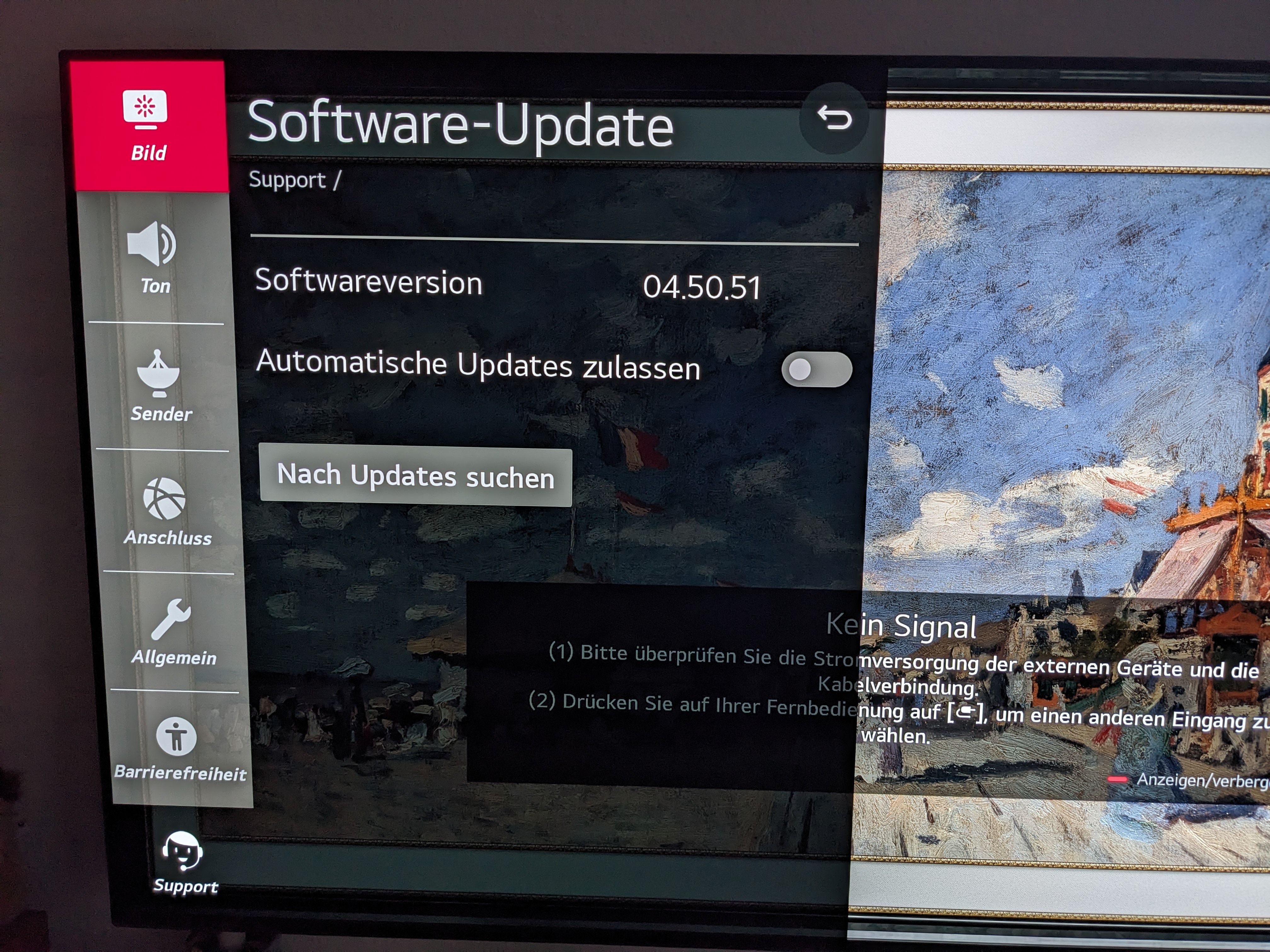
The same here too. Looks like it's working now. Meanwhile there was another FW update for the LG:
Maybe I'm crazy, but I feel like this is only happening now with the last song on an album. That's what it's been for the past few days. I guess I'll take it!

Totally agree. Same issue here with LG smart speaker. It's almost 6 months...

Okay now it seems it is working for me. Thank you for fixing the issue!

Hey folks,
Thanks for your patience while we looked into this.
We're happy to say that this issue should be fixed for everyone. We'd recommend updating your app so that you don't miss out on any fix.
If anything else comes up, the Community will be here.
Cheers!
Is there an update to this post from 8 days ago!? This whole fault was reported a month ago!