Android widget not working on 3rd party launchers

Plan
Premium
Country
Ireland
Device
Samsung Galaxy A53
Operating System
Android 5.1
My Question or Issue
The new 4*2 widget with album suggestions isn't showing any album art. Was ok up until yesterday.
Accepted answers
All comments
I think the problem is with Nova Launcher. Tried it on the built in Home UI
and it's fine.

Hey @barbedwirerainbow,
Thank you for keeping in contact.
We're glad to know that everything is working fine with the built-in home UI. We appreciate the time you took following the process and sharing what works for you. Hopefully, this tip will help other users too.
In case you need anything else, remember that we're just a post away.
Cheers!

The reason it's not working on third party launchers is because the app is blocking it from doing so. Please pass this on to the app development team, they'll understand:
The app is checking that the launcher has the android.permission.BIND_APPWIDGET permission. This is not a permission third party launchers can obtain, it is only granted to system apps, and built-in launchers generally use it to bypass the need to show the usual "Allow x to add widgets" dialog that third party launchers have to.
There is no way to verify calls to your Content Provider come from the widget. Please remove this permission check.
Thank you
Thanks Kieron, this is really helpful.
Hi Oscar,
I've been in touch with Nova and they have confirmed that Kieron's message below is correct and that the issue is with Spotify's widget rather than with the launcher.

Oscar - are we going to see a fix for this from Spotify? Seems like a clearly defined problem (thanks Kieron) that should be readily fixable. Surely Spotify isn't limiting itself to working only with stock launchers in Android?


Hey there @COBXO3,
Thanks for reaching out here in the Community.
We understand you've tried reinstalling, but just to confirm, have you gone through the steps of a clean reinstall? This is more thorough than a regular one and can be helpful to get rid of any cache that might be causing trouble.
If this doesn't do the trick, could you try removing the widget and re-adding it to see if that makes any difference?
We'll be on the lookout for your reply.
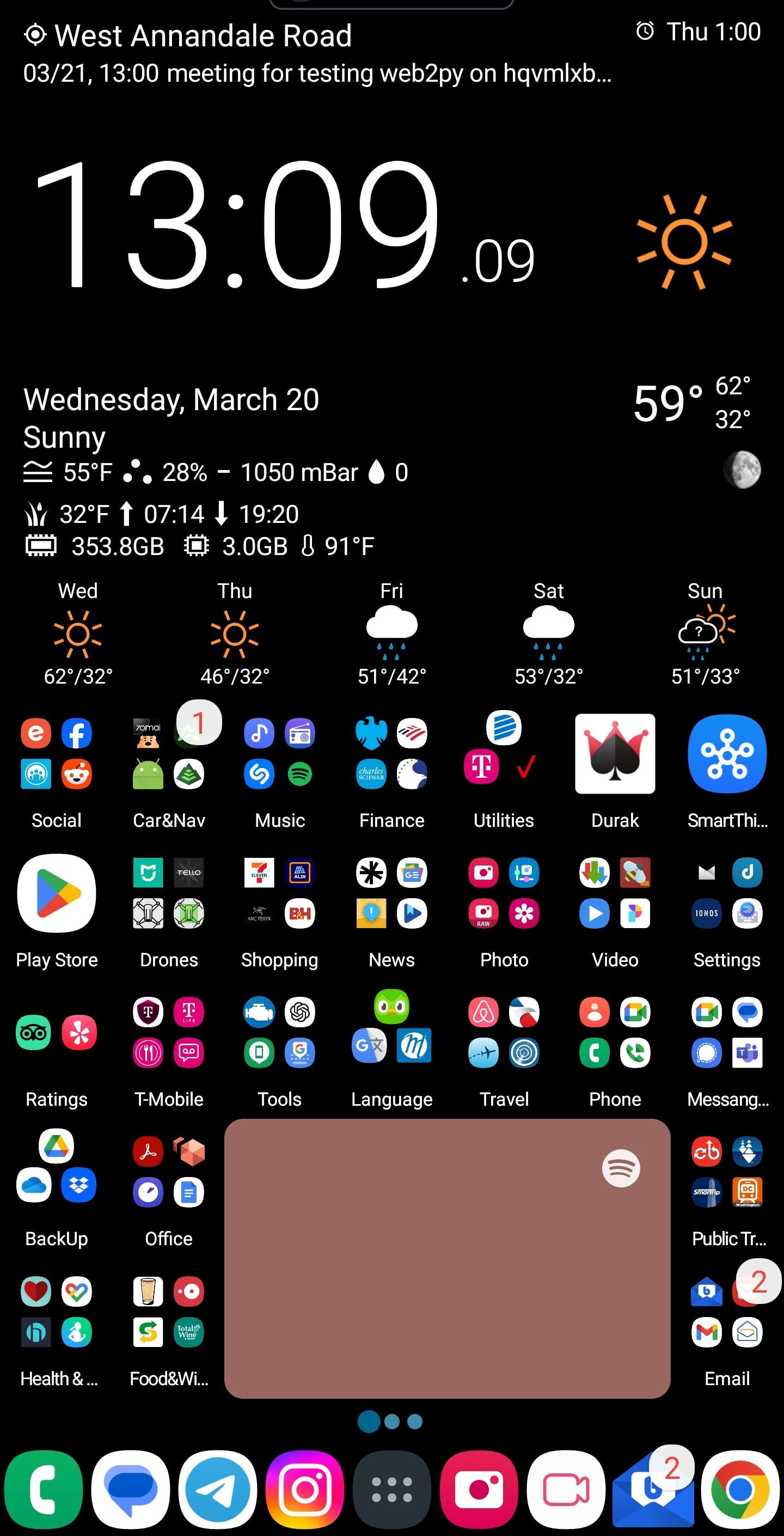
I tried all of this multiple times to no avail. 🤷🏼♂️
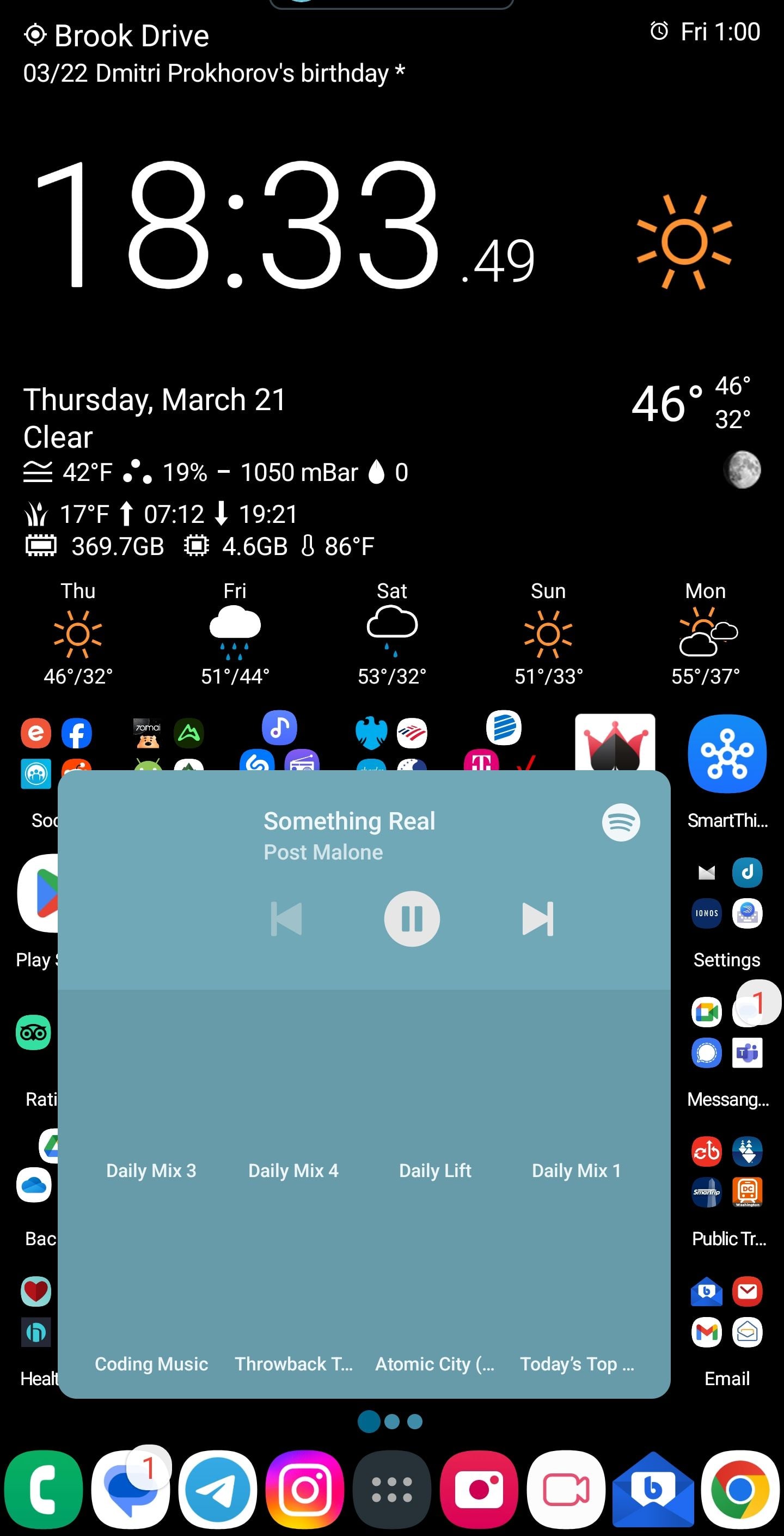
This is what it looks like after I stretch it.

Hey @COBXO3,
Thanks for the reply!
Could you double-check if you have any battery saving/battery optimization options switched on? You should be able to see this in the device settings.
It's also a good idea to check that Spotify has the permissions to run in the background. This can be checked in the device settings as well.
Should the widget still appear in the same way after checking, can you let us know what device and operating system version you're using, along with the Spotify version?
Keep us posted!
I checked the battery, no optimizations of any sort. All Spotify permissions are allowed.
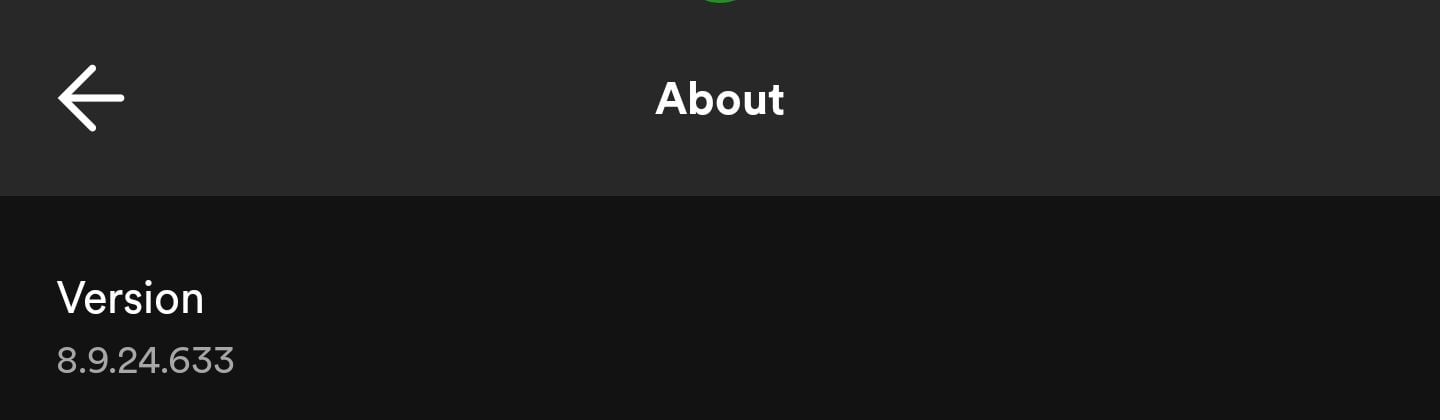
Spotify version is
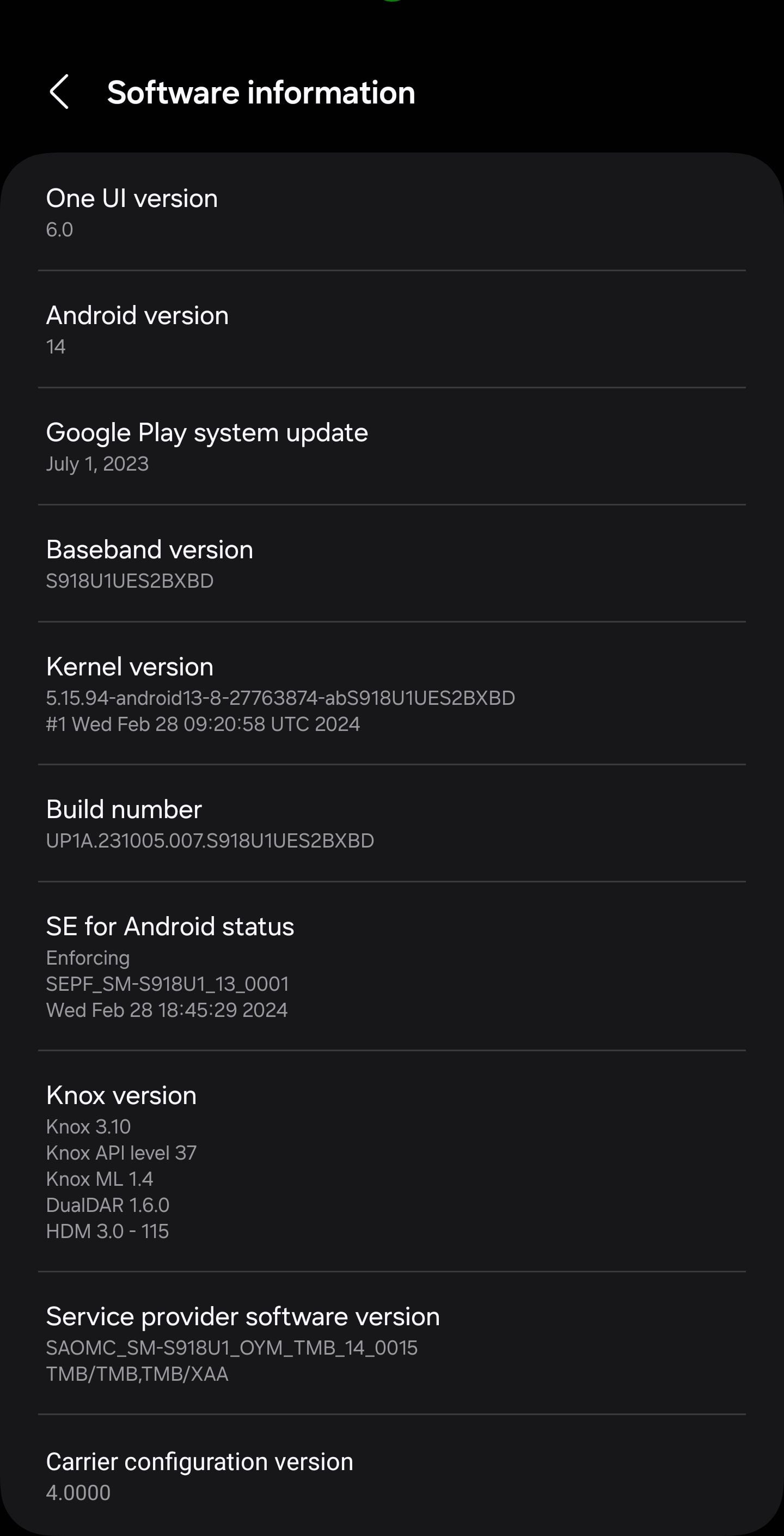
And my phone is on the latest Samsung March firmware running Android 14:

Hey @COBXO3,
Thanks for the quick response and for the screenshots.
As a last step to try we would ask if its possible for you to troubleshoot on a different device, that way we will best be able to narrow down the root cause of this issue.
We haven't received any other users informing us of this so we would need to be thorough in the investigation.
Let us know how it goes.
Cheers.
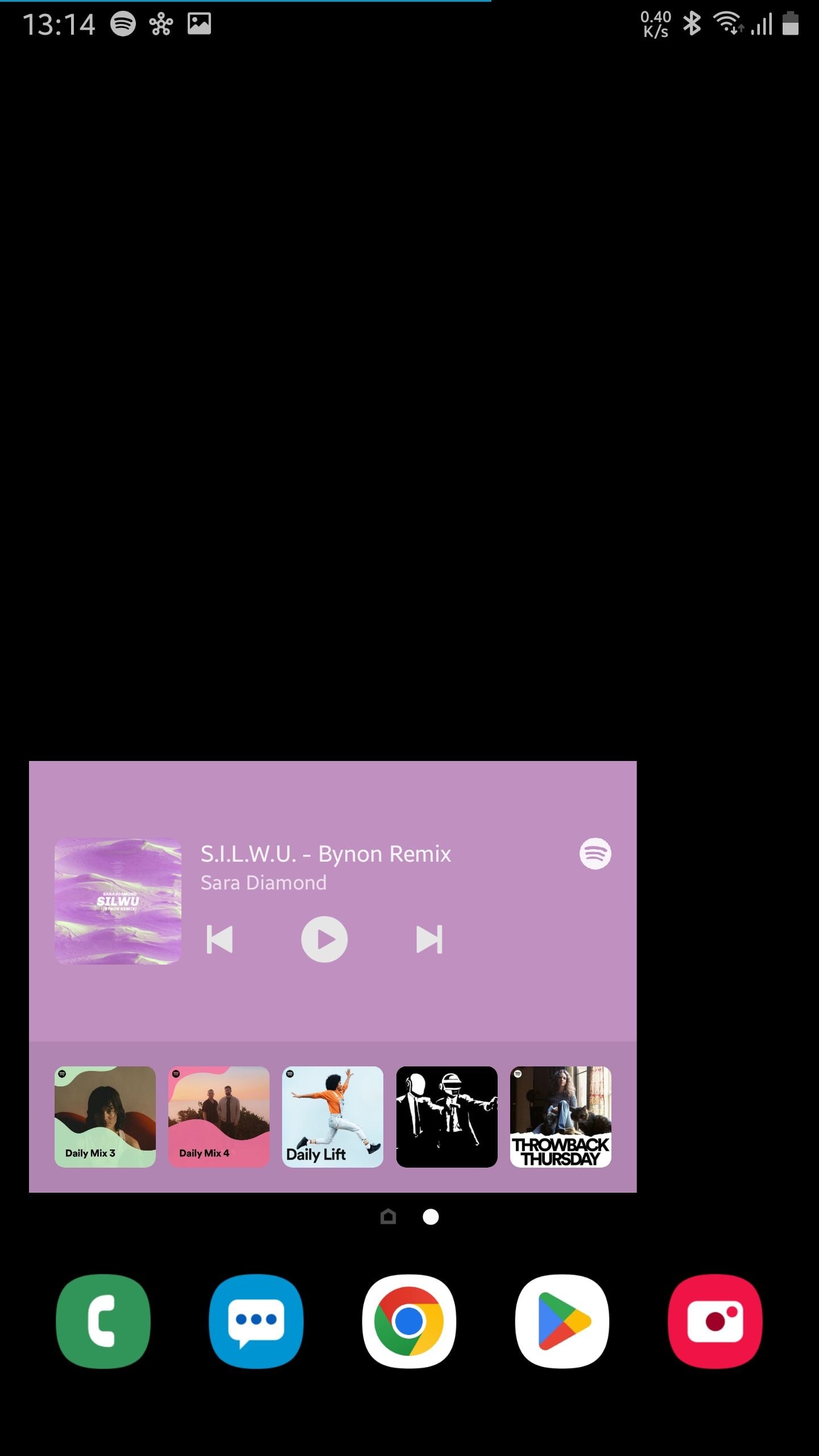
So, I dug up my ancient S7 Edge and was able to replicate the problem on it. It appears to be happening when using Nova launcher. Here's a screenshot of widget on stock launcher:
And here's it when Nova launcher is enabled:
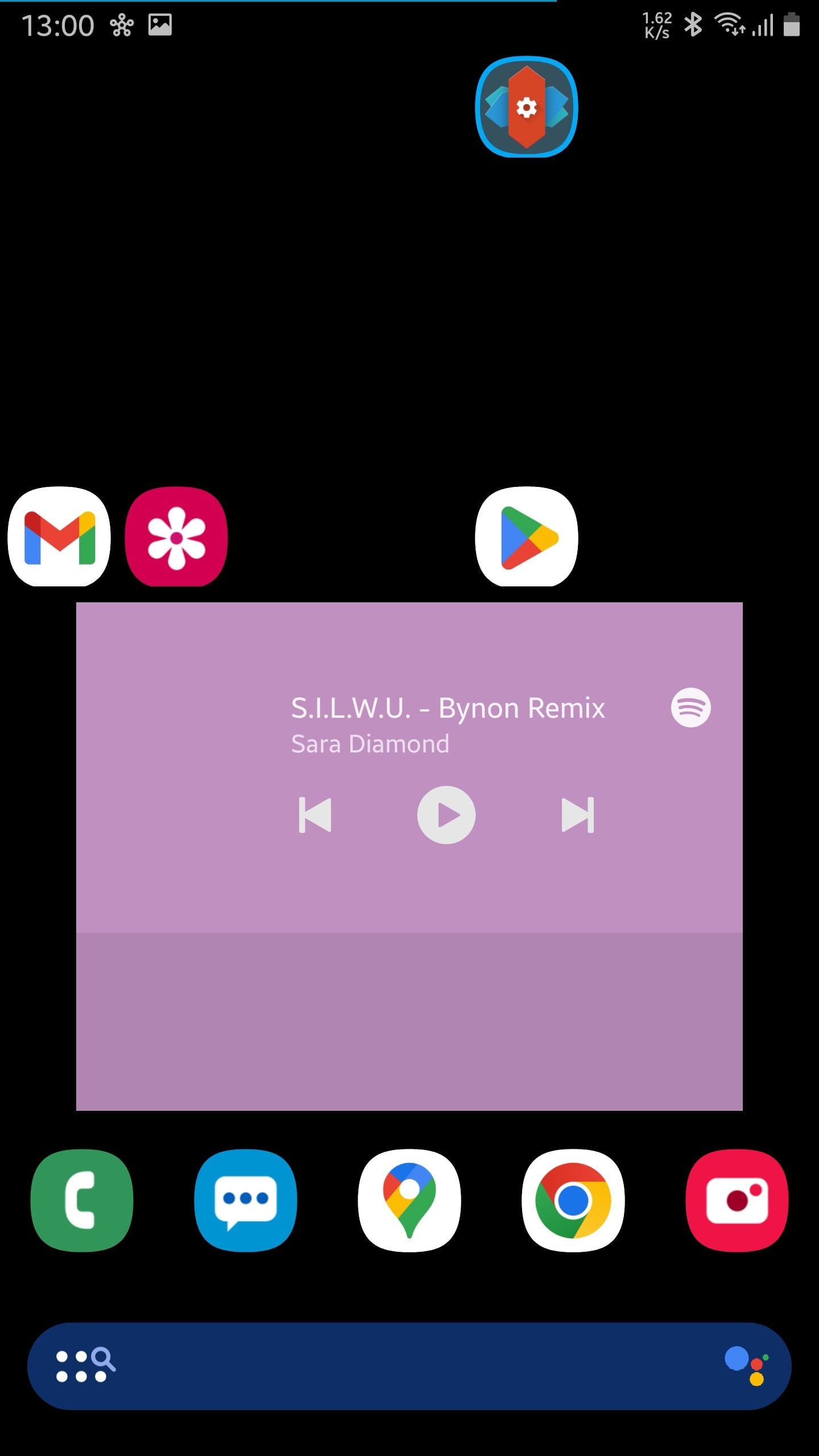
The thing is that I have been using Nova launcher for almost a decade with no issues whatsoever. I can't really roll back versions to see whether it was Spotify update that caused it or Nova's. Their updates are much less frequent than yours, btw.
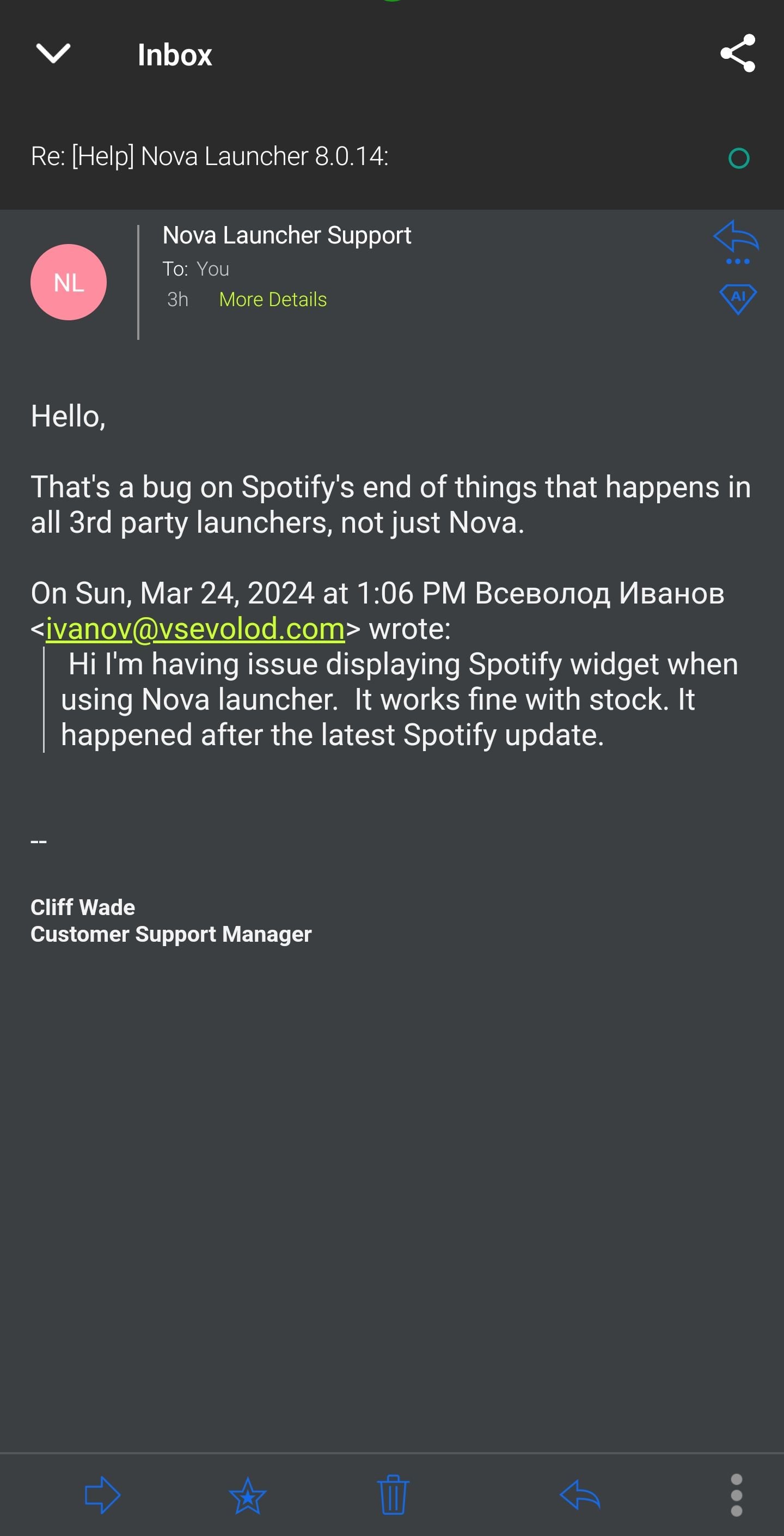
This is what Nova wrote about this issue:

Hey @COBXO3,
Thanks so much for getting to the bottom of the situation and for all the helpful info you've provided.
We’re taking a closer look at the situation, as we were able to reproduce the behavior from our side. We appreciate your feedback as it helps inform our decisions going forward, but just as a heads up, we’re not able to confirm when this specific issue will be resolved.
In the meantime, we recommend keeping your Spotify app up-to-date to guarantee you get the latest features and fixes.
If you need a hand with anything else, we're always a post away!

Google pixel 7, android 11
Spotify version 8.9.26.592
I just got off the chat with a spotify representative who told me they had no idea how to fix it and to put an idea here on the off chance someone decides to do something about it
Troubleshooting :
- i have removed and readded the widget
- i have restarted my phone
- I have checked for updates for both spotify and my phone (yes they are up to date)
- I have logged out and back in
- i have reinstalled spotify
I cannot get the widgets to work. They will show the song title, if that. Nothing else. The widget shows that it will display an album cover, skip and rewind buttons, and recently played playlists. The widget has never displayed any of that. Neither widget, actually because i tried both
after doing some googling on how to fix this it seems like the widgets on android (and ios too for that matter) might be in need of a little TLC, i have to dig to find stuff about my problem because there are so many other types of problems with them lol
Attachments:
One attachment is what spotify says the widget will look like, the other attachments are the only way ive been able to get the widgets to slightly work
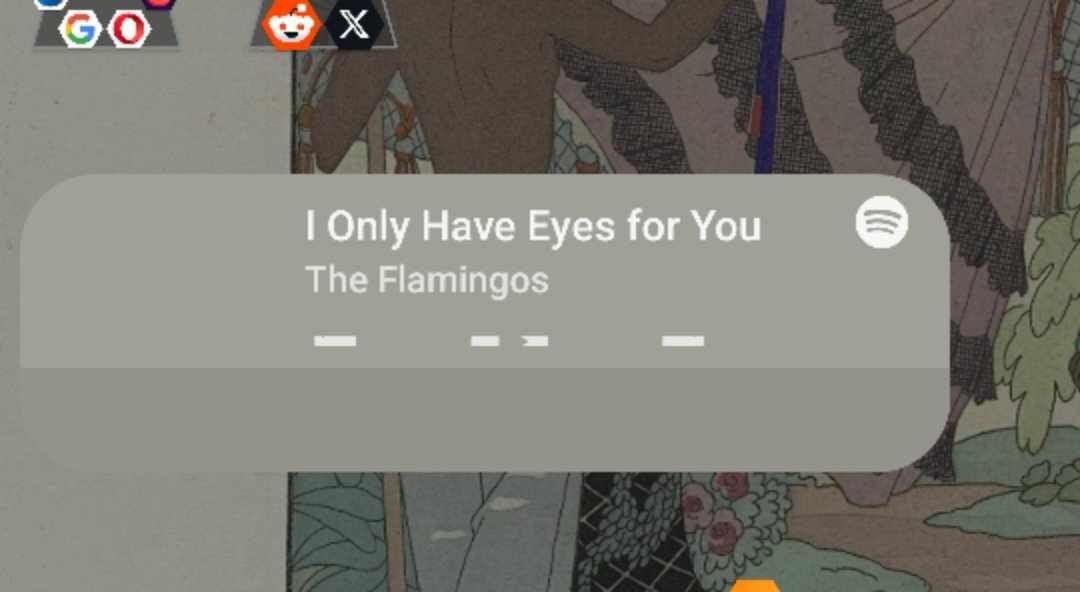
this isthe other image of broken widget

Plan
Premium
Country
Chile
Device
Samsung S23 Ultra with One UI 6.1
Operating System
Android 14
My Question or Issue
The widget is not working for me. I have a Samsung S23 Ultra with One UI 6.1 (the issue comes since One UI 6.0) and the Spotify version is 8.9.26.592.

Hey @hnavia and @conordcallaghan,
Welcome to the Community!
Could you let us know if you're using some sort of theme or a launcher on your phones?
We'll be on the lookout 🙂
Hi @Ivelina,
Now that you mention yes. I'm using Nova Launcher latest version.
Not sure if there's a configuration I should change.
Thank you and kind regards.

I'm also having this issue with Microsoft Launcher (on Pixel 7 running Android 14). The 3x1 widget is working fine, only the 4x2 seems to be broken.
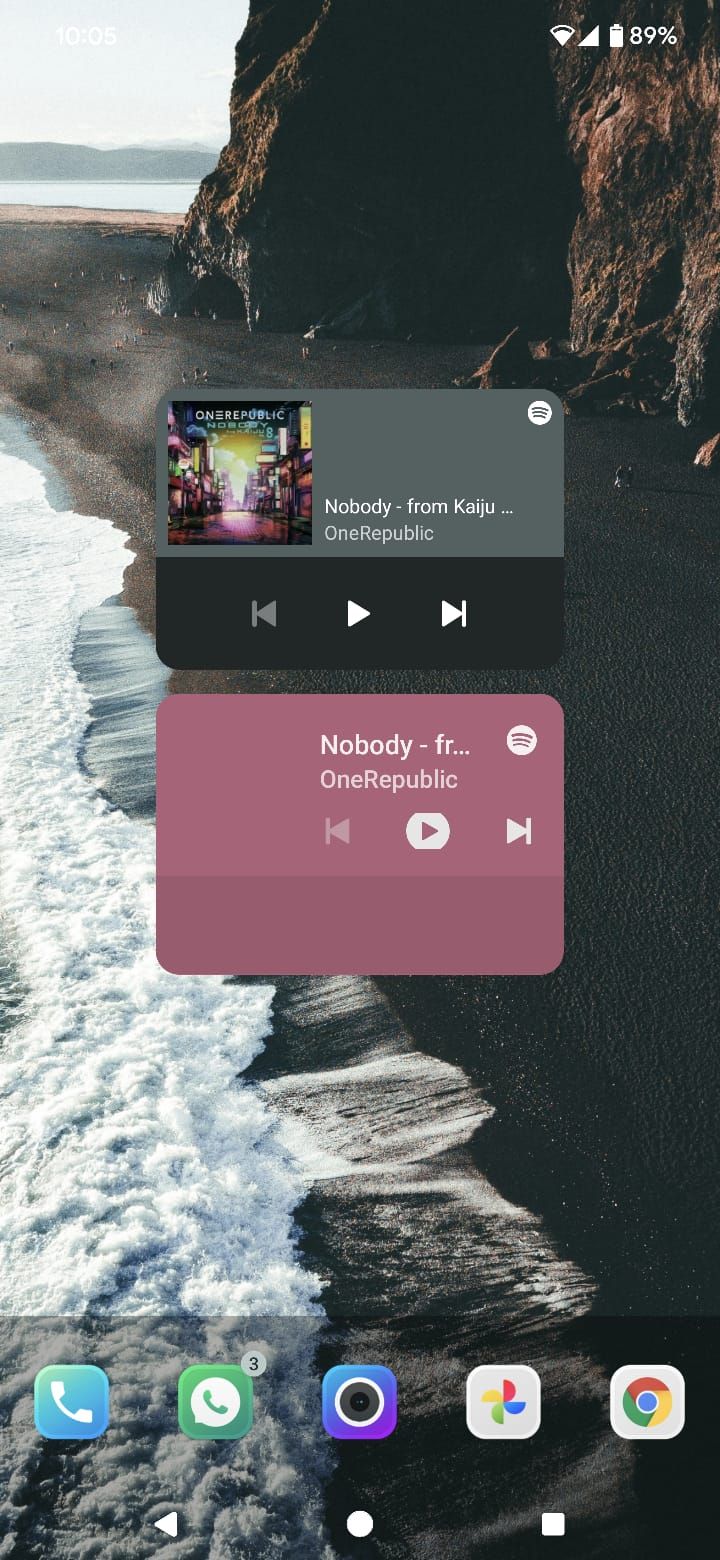
Top is the 3x1 widget (working fine). Bottom one is the 4x2 one that is broken.
Seems like an issue on Spotify end, seeing that the problem is replicable on multiple launchers.

Hey @hnavia,
Thanks for your reply and for the info shared.
In this case, would you mind checking if there's a pending update for the app? If yes, we'd suggest you install it to see if this is still happening afterwards.
On another note, we'd suggest disabling the Nova launcher and going back to the built-in UI of your mobile device to see if you notice any difference.
Lastly, and just to confirm, do you use any cache-clearing or task-killing apps? Take into account that these apps can affect the performance of the app. If yes, we'd suggest setting up Spotify as an exception to those. Give it a try and let us know how it goes.
Keep us in the loop!
Hi @AlejaR,
I went back to the official launcher OneUI and indeed the launcher works better. The color is still odd though.
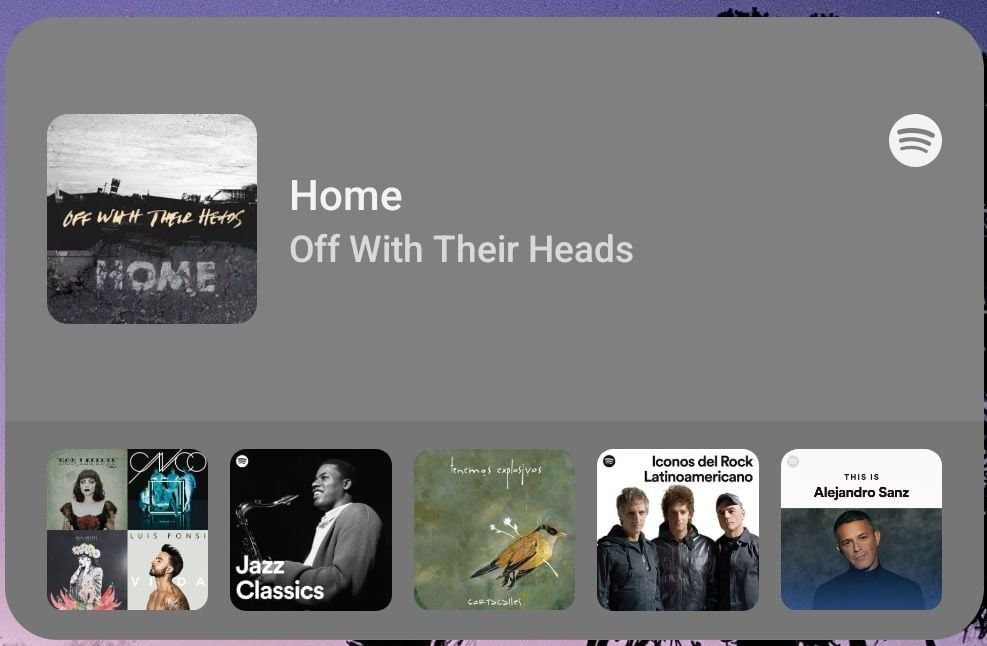
Also, I don't use any app killer or cleaner at all.



Hey @hnavia,
Thanks for getting back to us.
Just to confirm, besides the color, does the widget work as expected?
On another note, are you getting the same background color with all content? Also, does the same happen while connected to a different network?
Keep us posted.
So here are my answer to the questions:
- Besides the color, does the widget work as expected?
- No, I can't see the buttons when playing music (using the default OneUI 6.1 launcher, the official from Samsung)
- Are you getting the same background color with all content?
- Yes, the widget color is not changing/adjusting
- Does the same happen while connected to a different network?
- Yes, I tried my WiFi, 5G and also another WiFi network without any changes
Hey @hnavia,
Thanks for getting back to us.
You mentioned not using any task cleaner/killer apps. But this experience leads me to believe that there might be something in the cached files of Spotify that might be affecting the widgets performance. Try clearing Spotify's cached files, check out this article for more info on how to do that.
Hope this will help out,
I did that and it's the same. No changes.
By the way, I've already tried uninstalling Spotify, deleting all references of it from the internal storage. Widget still the same.
If I don't use Spotify for some time, the widget goes black with a message saying that Spotify is in "offline mode".
Hi @barbedwirerainbow,
Thanks for reaching out. If possible could you check on any other Android devices and see if the same issue happens? In the meantime, consider performing a clean reinstall, that can help with a multitude of issues.
Let us know how it goes.