[Android Auto] "Spotify doesn't seem to be working

Device
Realme GT Neo 2
Operating System
Android 13
Issue
I have started use Spotify on Android Auto since August 2023. Till that date have no issue on phone, app working fine. Unfortunatelly on Android Auto after second connection by cable have a error "Spotify doesn't seem to be working". That is realy anoing, I need to restart phone or force stop Spotify by long press icon, next information and Force Stop. Other apps like YT Music, Replaio, TomTom, AutoMapa, Google Maps has no issue, only Spotify. I migrated all my playlist to YT Music and it works like a charm. Now thinking about resign from Spotify, all is working the same on YT music without that anoing issue. I opened a case at begining of October 2023 and till now no solution, only replay that this case is on high level escalation whatever that means. I think that help me look around on other music delivery services.
Spotify support looking problem in a phone, ask me to change some settings but that not helps. Only Spotify has that issue. Others apps working like a charm. I think that is so anoing and I'm using now in a car YT Music. I don't see any differences, work perfect without that problem. If they not fix it probably i resign from Spotify, could be that the issue is from 2017 and they cannot fix it. In my case that takes too long and I have enough time to see other services and just switch to other. Could be a reason that they not solve it.
Accepted answers
All comments

I have exactly the same issue 😔

Hey folks,
Could you let us know the version of Spotify you're running on your phone and in the car? Also, does this happen over Bluetooth or when using a wired connection?
Cheers!
It's the spotify on the phone which is connected to the car by wire.
Spotify version 8.9.4.304
Android auto version 10.9.634644
Spotify version 8.9.4.304
Android auto version 10.9.634644
the same in my case, I tried every single versions from August 2023 and issue still exist. Search all internet, clear cache, reinstall spotify, format phone nothing helps. The problem is in the hopeless app of Spotify. I noticed if I play Spotify using earphones on phone, next go to a car, conncet to Android Auto always crash (has this topic issue). When using only in a car without opening in phone working. But that has no sense to have it.

Hey @EranM1,
Thank you for keeping in contact.
To continue investigating with the relevant team, would you mind including some screenshots of the error message to add it to the case?
Also, and if possible, could you try connecting your device to your car via Bluetooth to see if it makes any difference? This will give us a better picture of the issue.
Lastly, include in your next response the make, model and OS version of the phone you've connected to your car.
We'll be on the lookout.
But that how to connect over bloototh to android auto? Android auto works over cable. If you connect over bloototh then you play from the phone and it works like on headphones. This shows that Spotify completely does not understand the problem and that is why there is no solution since 2017. You have screenshots in the post. Can't you see them ?
See attached screenshots.
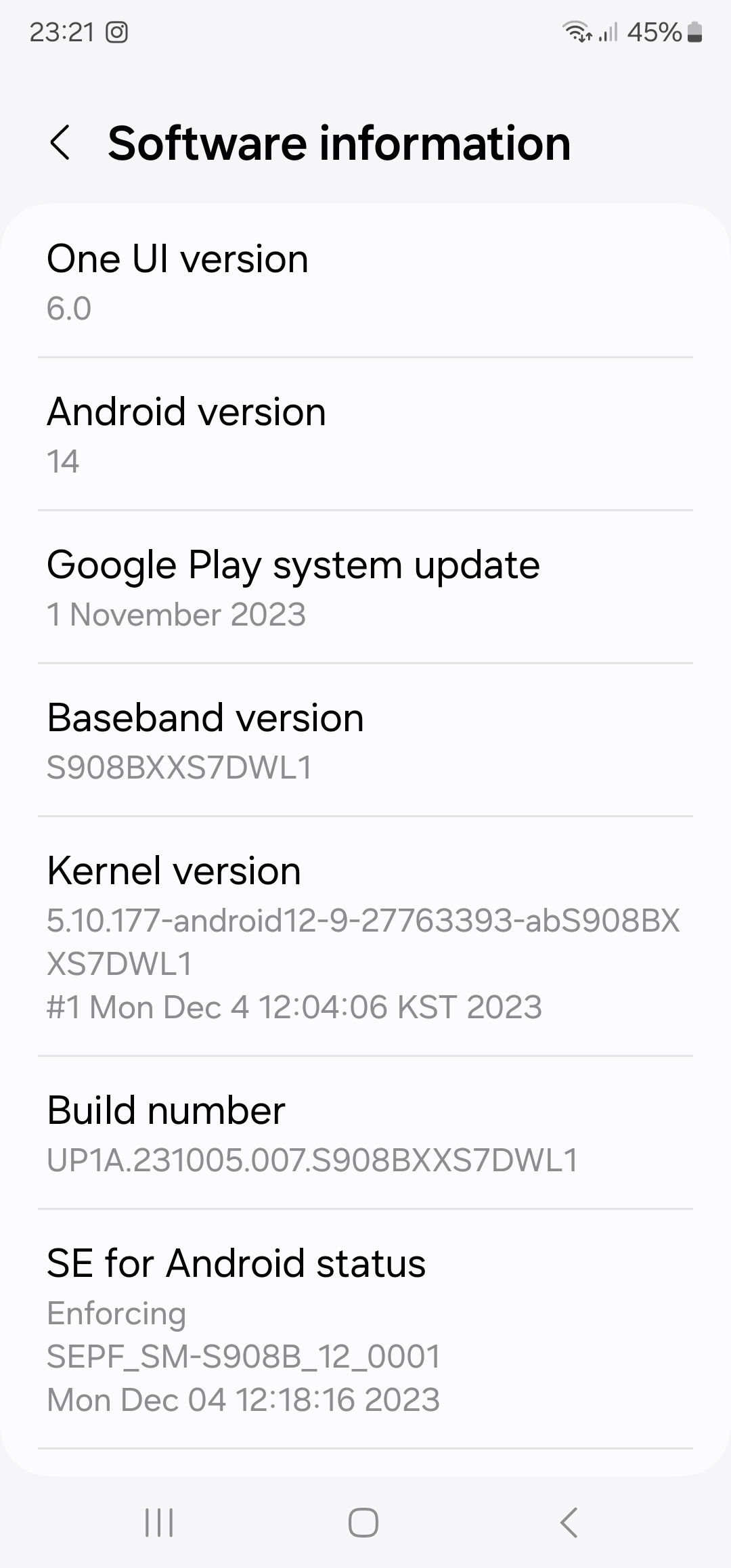
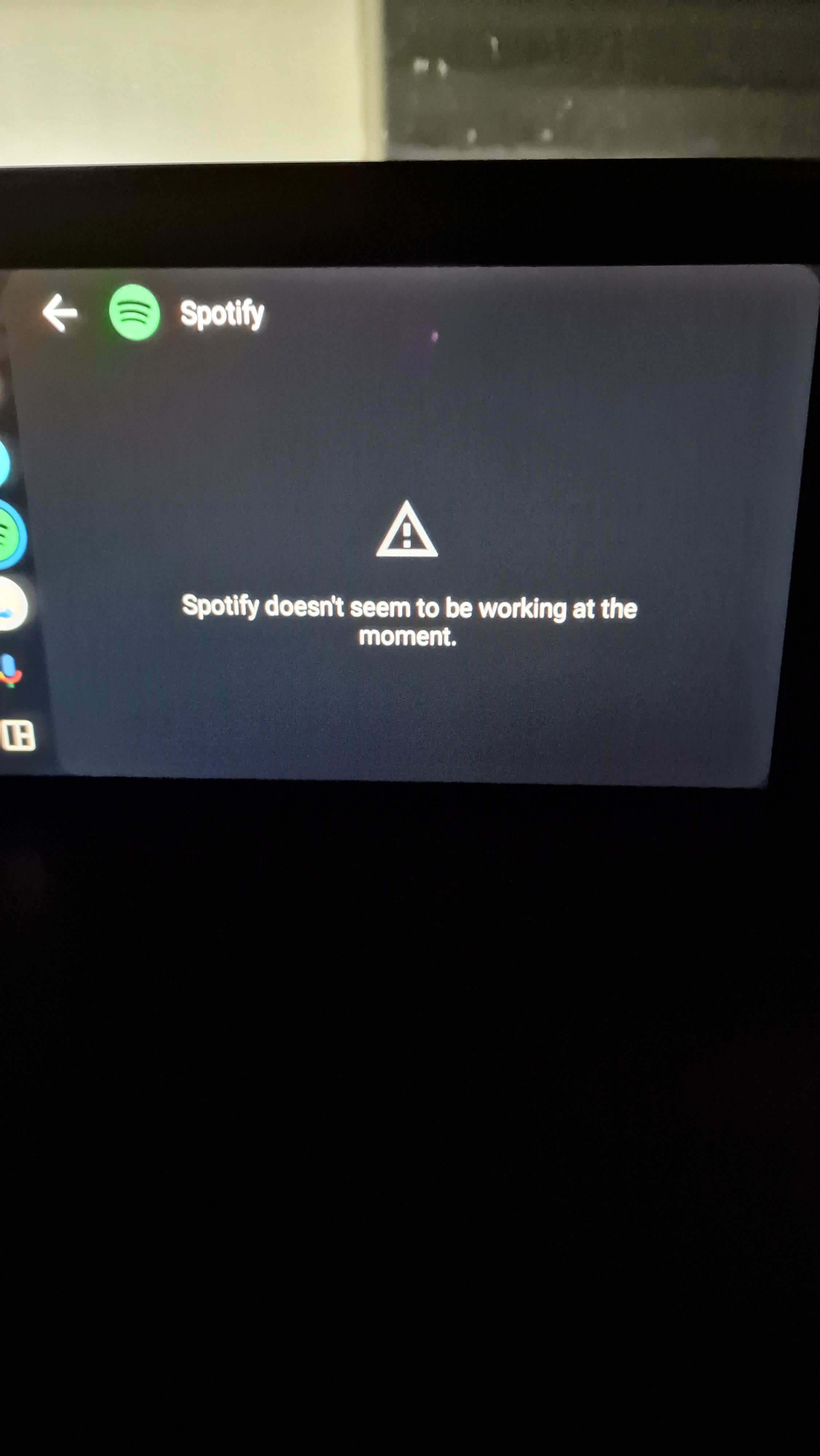
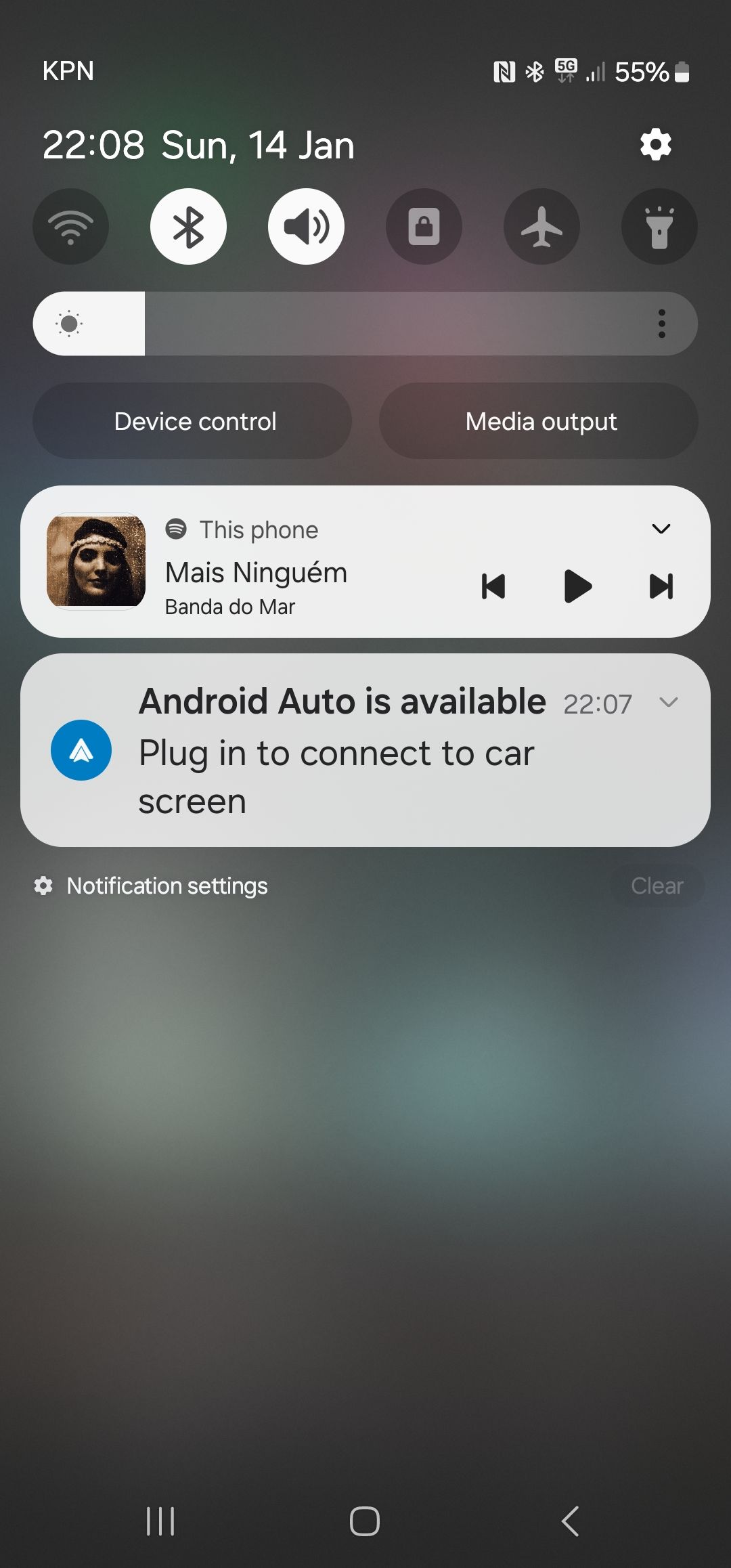
Hi folks!
Could you confirm if this issue only occurs when you've already used Spotify while connected to another audio device (earbuds, speakers, etc.) before connecting to Android Auto? Does it also occur when listening locally on your phone, i.e. without your earbuds/speakers?
Something else you can try is kill the Spotify app (from your Android's settings > Apps > Spotify > Force Stop) and make sure it's not running in the background before you connect to Android Auto to see if the issue would still occur.
Keep us posted on this.
Hi,
I can't confirm that cause i usually use it in the car.
After executing Force stop the issue is temporarily solved but later on when connecting the phone to the car again, the issue reoccures.
Let me know if you have any other questions.
Kr, Eran
Thanks for the follow-up @EranM1.
We're unable to provide an ETA for a fix at this time, but rest assured this will remain on our internal teams' radar. In the meantime, make sure you're always running the latest version of Spotify so you don't miss out on any updates.
The Community is always here if something else comes up.
Take care!
- Hi Yordan,
I guess that the issue was created in one of the recent updates cause prior to that it worked fine.
Hopefully the team will fix the bug in the next update or release.
Kindly let me know if you need more info.
Thank you.
Kr, Eran

I saw the issue since August at least and maybe earlier

Same issue. My Spotify version higher but android auto same version. Same issue I am facing
I installed version 8.9.6.458 on Friday, tested on Saturday. It worked. Unfortunately on Sunday again the reported error appeared. This morning reinstalled Spotify by deleting Cache and Data, Force Stop and uninstalling. Then I ran only one song on the phone and turned off Spotify. I get in the car and it immediately crashed. I click on the YT Music icon and it works beautifully right away in a car on Android Auto. When Spotify can fix this issue ?

Plan
Premium
Country
US
Device
Galaxy S21 ultra
Operating System
Android 14
My Question or Issue
I am running the Spotify app from Jan 22 which is the latest available in the Google Play store.
My phone updated to Androis 14 last week. That caused Spotify to stop working via Android Auto.
I attached a screenshot of what it does and the specific versions of Android.
Please fix this.
I think I found bug reproduction:
- configure Samsung routines to start any Spotify playlist with condition when phone is connected to android auto
- set checkbox in AA "Start music automatically"
and then when you start your car, phone connects to the car, ss routine starts Spotify playlist and usually it leads to this bug

Same issue 🤨
Guys, make your thumbs up for the first post to up this bug. It's really annoying to have this. YT music works like a charm
It's not working in my case. Still the same problem. 8.9.10.616 version of Spotify.
Set "Start music automatically" to off not solving that issue in my case. Spotify 8.9.10.616.

I have the same problem on my OnePlus 8T running Android 13. It's really a shame. I downloaded an app from the Play Store called Hibernator and put it's widget on the home screen. It helps me force close Spotify from my home screen which I, sadly, have to do more times than not


Thank you!! This fixed my issue. I had just started using Samsung's modes and didn't realize it is what was causing this bug. For anyone else, I'd recommend entirely disabling the driving routine in the modes and routines app, that is what fixed the issue.
Thank you.
Assum
This is for Samsung phones.
Go to the Modes and Routines app.
Select Modes at the bottom of the screen.
Select driving.
Delete it.
I only had the issue after I set up the driving mode to autoplay a Spotify playlist. Deleting the mode solved my issue.
Possibly this is one of the reasons. I feel that main reason when you start listening music before connected to AA, then connect to AA and Spotify is crashing.
For example with routines: we connected to AA, routine starts on the phone for a moment and then switch to AA Spotify. But yeah, disabling driving mode could help, but it is not the root of the bug. We are still waiting when Spotify developers will sit in the car with android phone and will catch this annoying issue
It has the status 'Not set' but there is no option to delete it.
- You are just trying to find a workaround to the problem and not a solution. The solution lies with Spotify. The problem is not your phones and their services but the poor quality of the application. They haven't done anything about it, all you have to do is search a little on the Internet. Completely nothing since 2017. Other apps work without problems.
As dzh92fnpza said "I feel that main reason when you start listening music before connected to AA, then connect to AA and Spotify is crashing." I have exactly the same thoughts. I listen to a lot of Spotify on headphones, then I get in the car and drive and it crashes almost every time. I then have to "force stop" Spotify and reconnect via cable to Android Auto or restart the phone. It's like no other app crashes like this, whether it's navigation or any other music or radio listening app. Developers won't do anything about it, I'm almost determined not to pay them for premium anymore. I'm waiting until the end of the month.
Start using other apps like YT music and Replaio Radio. Never, never crash.
Confirm. Samsung S22, updated to latest OS and Spotify versions, have tried clean install Spotify, but exactly the same problem