Can't delete development mode app

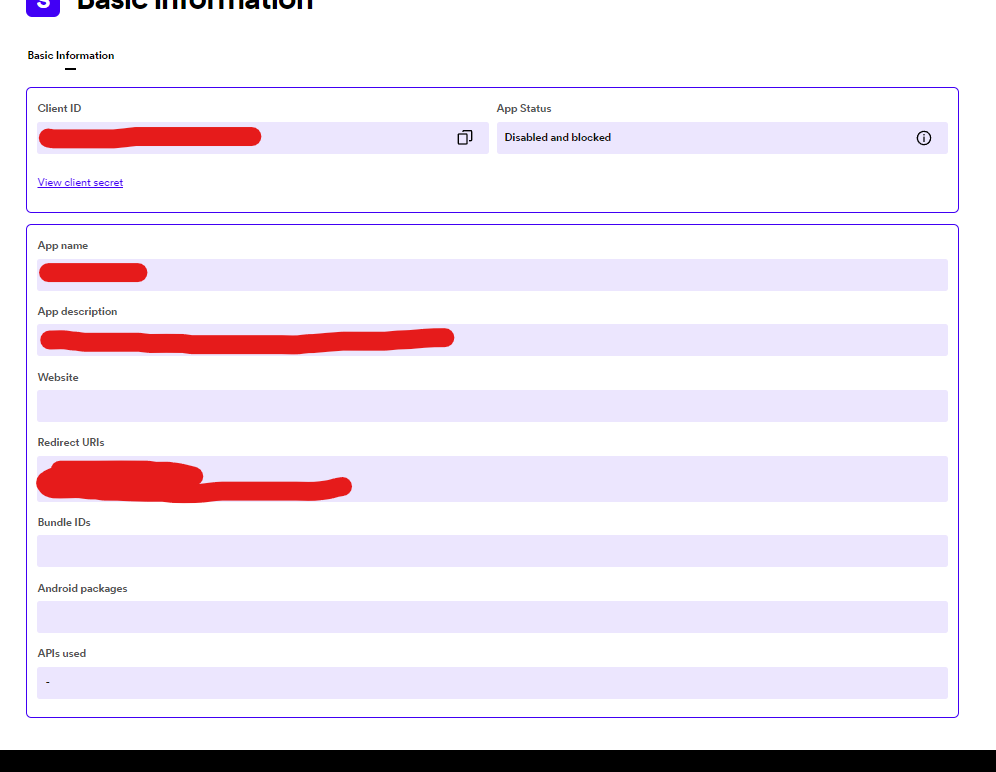
When I log into https://developer.spotify.com/dashboard I can see old dev apps that I have created but they all have the status of Disabled and blocked. Previously I have worked around this by deleting the app and creating a new one but the 6 apps on my dashboard don't let me delete them (the delete button has gone!) and the Create App button is greyed out stating that I have too many apps and need to delete one...
Please can someone help me understand how I can delete the apps and create new ones?
Child Item
Child Item
Child Item
Accepted answers
All comments

I don't have that option in any of my apps that are 'disabled and blocked'

Ah sorry about that, I dont have any suggestions on that.
Child Item
Child Item
From the Dashboard, click on one of your old apps, click on Settings. click edit and from there you can delete the app.