Desktop app not playing any music

I keep getting the error whenever I open the app on my desktop. I can play music fine through the website and on my mobile devices but the Microsoft app doesn't play any songs even the ones that it shows on my computer. I have deleted then reinstalled the app, cleared the cache, signed out and back in, force closed the app then relaunched it, and restarted my computer. nothing has changed.
Accepted answers
All comments

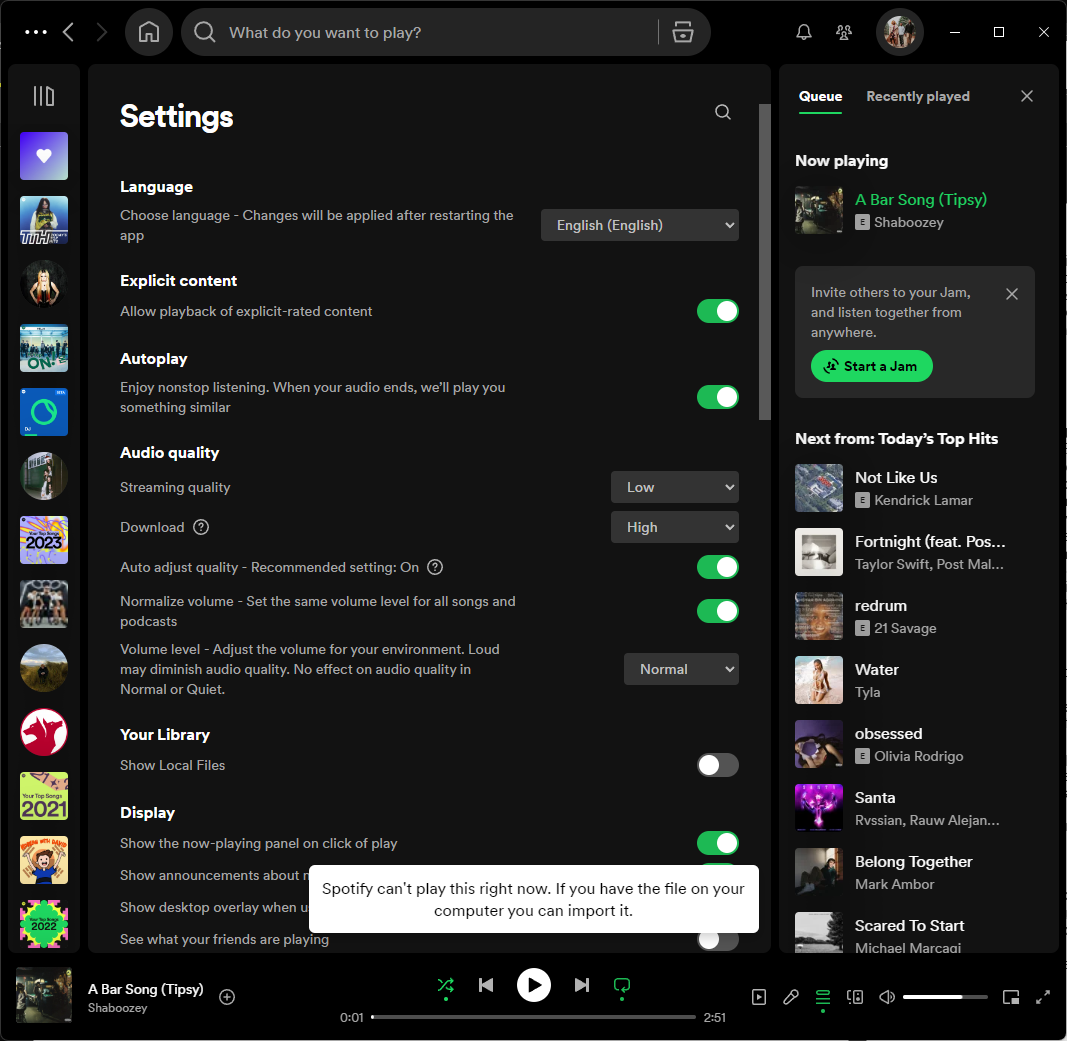
How do I fix this problem?



Hello! All good?
Analyzing your question, as it is a Windows device, you can download the application from the Microsoft Store and the Spotify web page. I recommend you uninstall the version you are currently using and test the other one to see if there is any difference!
Keep me updated! 🙂
Hey! I'm sorry you're experiencing this issue, I'm here to help you!
Have you tried any steps to resolve your issue? I recommend that you try to do a clean reinstallation of your application, you can check how to do this here.
Keep me updated!
So for me I had to make sure that the audio device my computer was setup correctly and updated. Somehow my Spotify audio settings was trying to use an old audio program I was using instead of the audio card. And once I updated the audio on my computer and switched the setting in Spotify it began playing
So for me I had to make sure that the audio device my computer was setup correctly and updated. Somehow my Spotify audio settings was trying to use an old audio program I was using instead of the audio card. And once I updated the audio on my computer and switched the setting in Spotify it began playing