Spotify app on IOS won't allow me to login with my password?

Accepted answers
All comments

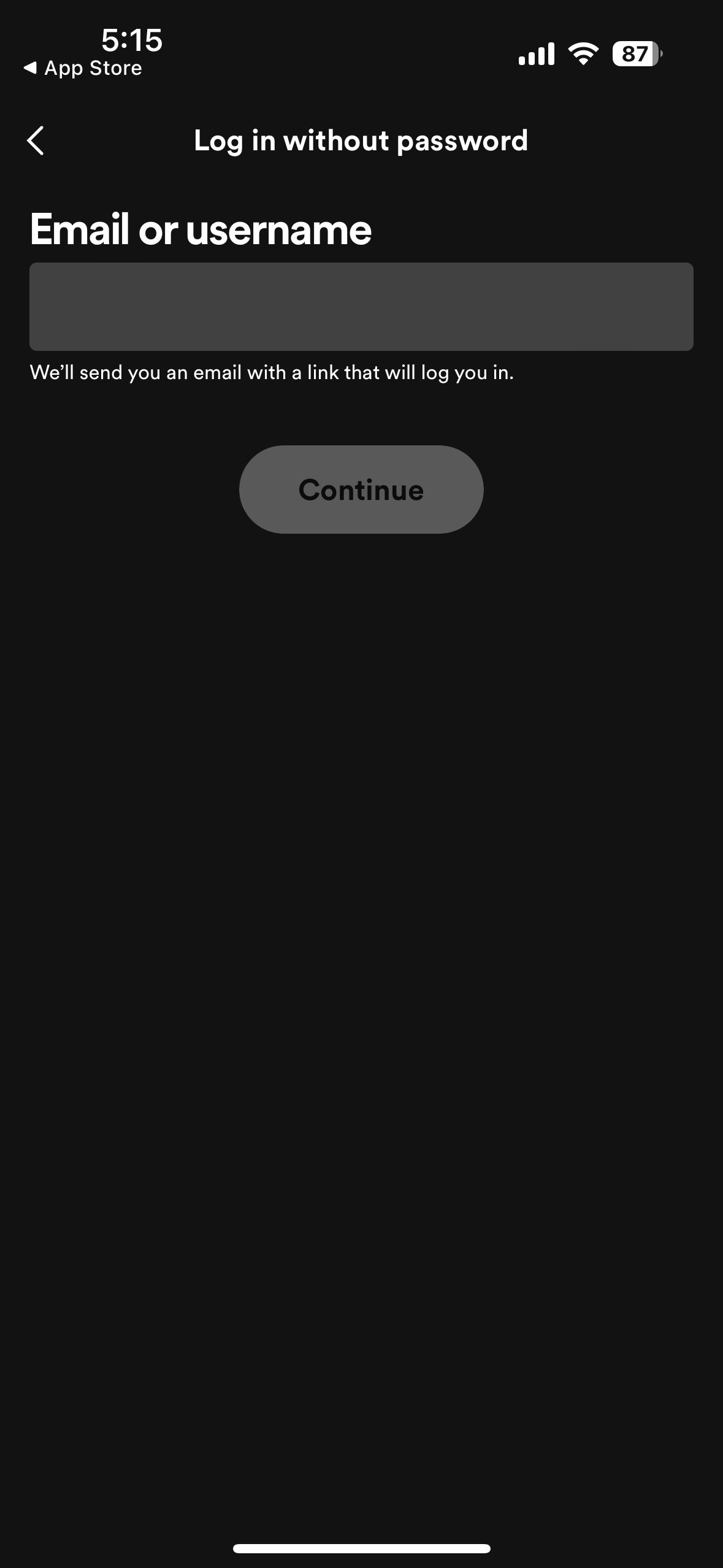
After running a clean reinstall and redownloading, I got the same page upon pressing 'log in' at the bottom of the first screenshot. That each time brings me to login without a password, which I have done and it continues to bring me to that screen.

Hey @lizobrien,
Thanks for joining the thread!
Do you get another screen before this one, where you can log in with your email/ username and password? If yes and if you know your password - could you try logging in with that?
In case you don't know the password and you don't wish to reset it, could you let us know if you're receiving the email for the login without a password and if the email link always opens the app on this page? If yes, I would request the email once more, close the app, remove its cached data from the phone settings and then try again.
Keep us posted on how things go! 🙂
Nope it has not been giving me the option to log in with my password, it goes straight to the log in without password screen. I've reset my password more than once but it still goes straight to login without password screen.

Hey @lizobrien,
Thank you for keeping in contact.
It's possible that the app could be detecting that your account is already logged in on the device browser and that's why it is not asking for the password. So in this case, we'd recommend logging out from your Account page and the Web Player on your web browser. If you use more than one browser, we'd recommend following the same process for each one.
After this, we'd recommend restarting your device and trying to log in again to see if it makes any difference.
We'll be on the lookout.
Hey there,
Thanks for reaching out about this and welcome to the Community!
Could you check if the same happens on any other device?
If this only happens on your phone, it's well worth running a clean reinstall of the app to get rid of any cached files that might be causing trouble.
If the issue persists, could you send us some screenshots where we can see the steps you take and the error message you get? You can attach them to your next response by using the Insert image option in the post editor. Make sure not to send any private info.
We'll be on the lookout.