Volume buttons on device don't work when casting

As of Spotify 8.9.xx and newer I can't control the volume on my iPhone when casting to a Chromecast device. I need to go into the slider inside the Spotify app to change the volume.
This is not an iOS or apple issue:
My non working version of Spotify is 8.9.16.556 and just today updated to 8.9.18.xx which has the same bug.
On another iPhone a WORKING version of Spotify is 8.9.14.526
The latter works perfectly fine. It is not a iOS problem but a Spotify bug!
Both iPhones run iOS 17.3.1
If this is not being actively solved by Spotify I'm sorry to say I will cancel my subscription and change to Tidal. This is a CORE functionality.
Accepted answers
All comments

Unfortunately, that is the worst non-solution answer I have seen in a long time.
This is NOT a solution. This workaround is a proper annoyance and downgrades the user experience to a low level.
Spotify, get your acts together, find a real solution to just use the physical buttons to control the volume. No silly workarounds. Just the buttons.
Stop blaming Apple. Innovate, engineer a solution, figure it out, make it work, be crafty, overcome issues to make life easier for your customers. That’s why we pay premium. Not to hear “oh well, nothing we can do, here’s a slider for you, have a great day. “
Come on, that’s not serious! Is this the best you can do? Really, that is the best that came out of your solution workshops?
Please try again, you must do better than this half-baked gimmick.

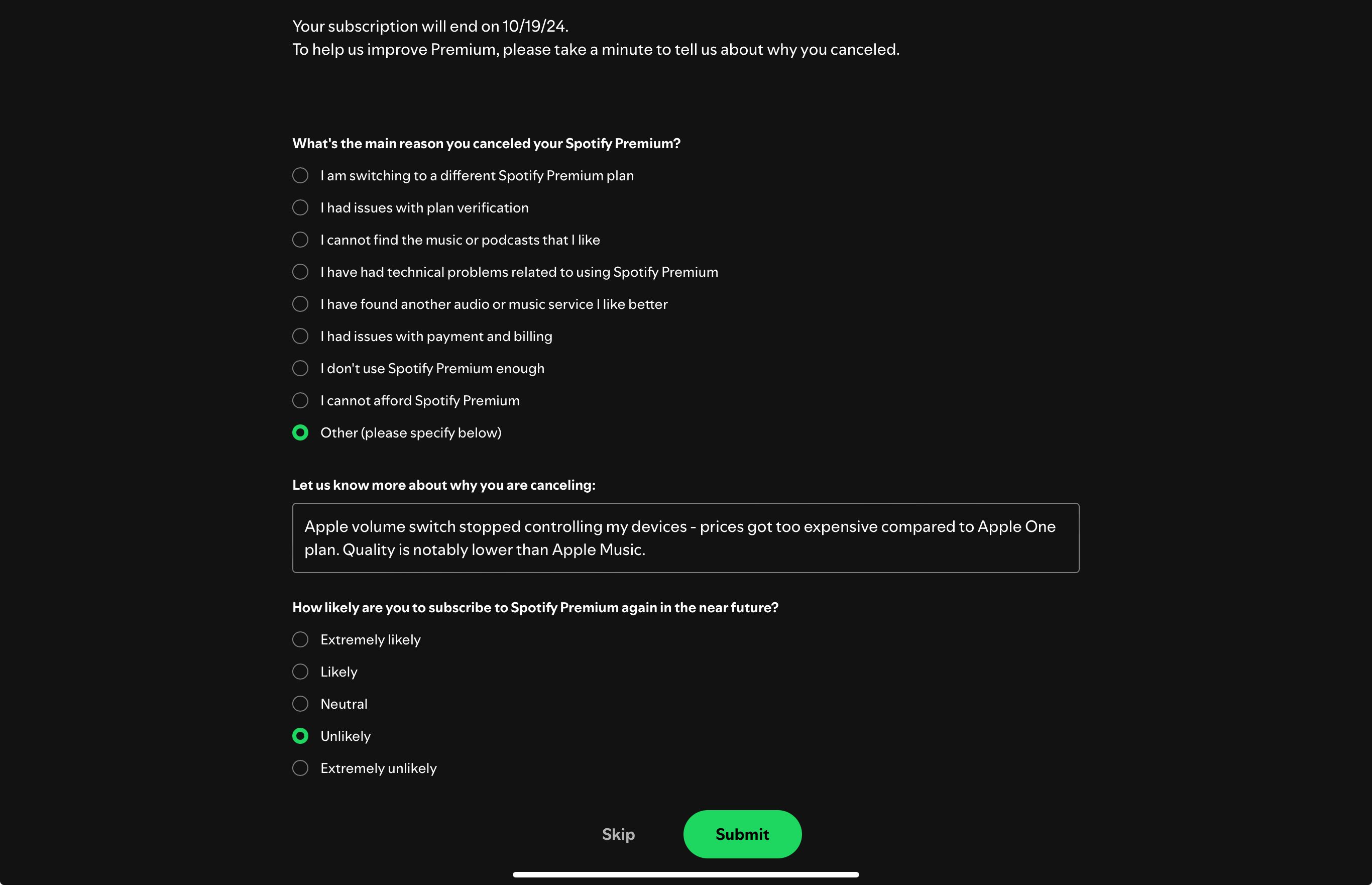

Well that’s a completely stupid step *backwards* in functionality, usability and user experience. Good job team *slowclap*.

To me this is also a deal-breaker. I actually have written two mails to the vendor of my music streaming device to complain about this, but then I realize that the problem might be Spotify. It works fine with Apple Music... I have just been happy with my Spotify subscription, so don't know if I should move on or not...

I mostly listen to Spotify using Spotify Connect speakers. Not being able to quickly control volume using the hardware buttons is a pretty big inconvenience. It’s important enough that I’m now evaluating moving to other services that support this functionality.
Please find a way to make this work like it did in the past.

Olá, pessoal!
Tudo bem? Estou curtindo muito a função “Jan”, que conecta dispositivos e permite controlar a música entre eles. Porém, senti falta de poder ajustar o volume do dispositivo passivo direto pelo ativo. Isso melhoraria bastante a experiência.
Vocês têm planos de incluir essa opção? Acho que seria uma adição super útil.
Valeu pela atenção e pelo trabalho incrível de vocês!
Abraço,
Alison

Airplay volume buttons on my iPhone no longer works after iOS18 upgrade. This is entirely unusable.
No longer able to control volume on Airplay devices with iPhone volume button — bug?
Makes Spotify really unusable if every volume change requires opening the app.

AWEFUL! At best! Not being able to control the volume without using the app is driving me mental. This is so bad

while it may be that apple discontinued the API you guys are using this is still not acceptable. I tested YouTube music recently and there the buttons work just fine.so there is a way. So please stop whining about Apple and get to work to fix this.

Hi Everyone
when playing music via sportify on different devices (phone, ipad, etc) i am able to change titles etc via my apple watch.
BUT i am not able to modify the volume! My watch even has a crown wheel that does nothing. Please add this feature, because now i always need my phone to adjust the volume. This is a no-brainer!
Thank you

Plan
Premium
Country
USA
Device
iPhone 16 Pro
Operating System
iOS 18
My Question or Issue
The current iOS app for Spotify has no volume controls. Is there a good reason for this?
I just verified that the Pandora iOS app still allows Airplay volume control via the iPhone hardware volume buttons. It seems that Spotify might be misleading users as to this being an Apple API limitation.
YouTube and Pandora airplay volume both work fine with the hardware buttons… seems that Spotify is making an issue where there is none. Bad form…


Again: Spotify too lets you use the hardware buttons with Airplay - BUT Apple killed Spotify Connect, which is a remote service and not local like Airplay.
> @Mandroin: Again: Spotify too lets you use the hardware buttons with Airplay
@Madroin How did you get your hardware buttons to work again? Mine do not work with AirPlay as you’ve described, and Spotify tech support verified via email that the hardware buttons won’t work anymore (and I’m assuming the hundreds of complaints here are experiencing the same issue). Are you saying you can still use your hardware buttons for Airplay devices if you somehow disable Spotify Connect?
If you use Spotify with the AirPlay function of your iPhone (or Bluetooth), the hardware buttons work out of the box. "Airplay or Bluetooth" is an extra section to select at the speaker select menu in spotify. If you kill the Spotify App on your iphone while streaming the music stopps, when you use Airplay or Bluetooth.
If you can select a speaker via "Spotify Connect" you have no hardware buttons - if you kill the Spotify App during streaming the music continues to play directly over your speaker.
You can test by this way if you use Spotify Connecr or not. It gives a hint. You can also try not to connect the speakers via spotify but via the Airplay function of your iphone directly.

Ok, I think I understand... So, to clarify in case anyone else is experiencing this confusion, here's how to keep your Spotify volume control via iPhone hardware buttons:
- Press play on a song in the Spotify app
- Swipe straight down in the top-right corner of your iPhone screen to bring up the native iOS Control Center (first example screenshot below; swipe in the direction of the yellow arrow from the top corner)
- NEVER press the little speaker icon located within the Spotify app (in the bottom left corner), since that speaker icon forces the app to use Spotify Connect, which is what's busted
- In the iOS Control Center's Now Playing control, tap the target icon at the top right of the control to bring up a list of your available Airplay and Bluetooth speakers (see second example screenshot below; tap the icon in the yellow circle)
- Note that your Control Center may look different than mine, so you just need to locate wherever you have your Now Playing control
- Select your AirPlay speaker.
- Your iPhone hardware volume control buttons should now retain the ability to control Spotify's volume.
- My understanding is that this is because Control Center uses native iOS Airplay controls rather than Spotify's busted volume control implementation
The key point here is that when you first connect to any speaker, use iOS native controls to select your speaker instead of the Spotify app UI to select your speaker.
Now, why the heck this isn't in the Spotify primary docs or their Tech Support's primary response (who said to me, in writing, that you MUST use the app UI slider control to change volume, which is clearly incorrect)? That part is beyond me... seems like just providing accurate documentation would save everyone the headache of this ridiculous thread... Anyhow, thanks @Mandroin for you help in understanding a workaround away from Spotify Connect -- wish we could just disable Spotify Connect entirely.
Alternatively, you can also do it without Control Center from your Lock Screen:
- Press play on a song in the Spotify app
- Press the button on the side of your iPhone to lock your screen
- Tap your screen to wake your iPhone
- You should see the playback widget on the screen with the same output target/speaker icon in the bottom right of the widget
- Tap the target icon at the bottom right of the control to bring up a list of your available Airplay and Bluetooth speakers (see the example screenshot below; tap the icon in the yellow circle)
- Select your AirPlay speaker. Hardware volume buttons should continue working.

No one likes this answer as it’s not a solution it’s an excuse. Spotify need to do better including if it is something Apple did then raise it with them. Spotify are one of the biggest services in the world Apple will listen to them not us little people. Do better both of you. Not being able to use the vol control to control Spotify speaker vol is a PITA!!
Thanks for this but the AirPlay workaround doesn’t show all my Echo speakers so isn’t a solution for me. Maybe they aren’t all Bluetooth speakers? Either way I liked the system that worked before it was one of the Spotify features I liked and pay good money for! I don’t see Spotify offering to reduce monthly costs to customers when they remove a function. I want them to do the work to fix it not leave it for us to work around
yes, Amazon Echo works via Google Cast and that needs Spotify Connect and you are out. My B&O speakers work either way. But I would love to return to Spotify Connect for the more seamless integration.
You can blame Spotify if you want. But the evil part is at Apple. I do not agree that Apple will listen to Spotify. They are all in a monopoly game and we the users are less important than the investors - what ever they try to tell us.

This is ridiculous and needs to be fixed

I have tried for the last couple of weeks to get around this change. It’s absolutely horrible, worst user experience!!!!
this was previously functioning great

Hi AlejaR,
I appreciate that you take time to answer to this thread and users concern is not being ignored 🙂
The provided solution with the volume slider is really not working. I not only have to take the phone out of my pocket. I also have to login, open Spotify, click on the icon to open the menu and only then can I adjust the volume.
All this while it still works with the hardware buttons on other apps.
I really hope that you will be able to find a better solution for this, since the current behaviour is not adequate.
Best regards,
Thomas


Plan
Premium
Country
Sweden
Device
iPhone 13 Pro
Operating System
iOS 17.6.1
My Question or Issue
What sort of nonsense is this? Has the option to adjust the volume with the physical device volume buttons (when playing Spotify from you iPhone to a Spotify Connect-device) been removed?
Before the last update, I could adjust the volume with the buttons, with Spotify in the background as well as in the foreground. Not anymore.
Whenever I try now, with Spotify open in the foreground, a stupid onscreen volume slider pops up, asking me to adjust the volume there. If I don’t have Spotify open in the foreground, trying to adjust the volume with the physical device buttons (while Spotify plays in the background) accomplishes nothing.
This is a major hassle. Especially when listening to music while working out, having to go into the phone, open the Spotify app up to the foreground and then adjusting the volume with the onscreen touch-controls, instead of just quickly pressing the volume buttons a couple of times.
Did someone at Spotify have a brain aneurysm or what happened?
Forgive me if this is the wrong thread, but I think this is the same issue, just with Spotify Connect on iPhone->Mac. I'm trying to control the volume of the Spotify Mac app with my iPhone volume buttons. Stopped working out of nowhere, and Spotify keeps blaming Apple.
I'm not sure I understand how it is Apple's fault, though - just set up an old iphone with IOS 15 and installed Spotify. This version of IOS still has the volume slider on the lock screen, so the volume rockers on the iPhone should control the volume of Spotify playing from my Mac (just like it used to), right? Wrong - doesn't work, but in the Spotify app, it opens that little stupid volume slider.
It worked perfectly so why change it? And stop just blaming Apple without explaining properly, that's not cool.