All songs keep repeating on my apple watch

Songs keep repeating on my apple watch even if I have shuffle on or off. I have to manually tap next. I have tried multiple different playlists from my watch during my nightly runs. These are all offline downloaded playlists. This worked fine for years. I have uninstalled the app from my watch, reinstalled it, deleted the playlists and redownloaded them. Still the same
WatchOS 11.1 (22R585)
Accepted answers
All comments

Same issues as everyone else. Started happening probably in early November.
Versions:
iOS: 18.1.1
watchOS: 11.1 (22R585)
Spotify: 9.9.94.418
Spotify app quality has really declined. The idea of switching over to Apple Music or other becomes more and more appealing by the day.

I am also having this issue recently. Apple Watch Series 8, updated with the latest software version as I write this (iOS 11.1). Extremely annoying on runs. Spotify, request assistance.

This very much seems to be a thing that started around three weeks ago. I’ve had five different “experts” on the messaging Spp and they are all mystified. It is as if the software can’t prime the next song on the playlist.

Vasil - First, thanks for moderating this. I know it's hard to manage a group of irate Apple Watch runners.
That said, I'm one of 'em. I also work in software and understand how bugs like this can creep into the code as unexpected side effects.
Where is this issue in Spotify development's queue? Do they even have it on their list of fixes? This forum feels like a black box - we're all writing in, reporting the same easy-to-reproduce issue -- without any feedback about if/when the issue will be addressed. Please throw us a bone, Vasil!

The problem started for me about 2 weeks ago, roughly Nov 10th. I listen to music that I’ve downloaded to Spotify on my Apple Watch 8 while I run. So I’m listening to Spotify the same time as the Workout Outdoor Run is tracking my progress. After a song or two has played Spotify will repeat the same song multiple times.
Apple Watch 8
Watch OS 11.1
iPhone 14 Plus
iOS 18.0.1

I have tried to clear the Spotify app cache, re-installed the application, turned off and on both Phone and Watch and re-downloaded the list , but the problem still occurs.
I have also tried different earbuds, Airpods Pro & other brands, its the same issue.
I didnt have this issue before but i noticed it one week ago, maybe it has to do with the latest IOS update? 18.1.1 which was a bit more than a week before?

Me too. I,ve got an Apple Watch Ultra Cell ( iPhone 😎 and suddenly it began to have issues when playing off-line: starting with repeating songs, then stuck after playing a few songs, and lately it happens the same as described in the former post: "it plays the first song but then pauses and does not auto-play the next one. So i have to manually skip to the next song to get it playing"
I've also done all the usual procedures in these cases (un-and reinstall the apps, caché clearing, and the like, and none of them have worked though. I've even been in touch with the Apple Support, but they haven't been able to fix the problem neither.
Could you help us out?
Thanks.

I also have this issue and have tried the standard processes of clear cache, delete and reinstall. Problem occurs with beats and shocks which have been re-paired. Apple Watch SE, on 11.1 22R585, Phone 11 on 18.1.1 22B91 (but I upgraded both watch and iPhone software levels to try and fix it but didn’t note previous levels).

Same Issue. If I skip the song then the next one which I manually play will play only once. Then after another one kicks in it will play twice. After It play twice it stops playing the whole playlist.

- Issue began about 3 weeks ago
- I did not notice any specific trigger, I presume it began after an update to the app
- Apple Watch 10
- iPhone 16 Pro
I bought the watch and phone together, so it was essentially “new” only a month ago

Connected with support and got the same response, “working to fix it as soon as possible” , with no ETA for the fix.
Signed up for Apple Music free trial, transferred playlists and they work flawlessly. Will stop Spotify subscription with next billing cycle.

Hey folks,
Thanks for bringing this to our attention.
First up, we suggest that you try all the troubleshooting steps you can find in this FAQ.
However, if the suggested steps in the article don't make any difference, could you provide us with the following info? (if you haven't already):
- Make/model and OS of your affected devices.
- Exact Spotify version.
- Short screen recording of the issue happening.
- All additional troubleshooting steps you've tried.
- Has this started happening after a specific event such as an update?
We'll pass this info on to the right team to be looked into.
We'll be waiting for your replies.

This also started happening for me about 2 weeks ago. This week however, it has stopped repeating songs, and now only plays one song and then pauses until I manually skip to the next song.
I’m using an apple watch 10 and iPhone 13 Pro, both updated to the latest software. I have tried to reinstall the app on both devices and rebooting them, nothing helps.

Same issue for me roughly started 3 weeks ago or so. Lack of update frustrating. Close to closing my Spotify account, I’ve had a paid sub for ten years but this is not really good enough.

Thanks Eni for your reply.
1. iPhone 11 / Apple Watch Ultra
2. Exact Spotify Version phone -8.9.94.418. / Watch- 8.9.94
3. I went through the FAQ supplied this morning and retried everything there exactly as directed. Nothing worked. Still playing the first two songs on the playlist and then stoping. I also tried different playlists it does the same thing with any playlist.
4. Having auto update on makes it hard to mark if specific updates cause certain problems. I can just say it stopped working about a week or two ago. I think this was about when the new watch update pushed out.

I noticed this issue last week when I went for a run. I use Nike Run Club app with Spotify. I thought it was NRC that causes the next song to stop playing. But after my run, it still happens. I subscribed to Apple Music’s free trial for now (surprised by the amazing audio quality!) Hopefully this will be resolved soon.
I have also considered that this issue might be caused by using old playlists on new updated versions so I have created new playlists on my Mac, downloaded them to the watch and then tried to play them. I get the same result. First two songs on playlist play, and then playback stops. It wont progress to the third or beyond unless manually advanced. It doesnt seem to matter if the playlist is just three songs, or much longer. Two songs, then stops.
I'm having the exact same problem. Super annoying to manual advance while I am out on a run 😞

Same here. Brand New Apple watch as I moved from Garmin (which had no issues) to Apple, and I can only listen to 2 songs in a row, and have to manually skip after 2 songs which is infuriating.
1. iPhone 14 Pro - iOS 18.1.1 / Apple Watch Series 10 - watchOS 11.1
2. Exact Spotify Version phone -8.9.94.418. / Watch- 8.9.94
3. Deleted watch and phone apps (spotify), reinstalled both. Downloaded just 1 album. Completed this step multiple times.
4. Has never worked since I got the watch 2 weeks ago

Me too. Exact same problem. considering cancelling my 4 year Family Sub on this.
@spotify support team we'd expect a more prompt response here as I am sure there are quite a number users with this issue.

And how should we do a screen recording on an Apple Watch? Especially for those out running without their phones? (Which is where many n this thread are experiencing this) Many have already posted all the info you requested on this thread, and it’s obviously a problem that started a few weeks ago and continues to be a problem for many different models that are all up to date.
And how should we do a screen recording on an Apple Watch? Especially for those out running without their phones? (Which is where many n this thread are experiencing this) Many have already posted all the info you requested on this thread, and it’s obviously a problem that started a few weeks ago and continues to be a problem for many different models that are all up to date.

This issue is a bummer. I’m getting close to the end of my free Apple Music trial, and I’m not too psyched about paying for two services because Spotify is broken.
it’s also jarring when I try Spotify to see if the issue is resolved and then switch to Apple Music. Assume I’m not the only one noticing the huge difference in sound quality. I’m not there figuring out how to find content, but Spotify is forcing me to figure it out.
Yes a bone, <chanting> throw us a bone, throw us a bone, throw us a bone 🙂
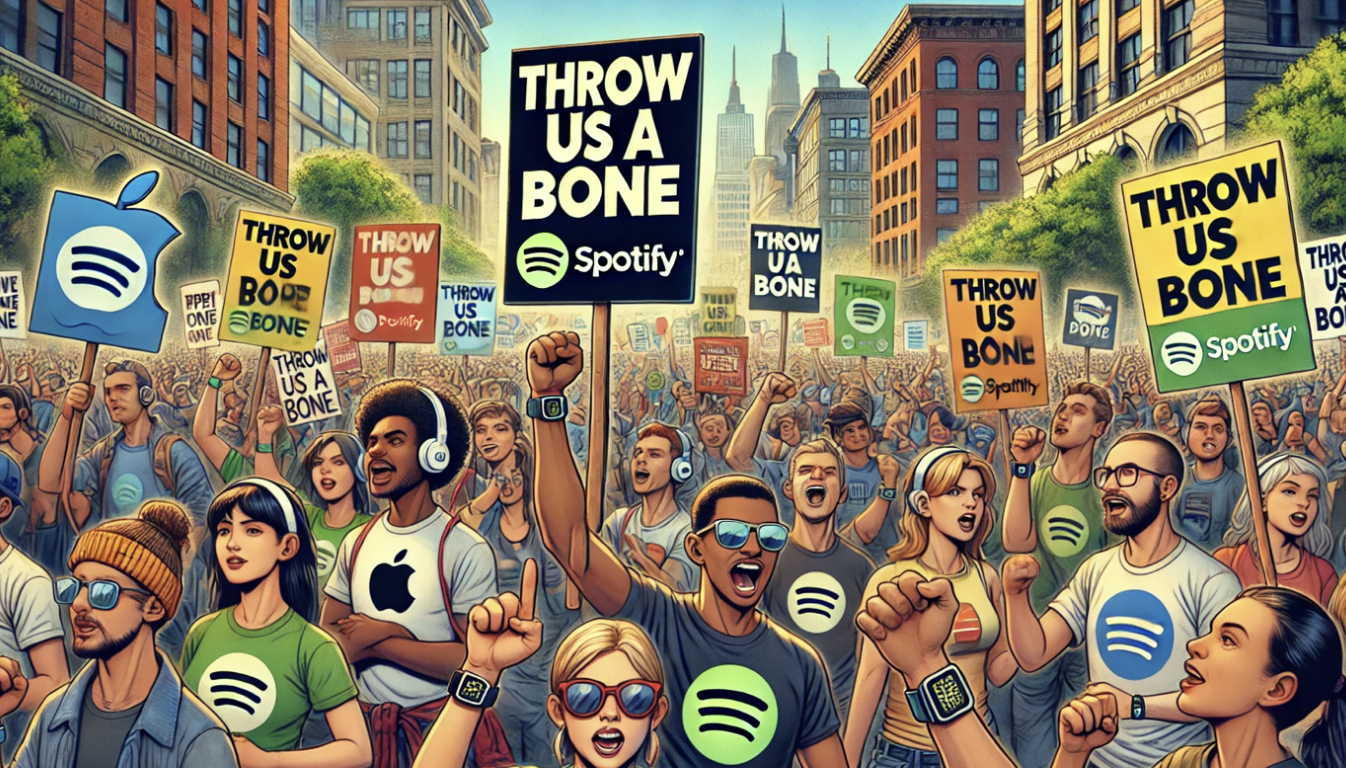

Yet another user forcibly switched to Apple Music due to this issue. Not good Spotify!
Can you listen to Apple Music without this problem?


Yes. Works like a charm and better Sound quality too.
Hey folks,
Thank you for your patience.
We just received confirmation from internal teams that this should be fixed by now. If you're still having this issue, we'd recommend updating your app to its latest version, or even perform a clean reinstall of the app on your device.
We'd also recommend to re-download all offline files to the watch again to make sure everything is updated. Our internal testing has shown that this tends to resolve the issue if it still occurs.
We appreciate your reports. If anything else comes up, don't hesitate to ask.