I keep getting the "something went wrong" error in desktop.

Accepted answers
All comments

i have the same problem on my chromebook web app

Same here. Happens when playing the last song in a playlist or album.


Hey there, folks,
Thanks for reaching out to the Community!
Have you tried the Reset app data + restart option located in the three dots menu at the top left corner > Help > Troubleshooting to see if that does the trick? It's also worth performing a clean reinstall of the app - this will rule out any potential issues with corrupted cache and ensure you're running the latest version of Spotify available.
In case this occurs on the Web Player, check if everything looks good in an incognito/private window. You can also try the following:
- clear site data and cache
- disable any extensions
- updating your browser
- using another browser
If you're using a VPN, try disabling it as well.
Hope this helps. Cheers 🤘
Clean reinstall worked for me, thank you🙂

This happens EVERY TIME I use Spotify. A clean reinstall works to fix the issue but that takes time and it's annoying to do it EACH DAMN TIME. Clearly Spotify can't figure out what's going wrong and only offers the reinstall solution. That's fine but what they don't realize is because of this, I refuse to buy a subscription.

Reset app data + restart didn't work for me, and Spotify isn't/wasn't listed in Add Remove Programs as I installed it via the MS Store, so no way to remove and clean install using that mechanism (i know there are other ways but cant be long winded and ball achy. What DID WORK was updating it from the MS Store, not sure why this hadn't been updating automatically but it worked, for me. Hopefully for you too if nothing else has. Good luck

This just like Microsofts solution to reinstalling Windows because you lost your password.
No. This is NOT a solution.

I'm also having this issue, had to remove Spotify from PC and reinstall. What a way to handle a small problem guys congrats.

I"m using Spotify for many years. Most of the time it works fine on the Mac as well on the iPhone, but it's still not 100% reliable. Just got the message "Something went wrong ...", again.
This app needs a serious overhaul.

this did not work

I have the exact same problem, except literally nothing works. I am using a Mac, and no matter what symbol or letter i search up, it says that there is nothing. like pls dont tell me absolutely NO SONGS in the ENTIRE WORLD starts with a letter A!! I have tried literally everything you said. I have cleared my cache, site data, cookies, reinstalled, clean reinstalled, checked my internet connection, firwall (its turned off), restarted my computer, restarted the app, relaunched the app, i certainly have no vpn, and so many more. pls tell me HOW TO FIX THIS😭
Hey folks,
This error message is usually related either to local issues with your current network setup due to corrupted cache or the occasional server outage on our end - rest assured we’re actively working on resolving the latter as quickly as possible.
@Celeste032105, we just had a temporary hiccup which might have caused this, but everything should be functioning properly again 👍.
💡 Tip: you can monitor the status of our services here or get a list of any ongoing issues with Spotify by visiting this page.
The Community is just a post away if you need further help.

Under settings, I found out that proxy was the probem. I chose no proxy, restarted the app and everythin works fine now.

I can also confirm that the "No Proxy" setting made my desktop app finally work as well.
Been using the app for about a year and could never do anything except listen to what was in my library. I would have to set up playlists or whatever on the phone app and then I could use it on the desktop app. Here is a step-by-step:
3 Dots on top-left of the app.
Edit
Preferences
Scroll all the way down to "Proxy Settings"
Proxy type = No Proxy.
If this helps you, please like these comments so that other people will try and hopefully have the same success.
This has been a consistent issue with your desktop app for over a year. You guys need to check your proxy settings and see what is up with the autodetect because as soon as I switched it to "No Proxy" that immediately solved the issue of "Something Went Wrong".

Still getting the same issue after clean reinstalling the app.

Hey @SaltyJinn,
Thank you for posting in this thread and kudos for clean reinstalling the app.
There were recently other users that were seeing this error message upon logging in to the app, but it seems that the issue has been resolved. Would you mind signing out of your account everywhere via the Account Page and letting us know if there's a difference when you attempt to log in to the app afterwards?
We'll be on the lookout for your response.

Plan
Premium
Country
Costa Rica
Device
Desktop
Operating System
Windows 11.
My Question or Issue
The application is showing a "Something went wrong" error screen when trying to load content. Please note that this issue occurs exclusively when using the web application (across any browser) and the desktop application. I have already confirmed the error persists in both environments. Please advise on how to resolve this.
Edit: I have tried each of the solutions in this thread, but neither the proxy nor reinstalling, nor resetting the app has served me, this happens to me in browsers and in the desktop app.

I have read other post and look like this problem is happened so long but as I use Spotify for years, I have just faced it several days ago…
The first screen capture is from web player and another is from Window 11. And MacBook is also seen this error…
This is not considered “Solved!”. Many one in the replies including me find out that “Solution.” you attached in this post is not working! Someone should take this seriously! Even we didn't pay monthly subscription to Spotify but we listened to your ads. Don't treat us like we are a beggar!

I encountered a small oddity. The PC version does not want to load tracks and playlists with the error something went wrong. However, in the Web version everything works fine.


Plan
Premium
Country
USA
Device
PC
Operating System
Windows 10
My Question or Issue
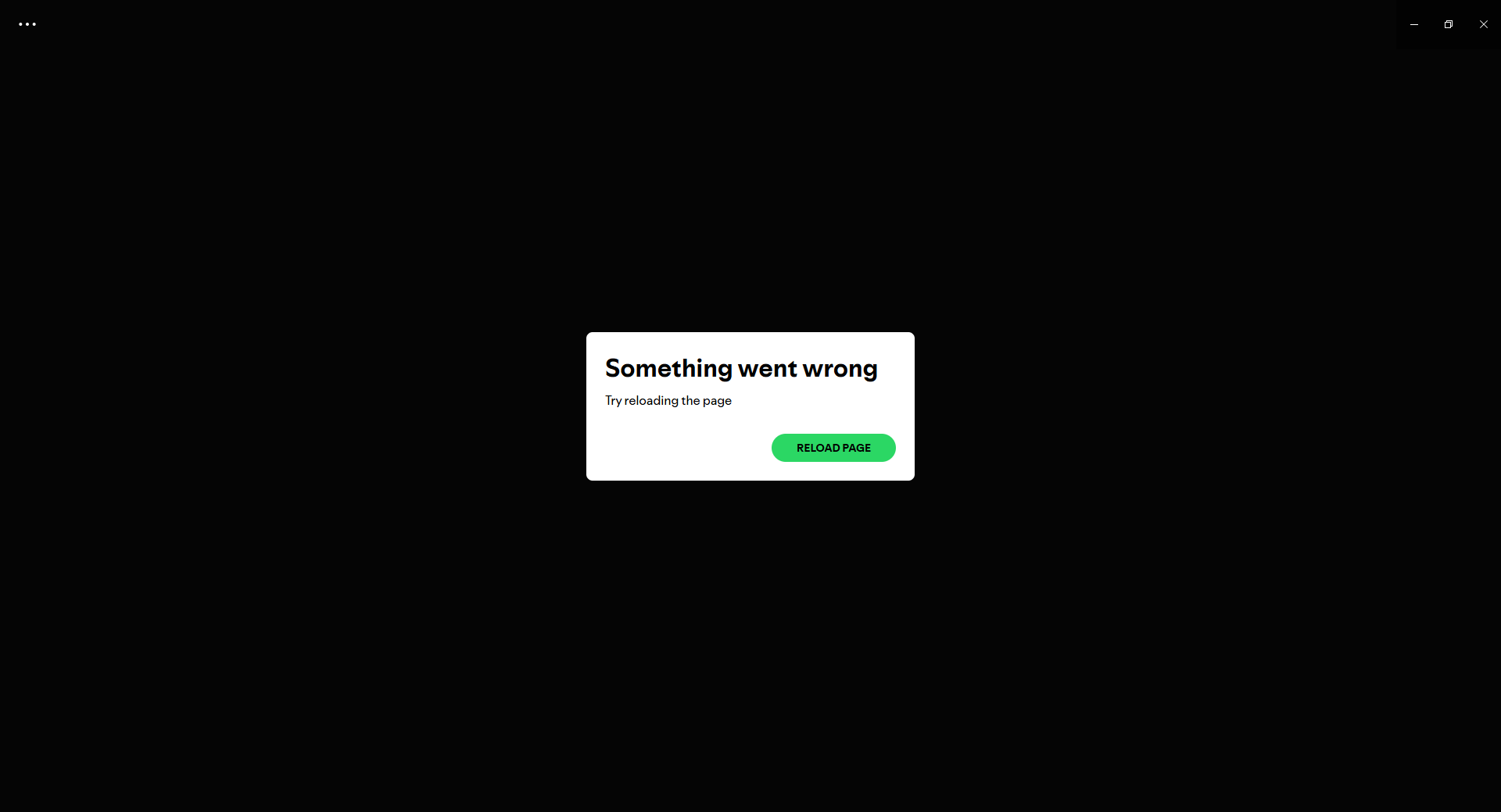
Opening the desktop version of Spotify is only showing a popup with "Something went wrong" and "Try reloading the page".
Yesterday, the problem was fixed by clicking the "reload page" button, but now the popup appears again no matter how many times I click it.
Hey there, folks,
Thanks for reaching out to the Community!
Have you tried the Reset app data + restart option located in the three dots menu at the top left corner > Help > Troubleshooting to see if that does the trick? It's also worth performing a clean reinstall of the app - this will rule out any potential issues with corrupted cache and ensure you're running the latest version of Spotify available.
In case this occurs on the Web Player, check if everything looks good in an incognito/private window. You can also try the following:
If you're using a VPN, try disabling it as well.
Hope this helps. Cheers 🤘