Spotify stops playing after an ad

We've received reports that Spotify pauses after an ad and the playback cannot be resumed. This seems to affect multiple platforms including desktop, mobile, and TV.
The behavior is currently being investigated.
Comments
 user-26561945


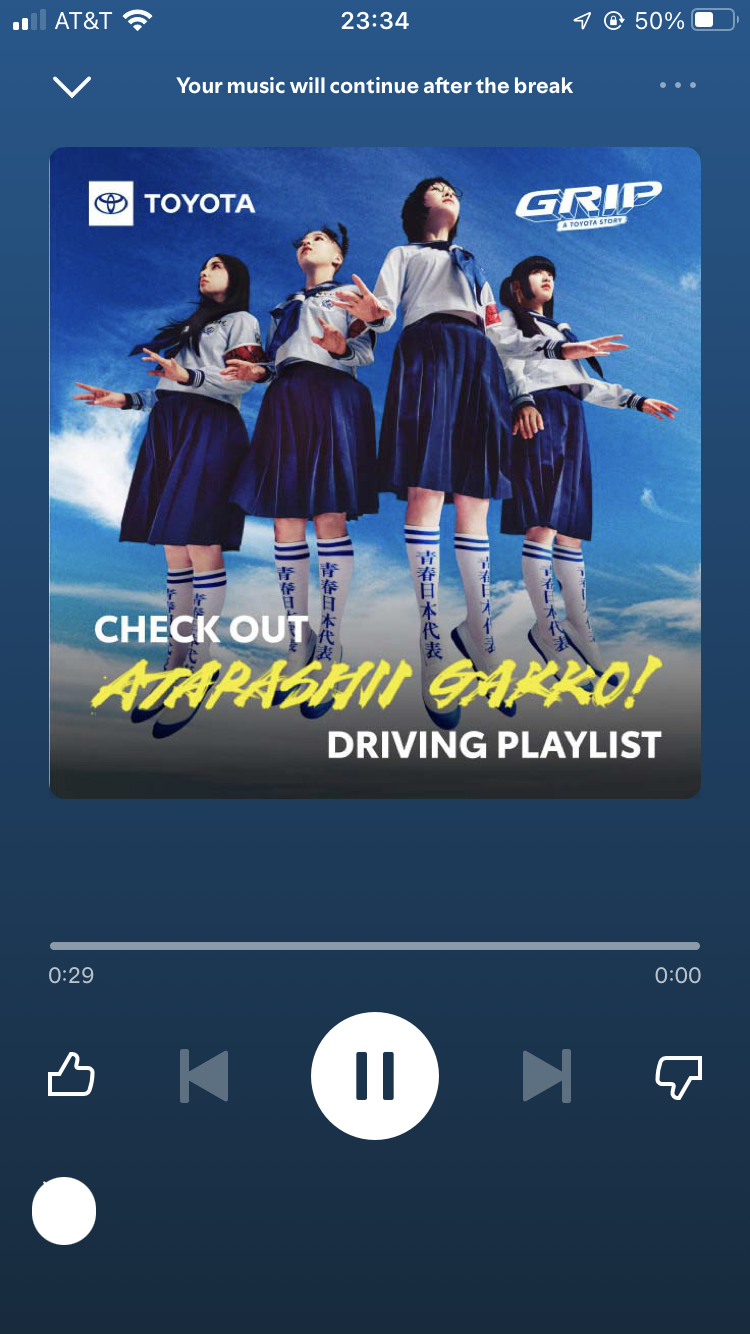
I listen to Spotify mainly on both PlayStation 5 and mobile but I only get this bug on ps5. I also tested this on Xbox and got the same issue. I can listen to about 3 songs and then after an ad break the last ad won’t end. The bar will always be 1 second from the end and it won’t actually end to start playing more music. When I view Spotify on the app while this bug is happening it’s stuck on the ad screen but none of the ui works.

The ad will play but when the final ad hits and it is ending it just pauses right before it can actually end so im just stuck in the ad until I close it and reopen it this happens on my xbox series s.

I get the same thing happening when I use Spotify on a Roku playing through TV and surround sound. Very annoying.


This is still an issue clearly. I find it difficult to believe that something so simple as inserting an advert into a play list can have defeated such a large company for so long...
One could almost think they were doing it on purpose to force people to purchase their premium product.
I was a premium subscriber for years now after a few weeks of not being able to listen to more than one song and one advert at a time I am going to see what other options are available. Maybe it´s time to go back to Itunes.

This Problem has been unresolved for over One Year Now for me
And longer for others
Since the New Year is become Worse
There must be some way to get this problem resolved
How about Free Premium until it’s fixed?

So despite only using the free version - I load it up to hit the treadmill, one song plays & then an advert comes on but it doesn’t play meaning that as the advert doesn’t play the playlist doesn’t resume after. I have to open Spotify while still jogging & hit play on any song in the playlist but as soon as that song is done the advert comes back but again doesn’t play so again the rest of the playlist doesn’t play - I can’t run without music so end up having to open my iTunes & let that run - why does this keep happening? It’s nothing to do with device or WiFi connection etc it’s just Spotify that does this 😡

hi this is happening to me to. i’ll put my music on shuffle but it doesn’t work but when it’s not on shuffle it plays, is this the same for u?


Come on Spotify this has been reported for years now and still not sorted.
I have a Pixel 8 and I can play songs and when an Ad comes on it gets to the end and stops. It's as though it stuck on trying to load the next song and keeps whirling thinking.
I've tried restarting the phone this sometimes works.
I know being a ln unpaid user I'm not that important, but I might give up and move to another provider if this cannot be sorted

I bought a Samsung A55 for my mom. She has the free plan, we have never had problems with other devices. Since I installed Spotify on the Samsung A55, after the ads, the playback gets stuck on the ads screen. If I close the app and then reopen it, it plays only one song, then it gets stuck on the screen of the last song that was playing before the ads and there is no solution. I tried clearing the cache, it didn't help. Every time I have to clear the data or uninstall the app. The phone is new, updated. The app is updated to the latest version, after all, I have already downloaded it 20 times in 2 days.

Mine also stops playing after each individual song on top of that, and it’s only like that on the app. On the web version (which I am using on Chrome), it works totally fine for me at least (besides not being able to choose a specific song to play). Similarly to everyone else having problems, after the song plays, it doesn’t move on to the next song and when I press the button to advance the song, it pauses there and the buttons disappear. This also happens when I encounter ads as well where it becomes stuck on the ad and I need to manually click a song to play it. Other times, it becomes stuck on the ad scene and I cannot exit unless I remove the Spotify window and reopen it. I have tried all the solutions I could find except for a clean reinstall (in fear of losing my data). My app is updated to the latest version and I still haven’t found an answer to solving this problem. I am using an iPad Pro (not updated due to storage issues). It was working regularly until about a week or a week and a half ago when this started.

Free
USA
Device
iPhone 12
Operating System
iOS 17
I go to play my music and after I skip the song or song/ad finishes the next will not play. I’ve reinstalled but the only way for me to play my playlist again is if I switch playlists and go back to the one I was playing. However this prompts another ad. It does not matter what playlist I am in and this issue does not happen every time I listen to music


After choosing a specific song, a video ad opens, giving you 30 minutes of ad-free time. The problem is that the video freezes and the only way to unlock it is by restarting the app. Furthermore, if you try to choose another specific song after restarting the app, the same problem occurs.
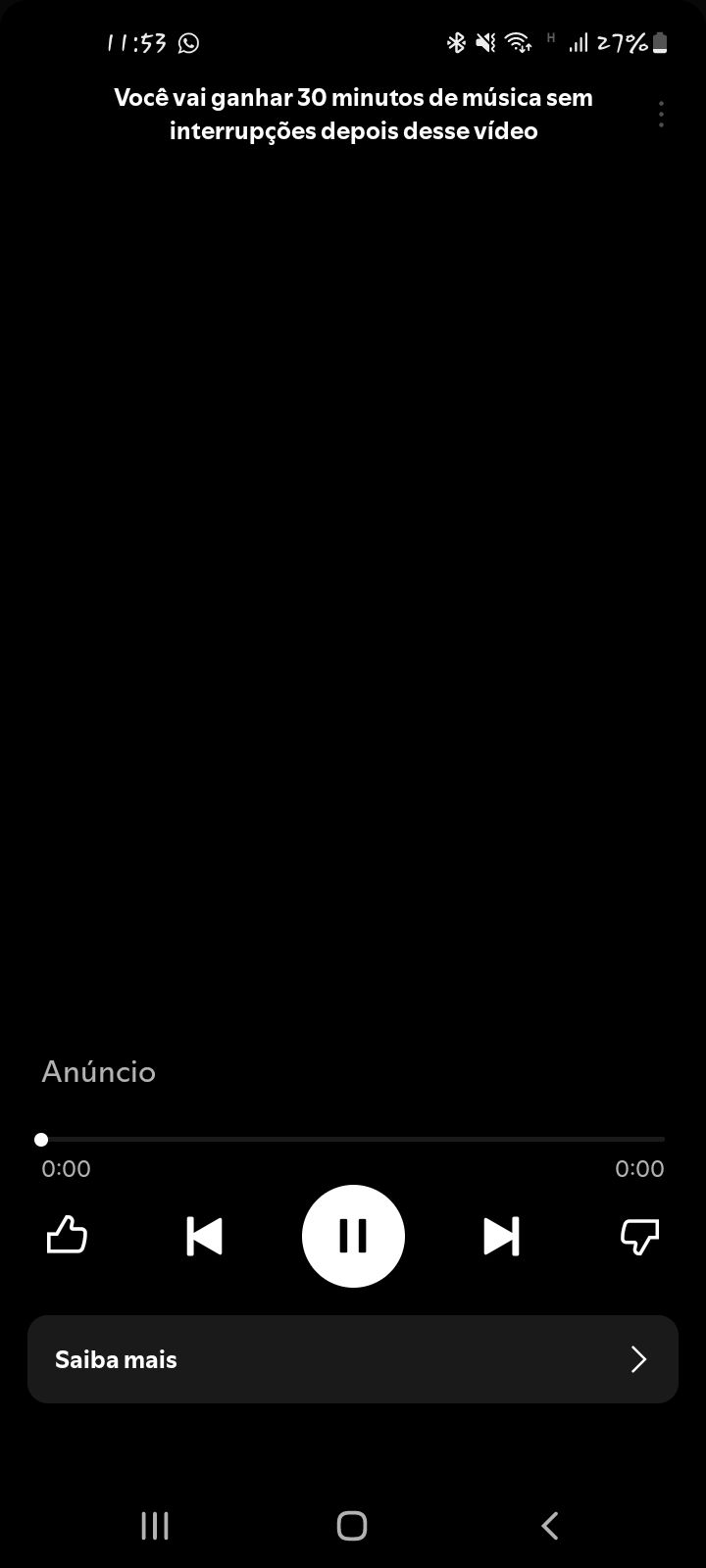

I am also having this issue. I can log into my account on my laptop computer with no issues and can listen through Roku on my TV, but it does get "stuck" after playing an advertisement. I was having the same issue with my phone app: it would play a couple of songs and then just freeze either before or after a commercial played. I emptied my cache, removed the app and re-downloaded a couple of times, and it kept happening. Finally I logged out of the app and tried to log back in but it keeps telling me that I'm offline. I'm on my home Wifi, no other issues with any other devices throughout the house or any other apps. I've checked my settings from my laptop but there's no offline mode. I can't check the settings of my phone app... because I'm not logged in and the desktop version doesn't show that option. I'm on an iPhone XR.

Plan
Free
Country
USA
Device
iPhone 15
Operating System
iOS 18.2.1
My Question or Issue
For the past few months, iOS apps v9.0.10 and prior have been “losing” internet connection while driving. I check my phone and it is not losing cellular signal. I will get the no internet connection error message 3 times in a row before the app will resume with ads. I suspect it is having problems loading ads.


Why am I getting time limit, and why is the songs and ads pause on it's own and don't play. My friend who has been using Spotify for 2 years haven't faced any time limit, who listens for 16 hours daily and I don't even listen that much due to time limit restrictions. We are non primium users,

I see that in case of other people the music just stops playing but for me there's a catch. The ui appearance and occurence of the issue is same as other poeple. When any ad plays after it is finished the playback bar and now playing are stuck on the ad but the music continues to play and ads too play but i can control the music using keyboard keys or headphone buttons. I am using Spotify Desktop.

I understand issue is still being investigated. I am happy to provide device logs or information as needed to debug

I think I might have figured out why the music pauses after commercials?
When I was noticing the commercials the commercials overlap there time limits so when the last commercial came up it did not understand I guess to continue to a song? Well I went into the area of settings and I stopped overlapping the songs. Now when the commercials are done they still overlap but a song appears on the screen and immediately starts after the commercials are finished!


