Release Notes - Spotify for iOS 1.9.0


Accepted answers
All comments
 arthurvasey

Have you fixed the AirPlay issue that was introduced in 1.8.0?
(playback stops when device goes to sleep)......

So glad to see Your Music rolling out to the iPad!

What about album separators, still gone?

Still gone. I hope to see it implemented again in the near future (or something similar...cannot stand that long tracks list)
Waiting for iphone 6 resolution fix too...
Thanks for the info, wont update the app on the iphone then, still on 1.5

Album art for offline tracks is broken again. In fact it's more broken than it has been before.

Album art is working great for me in offline mode.
Note: of course still no album art for local files
It works for me on iPad but not on iPhone.
Once a track is downloaded, the album art shows in the small view but when you go into the now playing screen it doesn't. What's worse than before is (for me at least) it won't show the album art for downloaded tracks even when online.

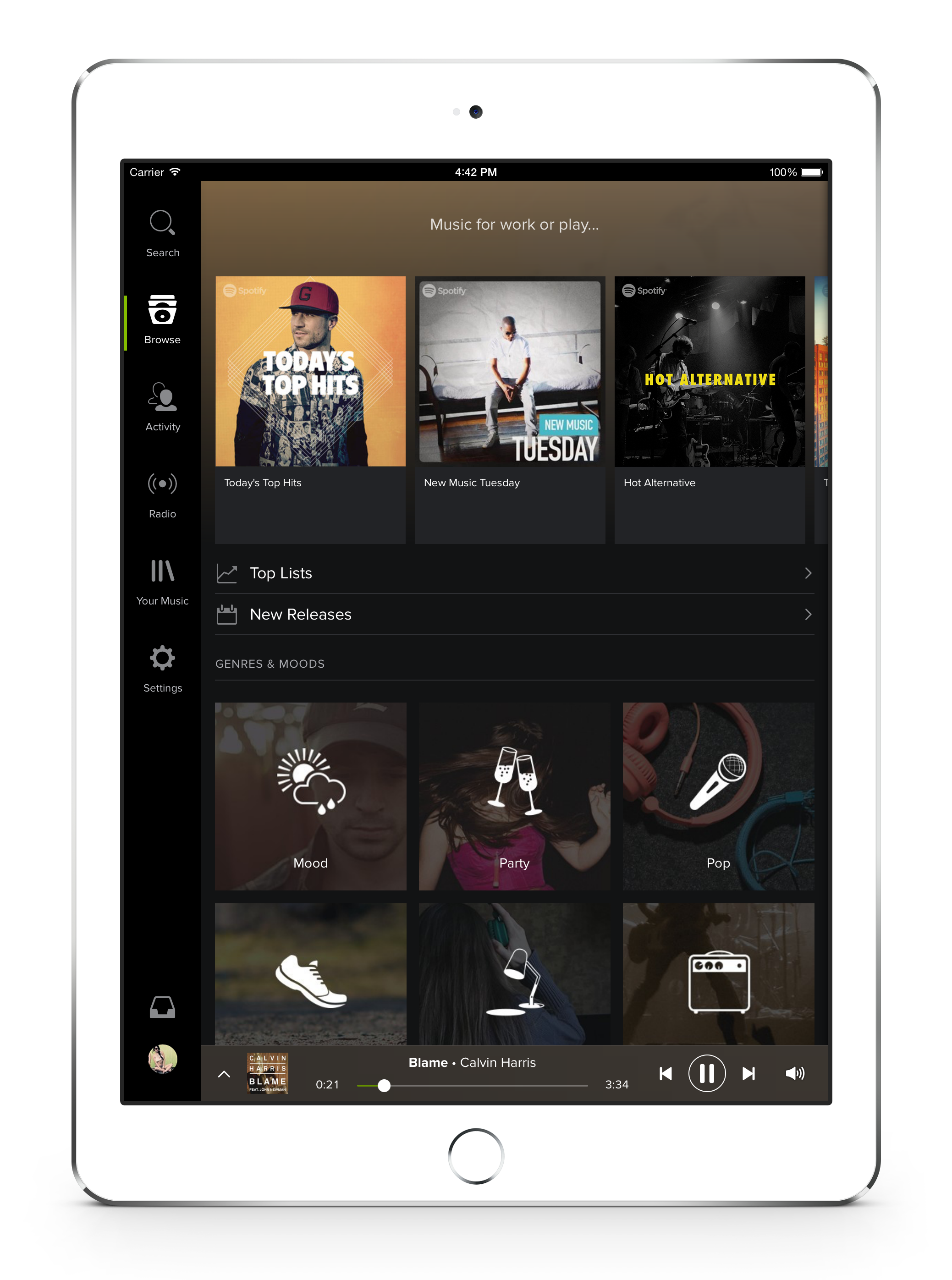
Thanks for the update, the new iPad design looks really nice!
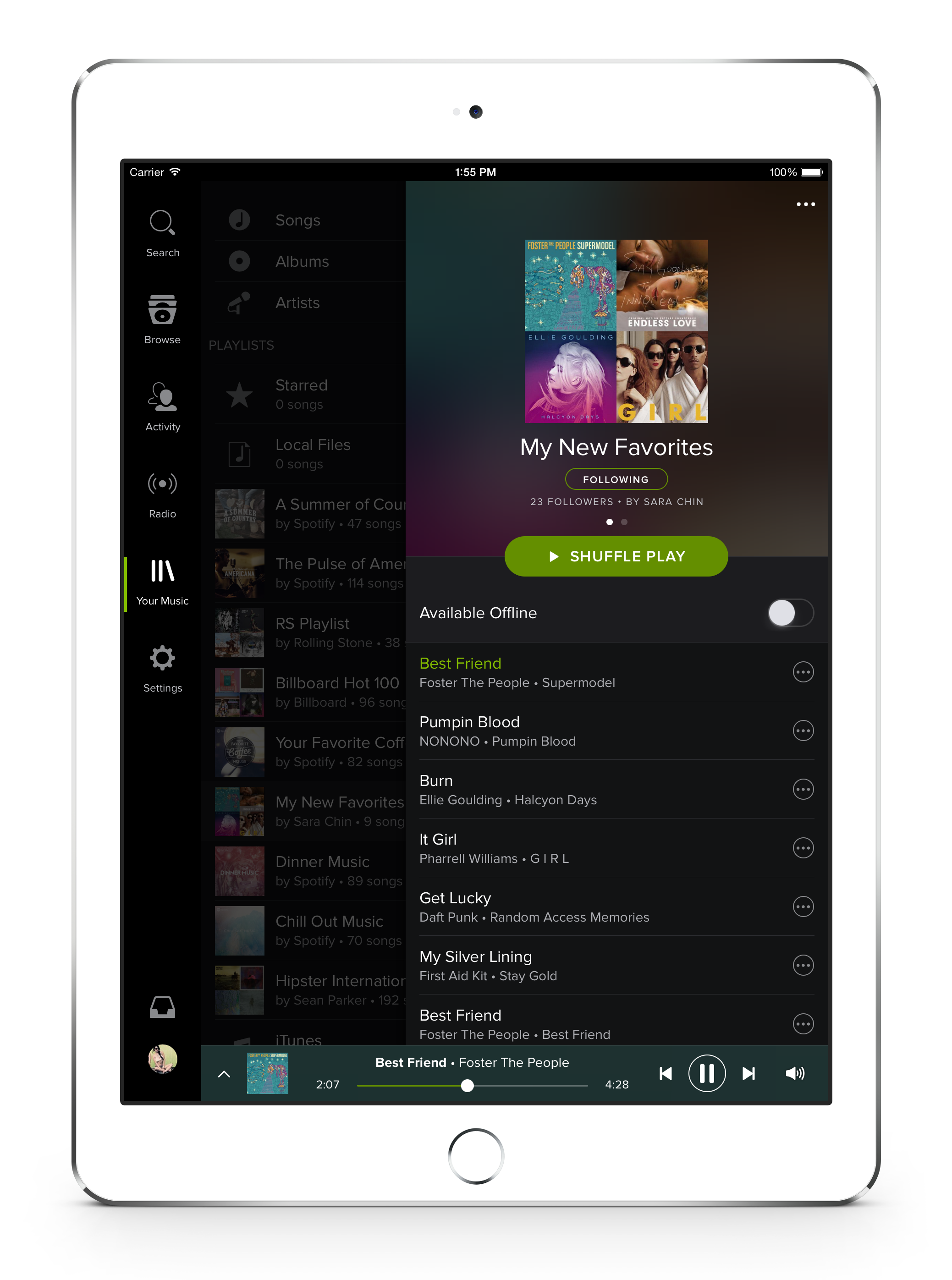
However, my problem that i`ve had with the latest versions of the iOS app is still present unfortunately. I have tried the 1.9.0 version on both my iPhone 6 & iPad Air and i still can`t sync an entire playlist folder, only single songs works.
I tried two ways,
1. In "Your Music", i push the edit button in the top right and then the little arrow button for the specific playlist folder i want to sync offline. I can see the arrow turns green but as soon as i go back one step the arrow goes grey again.
2. I select a specific playlist folder i want to sync and then turn on the offline control, same thing happens here. When i go back one step and then select the same folder, no songs have been synced/downloaded.
Are you aware of this issue or is it something with my setup that causes this?
Let me know please.

Finally this looks as great as Netflix app in iPad. Previous version was joke, not really used it a lot... But now... I use it a lot when I'm not at home surfing through my iPad... Thank you.
It now looks like well made design, PREVIOUS WAS REALLY JOKE!!!
After using the app all day, I now have this problem too. I have reported the bug.
Hopefully they can fix the album art bugs for good. I'm so frustrated with it not working.

Thanks Matt, hope you can get a fix, it's really frustrating.

Huge miss
@ MattSuda
Is there any way i can report this bug directly to devs?
@radiuz wrote:@ MattSuda
Is there any way i can report this bug directly to devs?
Yeah, just post it on community and someone from superusers will escalate this to right team.
Hey @radiuz
I have sent your message to the team responsible for making sure bugs get fixed at Spotify. Thanks for reporting.

Sorry but I really dislike this iPad update! All you have done is ported the iPhone app to the iPad, you are not using any of the iPads larger screen real estate to any effect at all - it just looks like two iPhone screens stitched together - oh wait, that's exactly what it is! Album art has taken a back seat again, when I select an album from the scrolling 'list' (because all my music is now just a long boring list) all I get is another boring list alongside - did I mention how BORING this is!! Oh wait there is an album art graphic, but its out of sight and I have to scroll the 'list' down to see it! And it's very small - but then its for the iPhone isn't it, not the iPad. I haven't really gone into the usability of the app because the interface is such a turn off but 'Your Music' is a travesty, always has been, you obviously don't have a clue abut collecting and storing a library of music. When I 'favourite' a track it means I love that track, is doesn't necessarily mean I love the artist or the album - but the artist is put in my Artist favourites and the album is put in my Album favorites - WRONG!
I do understand economics, and developing a separate iPad app is a costly business - but it's a step you should have taken years (and I mean years) ago. I'm not mentioning any other services but a new Scandinavian lossless streaming service just launched, their iPad app makes yours look like a screen cramped phone app (well that's just what it is!) and the usability is far more advanced - when I favourite a track it just goes in My Tracks - what a amazement! And you know why all this rant, because you have been told, by me, by many, what we want from Your Music and you have done precisely NOTHING! I find Spotify useful just at the moment because it's links into other music aggregation sites is extensive for quick audition of new music - but when my bright new shiny lossless 'go to' service reaches that kind of integration I'm off. Spotify founders better have an exit plan because this is not the same market you pretty much created just a few years ago - you were first and you were the best... time moves on and you need new direction at the top - lets hope they sell out and fast!

Other than that it's a nice looking design and i like the option for offline mode.
Please fix these problems since they were never there before this update and would be so easy to fix with a simple option for colour choise. Thank you.

Good to see the default playlist name on iOS when saving an album as a playlist is now correctly defaulting to the album name (a regression in 1.7.0). Original post
Thanks for listening, Spotify!
I'll answer my own question......NOPE!
It's still broken (Airplay that is). Please fix it! 🙂

I agree with you about the update not taking advantage of the iPad's large screen real estate. Should have been able to find a happy medium between the iphone and PC version for the iPad. The "two phone screens stitched together" look (especially in landscape mode) is a HUGE turn off.
New release notes here.